
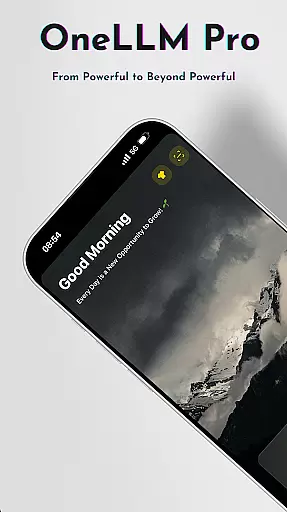
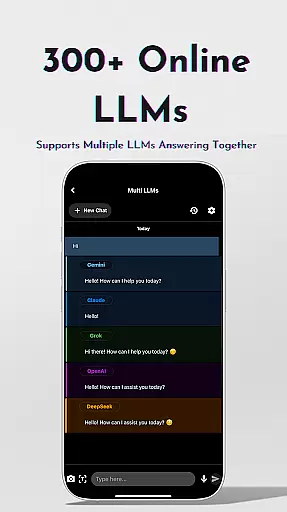
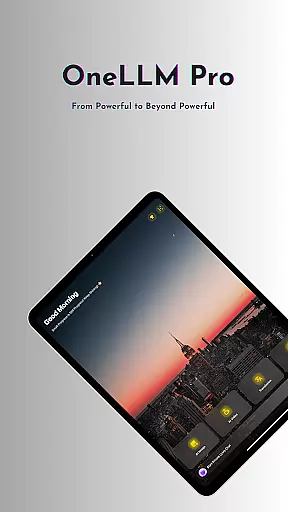
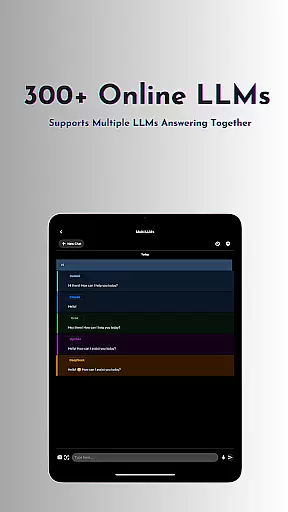
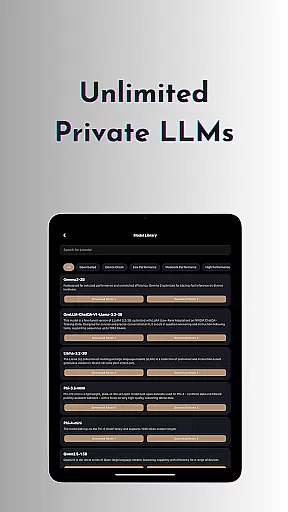
OneLLM Pro is a powerful productivity tool that seamlessly integrates local and cloud AI capabilities, offering users an extensive suite of AI-powered features. Whether offline or online, the app provides access to thousands of fully offline Large Language Models (LLMs) and over 300 online LLMs, including top performers like ChatGPT 4o, Claude, and Llama. Its core strength lies in delivering lightning-fast, secure interactions while ensuring maximum privacy through local processing.
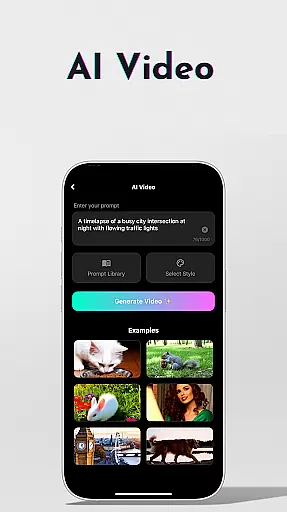
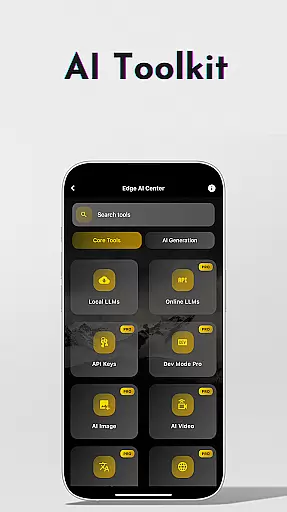
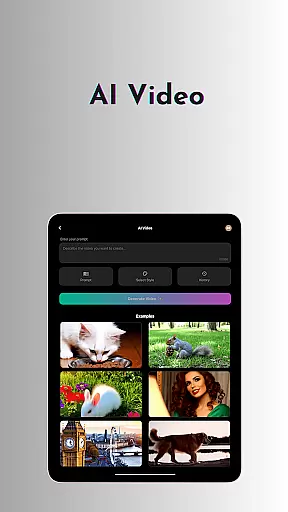
Beyond its robust language models, OneLLM Pro includes specialized AI toolkits for video generation, image creation, document scanning, and more. These tools cater to various use cases, from professional workflows to creative projects. The app also supports advanced functionalities such as multi-LLM simultaneous response mode, study assistance, and private speech-to-text transcription, making it an ideal solution for both individual and enterprise-level productivity needs.
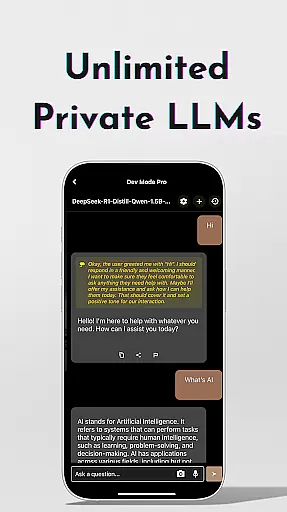
OneLLM Pro stands out with its comprehensive feature set designed to enhance productivity across multiple domains. The app offers unlimited private and local LLMs, enabling users to customize AI characters for specialized chat demands without requiring an internet connection. For those needing cloud-based power, it provides access to nearly 300+ advanced LLMs, allowing seamless switching between models with a single tap.
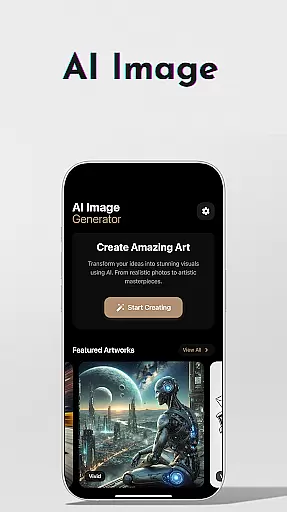
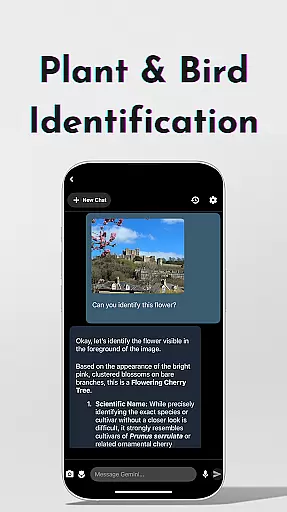
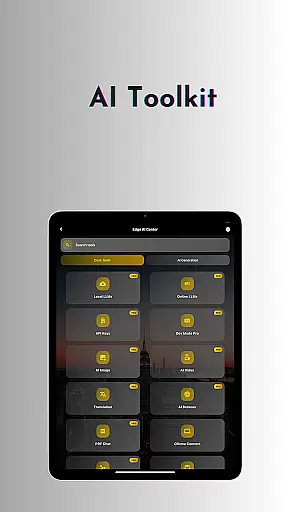
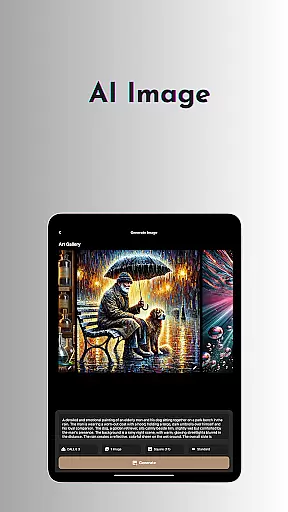
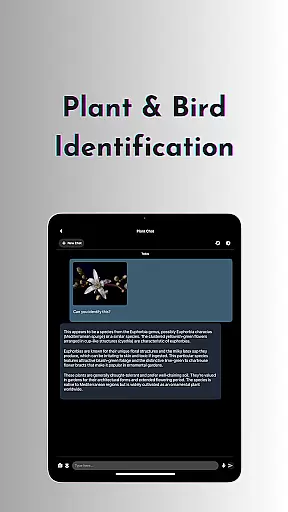
The AI toolkit expands its utility with tools for video generation, image creation using Stable Diffusion and DALL·E 3, offline OCR document scanning, and private speech-to-text transcription. Additional features include an AI browser for digesting complex articles, password generation, and plant and bird identification. Advanced users can leverage the LLM Dev Mode to fine-tune parameters and manage model histories, creating a highly customizable AI experience tailored to specific needs.
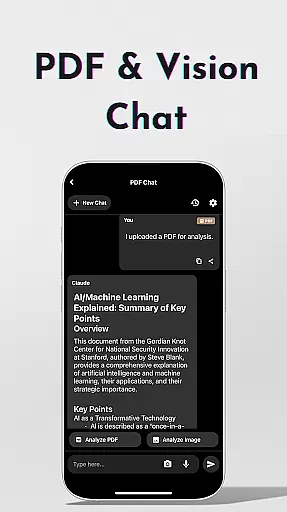
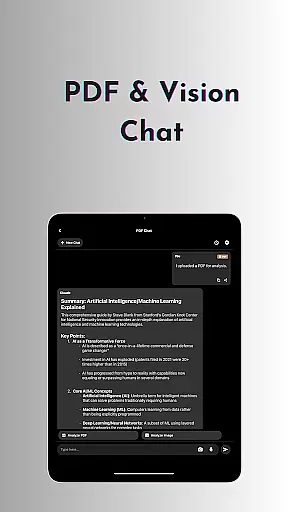
Effective task management is essential for productivity applications, and OneLLM Pro excels in this area by offering a comprehensive suite of AI-powered tools. The app provides users with the ability to manage tasks through advanced AI functionalities such as chat with PDF & image analysis, study assistance, and multi-LLM simultaneous response modes.
OneLLM Pro's task management capabilities are designed to streamline workflows without the need to switch between different apps. Users can access instant answers from leading LLMs, making it easier to handle complex projects efficiently. This feature is particularly useful for professionals who require quick access to information and analysis.
The inclusion of a Study Assistant that supports text input, photo capture, or image uploads further enhances the task management experience. This tool allows users to seamlessly integrate learning into their daily routines, providing answers from top models and supporting various input methods. Such versatility ensures that users can maintain productivity regardless of their work environment.
Overall, OneLLM Pro transforms traditional task management by incorporating cutting-edge AI technologies. This not only boosts efficiency but also empowers users to focus on more strategic activities, knowing that their routine tasks are handled with precision and speed.
Cross-device synchronization is a critical feature for users who operate across multiple devices, and OneLLM Pro addresses this need with robust and reliable synchronization capabilities. By ensuring that all user data, preferences, and AI configurations are consistently updated across devices, the app provides a seamless experience whether users are switching from a phone to a tablet or a PC.
OneLLM Pro leverages both local and cloud AI processing to maintain synchronization without compromising privacy or performance. Local processing ensures that sensitive data remains on the device, while cloud capabilities provide the necessary power for demanding tasks. This dual approach guarantees that users enjoy maximum privacy with optimal performance.
The app's Smart LLMs Matching feature further enhances synchronization reliability by intelligently recommending LLMs optimized for each deviceu2019s specifications. This ensures that users experience peak performance tailored to their specific hardware, saving storage space and battery life while maintaining consistent functionality across devices.
In summary, OneLLM Pro's cross-device synchronization reliability empowers users to transition smoothly between devices, confident that their data and AI tools are always up-to-date and functioning optimally. This reliability is crucial for maintaining productivity and ensuring that users can depend on the app in any situation.
Extensive AI toolkit
Strong privacy controls
Offline functionality
Cloud and local options
Customizable LLMs
Complex for beginners
Requires API setup
Premium pricing
Resource intensive
Limited free models

A Revolutionary All-in-One Artificial Intelligence Tools
 3.80
3.80
Seamlessly integrate data and reports to build your presentation to impress
4.80
Create study competitions, track your hours, and stay consistent with friends
4.1
Absolutely the best CNC machinist speed and feed calculator around. fswizard.com
4.60
Font maker keyboard with your own handwriting
4.10
Find and delete junk files & block unwanted notifications & manage files
3.70
Code on-the-go with VScode for Android. Edit,debug and collaborate from mobile!!
3.10
Access your phone's notifications, calls, apps, photos & texts on your PC
3.90
Put a lock on your cloud: Take the security of your data into your own hands
3.70
QuickBooks Workforce lets teams view pay info and track time in one place.
4.70
Quickly and easily keep track of your work shifts
4.70
Functional QR scanner and barcode reader that requires little storage space.
4.60
Planet Free VPN - The best Fast Unlimited and Secure VPN Without Logs
4.50
Access, manage and transfer files on Android, PC, Mac, NAS and cloud storages.
4.30
A customizable calendar for your Wear OS watch
4.20
Total remote control for your Android device, PC and cloud services (IFTTT)!
4.20
Intelligent AI Assistant
4.10
Experience and share your SolidWorks designs on your Android® phone and tablet.
2.50
Easiest event planning, volunteer signups & parent teacher conference scheduling
2.20


User Reviews