
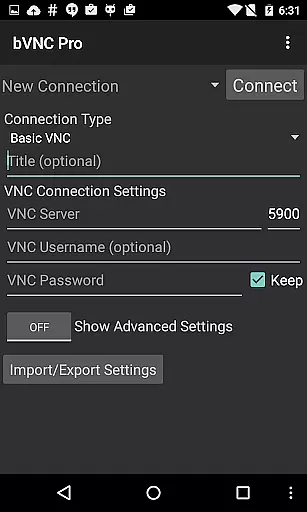
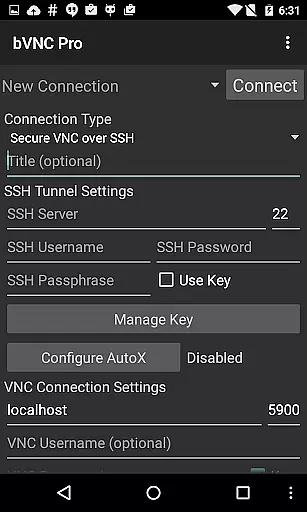
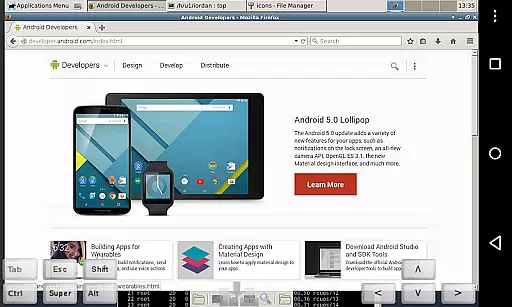
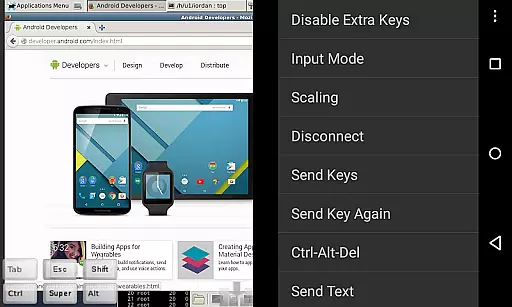
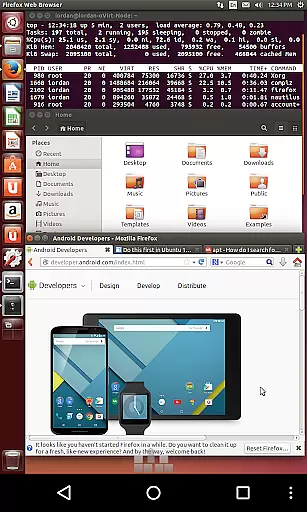
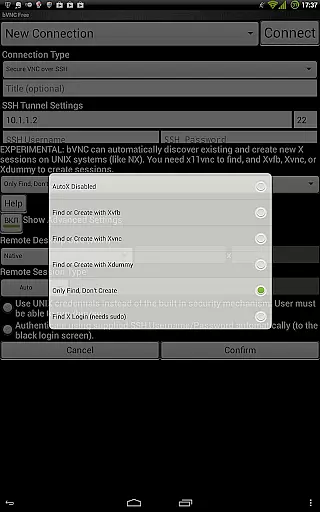
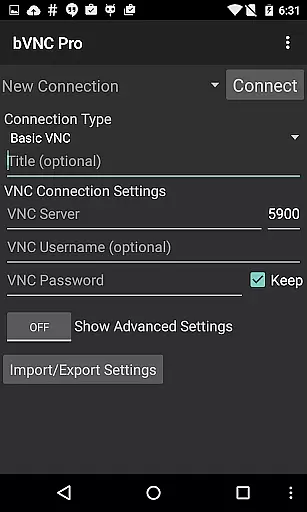
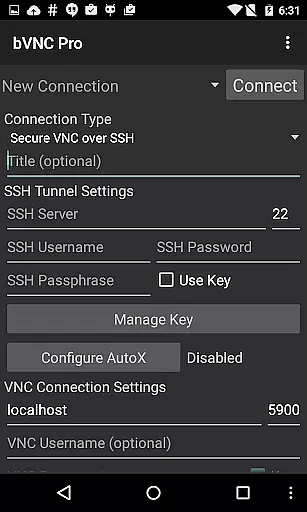
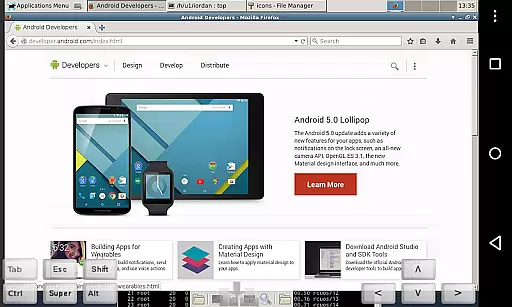
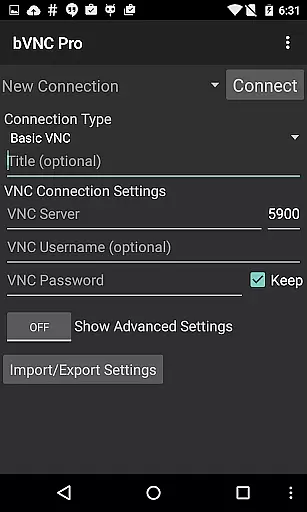
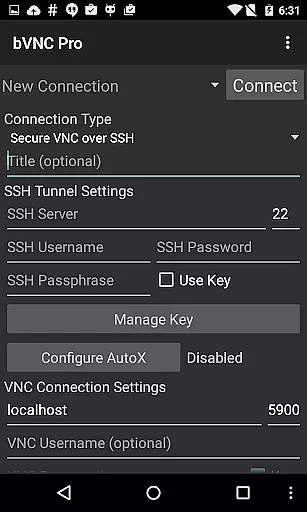
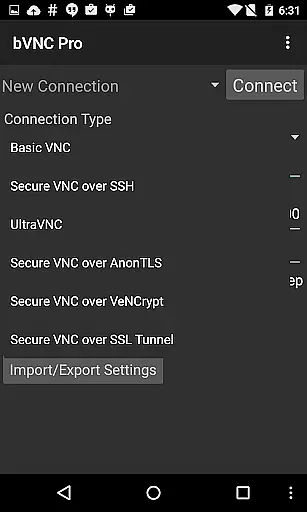
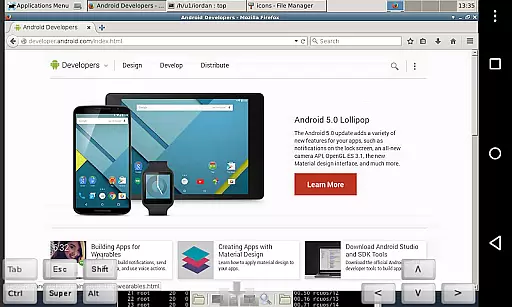
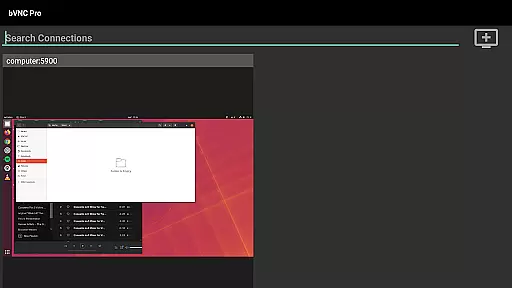
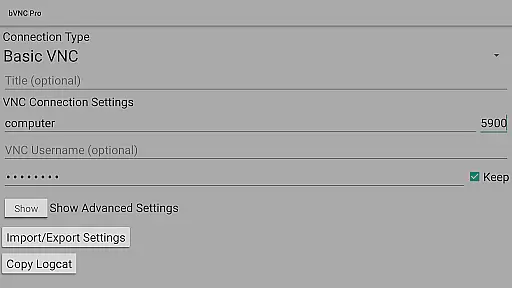
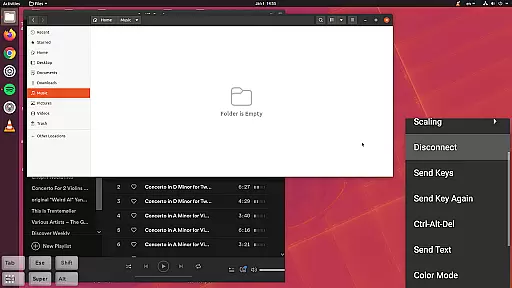
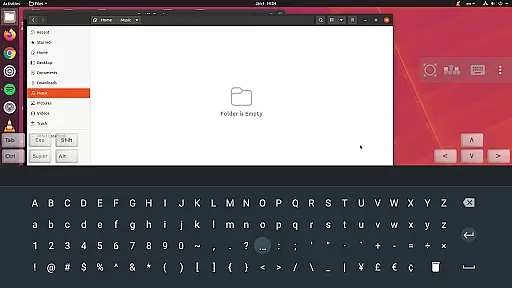
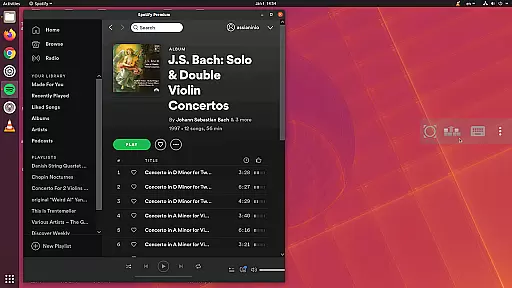
bVNC Pro is a secure, open-source VNC client designed for productivity-focused users. It allows seamless remote access to Windows, Mac, Linux, and other operating systems with VNC servers installed. The app supports advanced features like multi-touch mouse control, pinch-zoom, dynamic resolution changes, and SSH tunneling for secure connections.
With its compatibility across multiple platforms, bVNC Pro ensures high-grade encryption using SSH and VeNCrypt, preventing man-in-the-middle attacks. Its intuitive interface includes immersive mode, multi-language support, and full desktop visibility even when the soft keyboard is extended. Whether you're managing virtual machines or performing BIOS-level controls, this app delivers a reliable and efficient remote desktop experience.
bVNC Pro stands out with its robust feature set tailored for productivity. It offers multi-factor SSH authentication and master password support in the Pro version, ensuring enhanced security. Users can take advantage of multi-touch gestures such as one-finger tap for left-clicks, two-finger tap for right-clicks, and three-finger tap for middle-clicks.
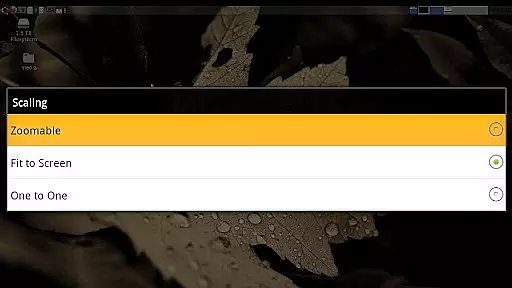
The app also supports advanced functionalities like PiKVM compatibility, Samsung DEX integration, and Alt-Tab capture. With options for reducing color depth over slow links, importing encrypted RSA keys, and utilizing Tight and CopyRect encodings, bVNC Pro optimizes performance without compromising usability. Additionally, it provides zoomable scaling modes and single-handed input options, making it versatile for various use cases.
bVNC Pro is not just a remote desktop client but also an essential productivity tool that excels in core task management. The app allows users to connect securely to various operating systems, including Windows, Mac, Linux, and more, through VNC servers. Its multi-touch control feature enables efficient handling of the remote mouse with intuitive gestures such as one-finger tap for left-click, two-finger tap for right-click, and three-finger tap for middle-click.
One of the key aspects of task management in bVNC Pro is its ability to maintain full desktop visibility even when the soft keyboard is extended. This ensures that users can continue their tasks without any part of the screen being obscured. Additionally, features like dynamic resolution changes allow users to reconfigure their desktops while connected, providing flexibility and control over virtual machines from BIOS to OS level.
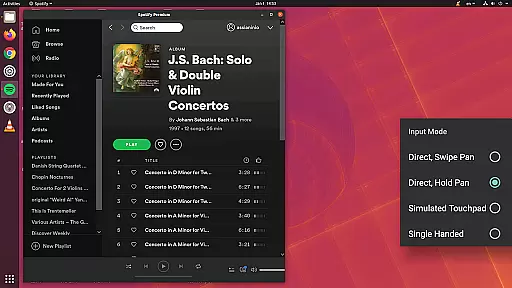
The application supports multiple input modes, including Direct, Simulated Touchpad, and Single-handed input modes. In single-handed mode, long-tapping gives users options for different clicks, drag modes, scroll, and zoom actions, which are crucial for effective task management on the go. These capabilities ensure that users can efficiently manage their tasks without being tied down to a physical workstation.
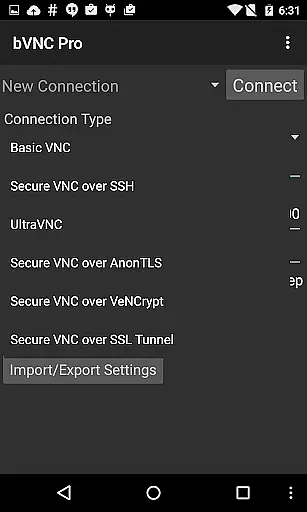
Cross-device synchronization reliability is a cornerstone of bVNC Pro's design, ensuring seamless transitions between devices without losing productivity. The app offers robust SSH tunneling, AnonTLS, and VeNCrypt support for secure connections, surpassing traditional RDP encryption methods by utilizing high-grade encryption with SSH and VeNCrypt (x509 certificates and SSL). This prevents man-in-the-middle attacks and secures data across devices.
For users who require consistent access to their remote desktops, bVNC Pro provides master password support and multi-factor (two-factor) SSH authentication in the Pro version. These security measures guarantee that sessions remain private and reliable, regardless of the device used. Furthermore, importing encrypted or unencrypted RSA keys in PEM format enhances cross-device compatibility and synchronization.
The app's ability to adapt to different network conditions by reducing color depth over slow links ensures that performance remains optimal across various devices and connection speeds. With features like pinch-zoom, force landscape mode, immersive mode, and keep screen awake, bVNC Pro delivers a reliable and synchronized experience, allowing users to stay productive no matter where they are or what device they use.
High-grade encryption
Multi-touch gestures
Cross-platform support
Dynamic resolution changes
SSH tunneling
No RealVNC encryption
Complex setup required
Paid Pro features
Limited offline help
Steep learning curve

 4.20
4.20
The long-awaited modern gallery app for your Nextcloud server
4.70
Take control of your clipboard with Clipper!
3.90
Experience real multitasking on your Android!
4.00
Create study competitions, track your hours, and stay consistent with friends
4.2
⏰ Finally a timer app which can run multiple timers simultaneously on your watch
3.90
App Lock with fingerprint, password: Lock apps & hide photos with lock screens
4.60
Multilingual translator for text, voice, and image translation!
4.90
Enjoy classic gameplay with customizable features and retro-style graphics.
4.30
Great calculator for Android named one of USA TODAY's "25 Essential Apps".
4.90
Best Tool for the professionals Electrician, Electrical contractors, etc.
4.90
Mind Map and brainstorm, note taking and idea collection
4.80
We're working to become the best machining app on the market! www.cncdirt.com
4.80
Simple notepad & memo. Take notes, to-do list, shopping list with reminders.
4.80
PDF scanner & converter for files, photos, lottery, QR codes. One swipe away!
4.50
Secure your apps with lock screens, use custom themes and different features.
4.40
All in One PDF Reader: Manage, Read and Edit your Documents
4.20
Font maker keyboard with your own handwriting
4.10
Create and edit presentations with Google Slides, part of Google Workspace.
4.00


User Reviews