
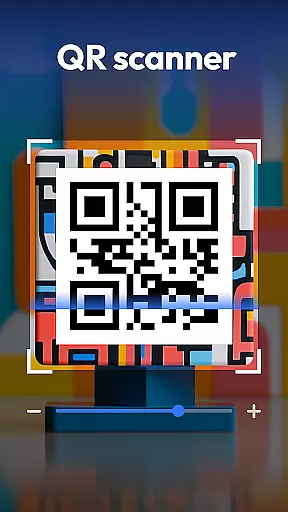
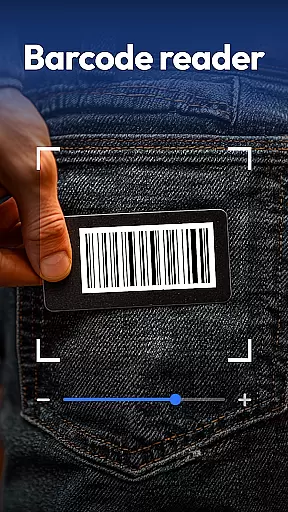
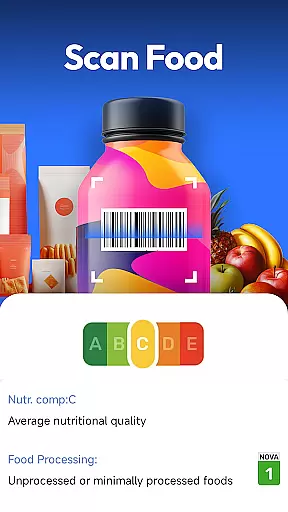
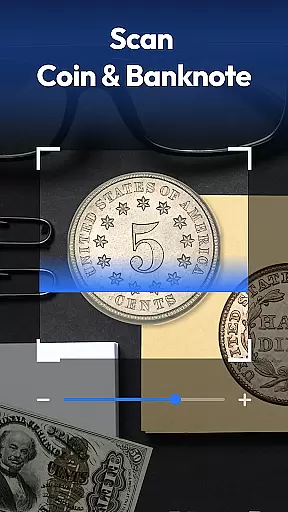
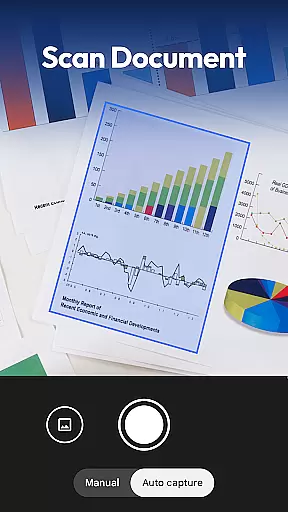
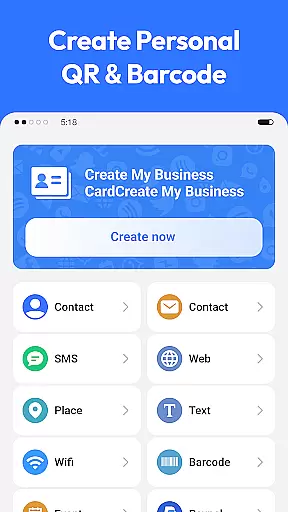
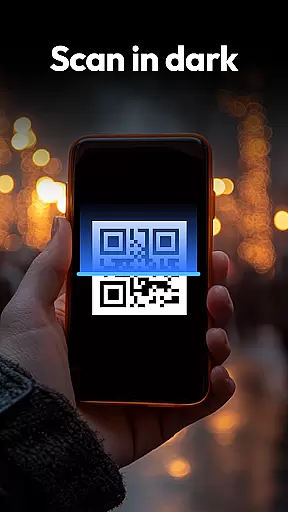
QR & Barcode Scanner is a versatile productivity tool designed to streamline various scanning tasks on Android devices. This all-in-one application combines traditional QR and barcode scanning with specialized recognition capabilities for coins, banknotes, food labels, and documents.
The app's standout feature is its comprehensive scanning ability that caters to multiple user needs. Whether you're managing inventory, collecting currency, tracking nutritional information, or digitizing documents, this application provides efficient solutions through its advanced scanning technology.
Particularly useful for small business owners and digital nomads, the app enables users to scan product barcodes for price comparison across major retailers while offering essential tools like document scanning with PDF conversion. The privacy-focused design requires only camera access, making it a secure choice for productivity-minded users.
QR & Barcode Scanner distinguishes itself through an impressive array of features that enhance productivity. The application supports all standard QR and barcode formats including QR, Data Matrix, UPC, EAN, and Code 39, ensuring compatibility with various scanning requirements.
Beyond conventional scanning, the app incorporates specialized recognition systems. The coin and banknote identifier proves invaluable for collectors and travelers, while the food health scanner provides detailed nutritional information including allergens and health ratings. The document scanner feature converts physical documents into searchable PDFs, streamlining administrative tasks.
Additional functionality includes automatic zoom, low-light flash assistance, scan history retention, and QR code generation for Wi-Fi, contacts, and URLs. These features collectively create a robust productivity tool that adapts to diverse professional and personal scanning needs.
Task management is a cornerstone of productivity applications, and QR & Barcode Scanner excels in this area by offering an all-in-one solution for various scanning needs. This app allows users to handle multiple tasks such as scanning QR codes, barcodes, coins, banknotes, food labels, and documents efficiently.
The application's design emphasizes speed and versatility, ensuring that whether you're shopping, collecting currency, tracking nutrition, or digitizing paperwork, the process is seamless and swift. Its smart scanner feature includes auto-zoom, flashlight support for low-light conditions, and a scan history function, which collectively enhance task execution.
For users, this means less time spent on managing different apps for different scanning tasks and more time being productive. The appu2019s ability to compare prices across major retailers like Amazon, eBay, and Walmart adds a layer of convenience for shoppers looking to make informed decisions quickly.
Cross-device synchronization is vital for users who operate across multiple devices and need consistent access to their data. QR & Barcode Scanner addresses this by providing reliable synchronization features that ensure your scan history and generated QR codes are accessible wherever you go.
This app employs a privacy-first approach, requiring only camera access without unnecessary permissions, thus safeguarding user data while maintaining synchronization integrity. Users can create and share Wi-Fi, contact, and URL QR codes with ease, knowing their information is securely synced.
By focusing on secure and dependable cross-device functionality, QR & Barcode Scanner ensures that users have a seamless experience when transitioning between devices. This reliability not only boosts productivity but also provides peace of mind regarding data security and accessibility.
Comprehensive scanning options
User-friendly interface
Privacy-focused design
Multi-platform utility
Free with full features
Limited iOS availability
Occasional scan errors
Ads in free version
Large app size
Learning curve

Client for Nextcloud Deck
 4.60
4.60
Experience real multitasking on your Android!
4.00
8 custom complications. Custom Time Fonts. Beautiful color schemes. A++ Design.
5.00
⏰ Finally a timer app which can run multiple timers simultaneously on your watch
3.90
Pwnagotchi companion app
4.20
aCalendar+ makes your day, week and month
4.70
App Lock with fingerprint, password: Lock apps & hide photos with lock screens
4.60
Ultimate Virtual AI Character for immersive Roleplay Chat. Perfect Companion
3.90
AI Chatbot and AI writing assistant powered by ChatGPT.
4.60
The long-awaited modern gallery app for your Nextcloud server
4.70
Functional QR scanner and barcode reader that requires little storage space.
4.60
Calendar 2023 widget for Android. Appointment scheduler, planner, and reminder
4.60
A simple Whisper AI keyboard for reliable speech transcription and rewording
4.60
Fill, sign & send docs, forms, agreements & contracts via electronic signature.
4.50
Experience Reading - Night Mode for Documents
4.40
Mega cloud explorer plugin for Solid Explorer
3.80
Auto-shutoff Alarm with Sunrise, Sunset & Fixed Options.
3.50
Ads Free App! Editor, Hide File, Copy, Move, Delete and Rename.. all facility av
1.70
The upgraded version of Name Wheel with AI and the power to add your own wheels.
4.3


User Reviews