
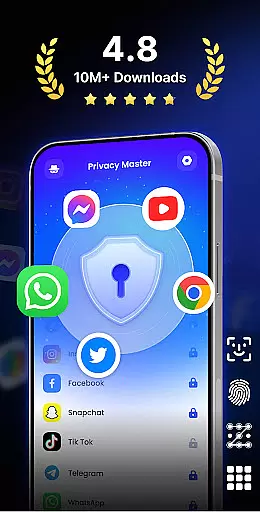
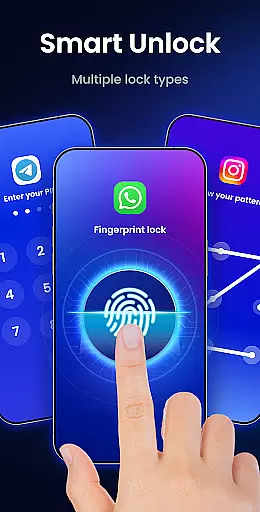
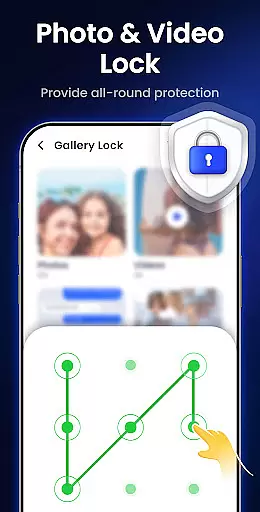
App Lock - Fingerprint Lock is a powerful productivity tool designed to secure your digital world. This app allows users to lock apps, hide photos, videos, and chats using password, pattern, or fingerprint authentication. With over 50 million users trusting its privacy protection features, it offers smart functionalities like intruder selfies, icon disguise, and custom lock themes.
The application is particularly useful for individuals who want to keep their private chats and data safe from prying eyes. Whether you're looking to secure WhatsApp, Messenger, Facebook, or Google Play, App Lock ensures true peace of mind by providing robust security measures. Additionally, the app helps in managing sensitive notifications and removing junk files, thus maintaining both privacy and device performance.
One of the standout features of App Lock - Fingerprint Lock is its ability to lock all your essential apps such as WhatsApp, Messenger, and Facebook. It provides multiple layers of security including password, pattern, and fingerprint options, ensuring comprehensive protection against unauthorized access.
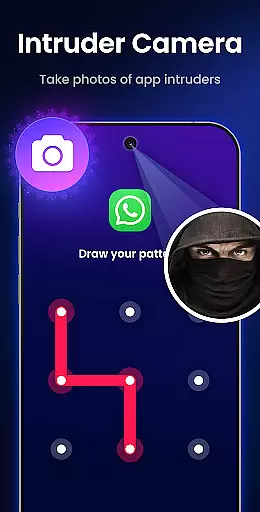
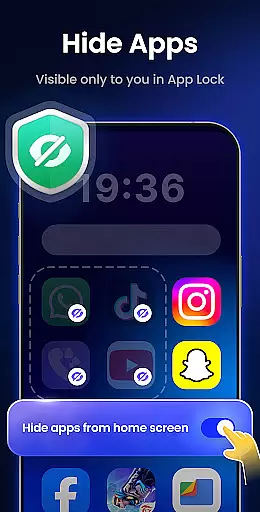
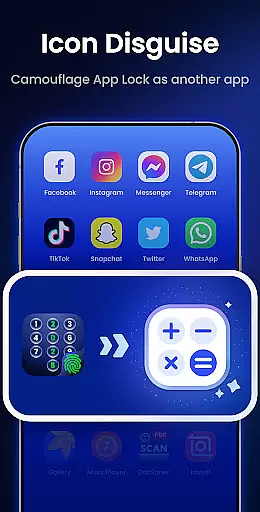
Beyond basic locking, the app includes an Intruder Camera feature that captures photos of anyone attempting to unlock your apps incorrectly. It also hides notifications from sensitive apps, displaying them only within the secure environment of Applock. Furthermore, users can enjoy additional functionalities like auto re-lock timers, hiding private files, and disguising the app's icon as something innocuous like a calculator or weather app.
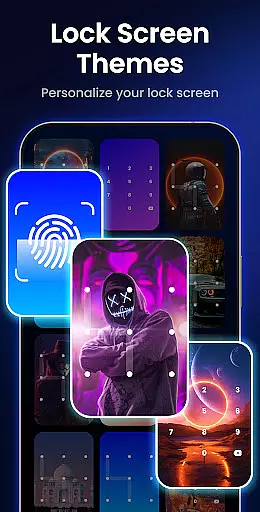
Customization is another strong suit of this app, allowing users to personalize their lock screens with unique themes and backgrounds. These features collectively enhance both security and user experience, making App Lock - Fingerprint Lock a versatile choice for safeguarding personal information.
App Lock - Fingerprint Lock offers robust core task management features that ensure users can efficiently secure their digital environment. The app allows locking of various applications such as WhatsApp, Messenger, and Facebook with a password, pattern, or fingerprint.
The functionality extends to managing notifications by hiding sensitive information from appearing on the lock screen, ensuring privacy is maintained without interruptions. This feature is crucial for those who wish to keep their communications confidential.
Additionally, App Lock provides an auto-re-lock feature which enables users to set custom timers for automatic application locking, streamlining the process of maintaining security. This eliminates the need for constant manual locking and enhances productivity by saving time.
With these comprehensive task management capabilities, users gain peace of mind knowing their private chats and data are safeguarded against unauthorized access while enjoying seamless control over their device's security settings.
Cross-device synchronization is a vital component for users managing privacy across multiple devices, and App Lock - Fingerprint Lock rises to the occasion with its reliable syncing abilities. Once you've secured your apps on one device, those settings can be effortlessly mirrored on other devices.
This synchronization ensures that whether you're at home or on the go, your chosen level of security follows you, providing consistent protection. It includes transferring lock preferences, themes, and even intruder selfies captured when incorrect passwords are entered.
Moreover, App Lock hints at future cloud backup options which will further enhance synchronization reliability by allowing users to restore their configurations after reinstalling the app or switching devices. This promises uninterrupted privacy management.
By delivering steadfast cross-device synchronization, App Lock empowers users to maintain a uniform layer of security across all gadgets, reinforcing trust in their personal data protection strategy regardless of where they are or what device they use.
Powerful privacy protection
User-friendly interface
Multiple lock types
Intruder detection system
Customizable lock screen
Requires many permissions
May drain battery life
Occasional bugs reported
Limited cloud backup
Some features are premium-only

 4.20
4.20
Secure, fast, open-source, VNC and SSH Remote Desktop for Windows, Linux and Mac
4.70
AI Video AI Image Private LLM AI Browser Llama Gemma Ollama Connect LLM Studio
4.5
Stay on top of your to-dos with Google Tasks, part of Google Workspace.
4.60
Cloud storage, automatic phone backup, and more.
4.10
Secure, open-source, SPICE and SSH Remote Desktop for QEMU KVM virtual machines
4.00
Access, manage and transfer files on Android, PC, Mac, NAS and cloud storages.
4.30
Experience and share your SolidWorks designs on your Android® phone and tablet.
2.50
Access your phone's notifications, calls, apps, photos & texts on your PC
3.90
Great calculator for Android named one of USA TODAY's "25 Essential Apps".
4.90
Seamlessly integrate data and reports to build your presentation to impress
4.80
Use powerful, industry-leading AI tools to generate visual charts from any data
4.80
Planet Free VPN - The best Fast Unlimited and Secure VPN Without Logs
4.50
Translate text/voice/photos in 150+ languages. Offline & fast translator app.
4.50
Total remote control for your Android device, PC and cloud services (IFTTT)!
4.20
Customizable calendar widget for seamless event sync, planning & scheduling.
4.00
Create and edit presentations with Google Slides, part of Google Workspace.
4.00
⏰ Finally a timer app which can run multiple timers simultaneously on your watch
3.90
Auto-shutoff Alarm with Sunrise, Sunset & Fixed Options.
3.50


User Reviews