
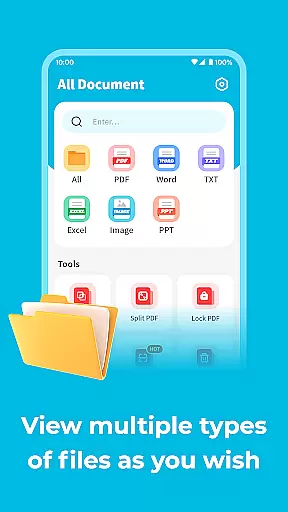
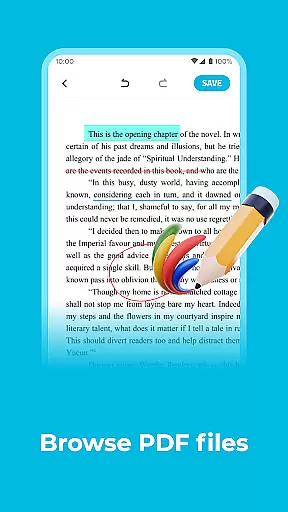
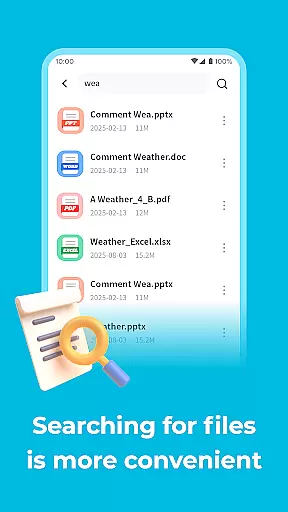
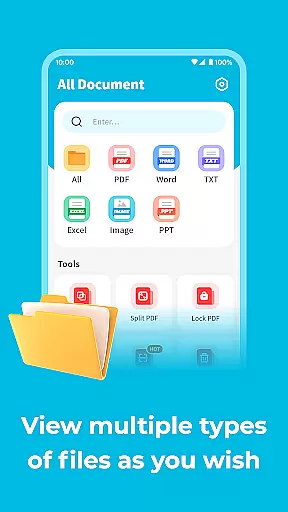
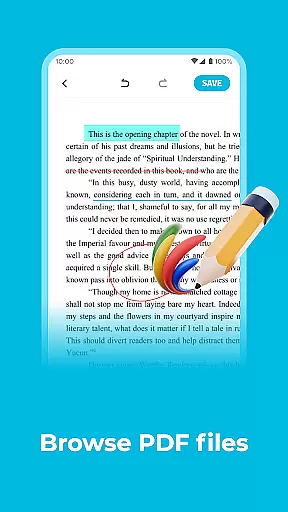
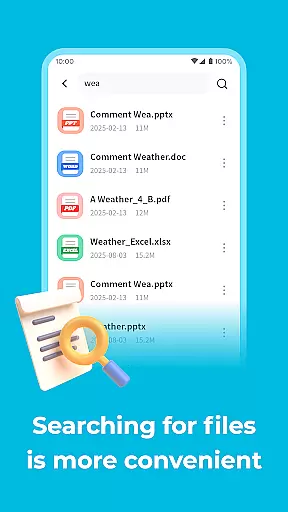
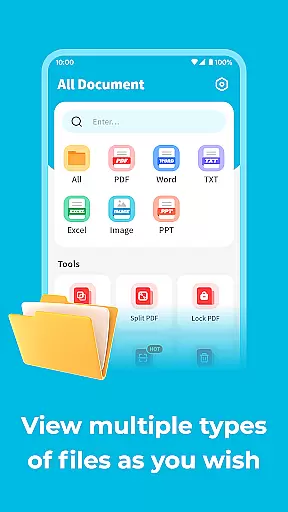
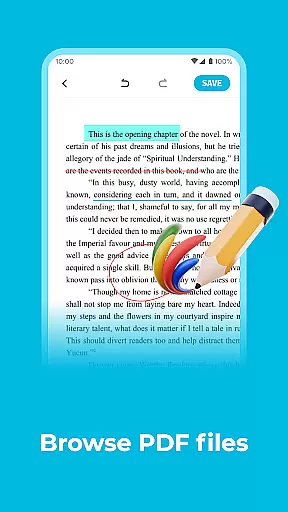
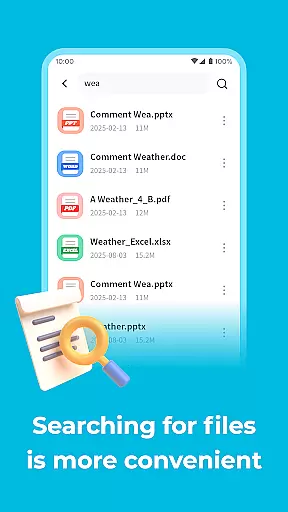
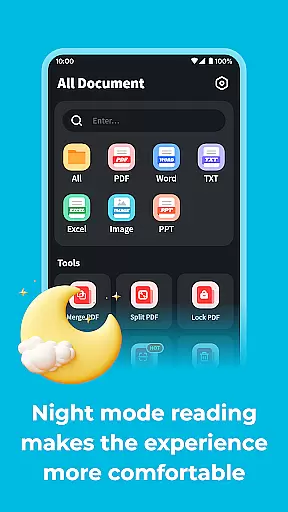
All Document Explorer is a versatile document management app designed to help users handle various file formats on their mobile devices. The app supports multiple document types including PDF, Word, and PPT, allowing users to rename, delete, or share files with ease. One of its standout features is the ability to set digital passwords for PDF documents, ensuring enhanced security and privacy.
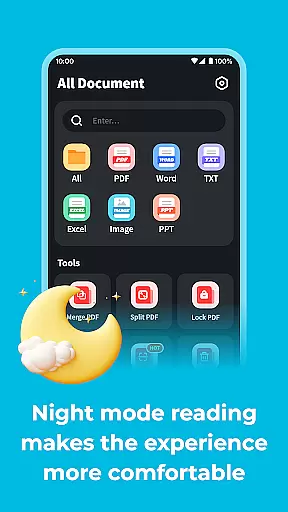
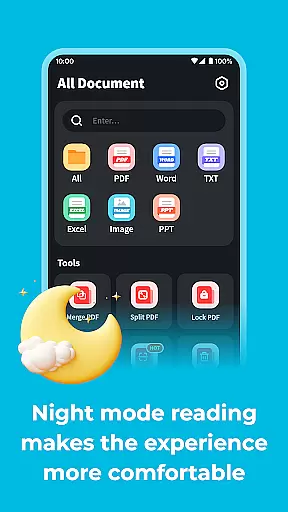
In addition to document management, All Document Explorer offers a night mode feature that reduces eye strain during nighttime reading sessions. This makes it an ideal tool for professionals and students who need to review documents in low-light conditions. Whether you're working on a project or studying for exams, this app provides a seamless experience across different platforms.
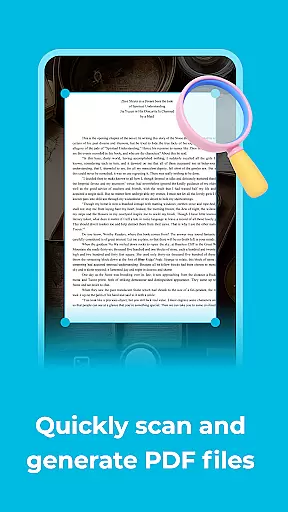
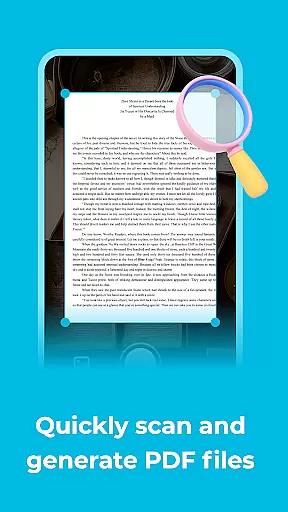
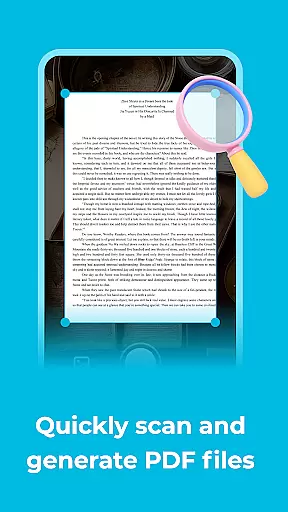
The app also includes a built-in scanner function that converts images into PDF files, making it easy to digitize paper documents. With its comprehensive set of tools, All Document Explorer brings convenience and efficiency to your mobile productivity workflow.
All Document Explorer stands out with its rich array of features tailored for efficient document handling. First and foremost, the app supports a wide range of file formats such as PDF, Word, and PPT. Users can perform essential operations like renaming, deleting, and sharing these files effortlessly. Additionally, the app allows users to secure their PDF documents by setting digital passwords, adding an extra layer of protection against unauthorized access.
Another notable feature is the night mode, which significantly enhances readability in low-light environments. By reducing screen brightness and using a darker color scheme, this mode helps protect users' eyesight during extended reading sessions. It's particularly beneficial for those who frequently work or study late at night.
For users looking to digitize physical documents, All Document Explorer offers a scanning function that converts images into PDF files. This feature simplifies the process of creating digital copies of receipts, notes, or any other paper-based content. Overall, these capabilities make All Document Explorer a powerful tool for managing and securing your mobile documents.
All Document Explor excels in core task management by offering a comprehensive suite of tools designed to handle various document-related tasks efficiently.
Users can perform essential operations such as renaming, deleting, or sharing documents in multiple formats including PDF, Word, and PPT. This versatility ensures that managing your digital library is both straightforward and efficient.
The application also provides advanced features like setting digital passwords for PDF files, adding an extra layer of security to sensitive information. This functionality not only protects your data but also gives you peace of mind knowing your documents are secure.
By integrating these robust task management capabilities, All Document Explor empowers users to organize and control their documents with ease, enhancing productivity and streamlining workflows.
Cross-device synchronization is a pivotal feature of All Document Explor, ensuring that your documents are consistently up-to-date across all your devices.
This reliable synchronization allows users to start working on a document from their mobile phone and seamlessly continue on another device without missing a beat. The transition is smooth, maintaining the integrity and formatting of your files.
In addition to basic synchronization, the app supports real-time updates. This means any changes made to a document are instantly reflected across all linked devices, providing a cohesive and uninterrupted user experience.
With this level of synchronization reliability, All Document Explor ensures that users can access their important files anytime, anywhere, without worrying about version discrepancies or data loss.
User-friendly interface
Comprehensive format support
Enhanced security features
Efficient night mode
Convenient document scanning
Limited advanced editing
No cloud integration
Occasional performance lags
Ads in free version
Basic collaboration tools

The long-awaited modern gallery app for your Nextcloud server
 4.70
4.70
The upgraded version of Name Wheel with AI and the power to add your own wheels.
4.2
Device's storage information in a simple and clear graphical form (infographics)
4.10
App Lock with fingerprint, password: Lock apps & hide photos with lock screens
4.60
Subscribe to Webcal & .ics calendars and keep them up-to-date!
4.50
Access, manage and transfer files on Android, PC, Mac, NAS and cloud storages.
4.30
This small app MUST BE INSTALLED after purchase, else license won't work
4.40
Access your phone's notifications, calls, apps, photos & texts on your PC
3.90
Intelligent AI Assistant
4.10
Android Wallet Password Manager
4.80
Client for Nextcloud Deck
4.60
Secure, fast, open-source, Remote Desktop Client for Windows and Linux with SSH
4.60
Functional QR scanner and barcode reader that requires little storage space.
4.60
The AI assistant that thinks with you - write, code, and solve complex tasks
4.60
Easily read and manage all your PDF files
4.10
Create and edit presentations with Google Slides, part of Google Workspace.
4.00
Ultimate Virtual AI Character for immersive Roleplay Chat. Perfect Companion
3.90
ID.me Authenticator is a simple and free Two Factor Authentication solution
3.50
A simple, portable logger for POTA, SOTA, Field Day, and more
4.2


User Reviews