
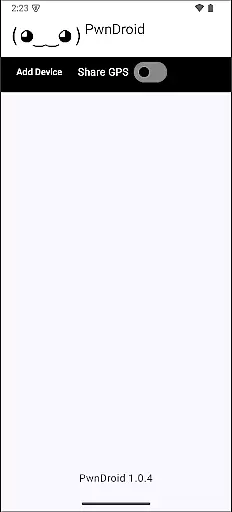
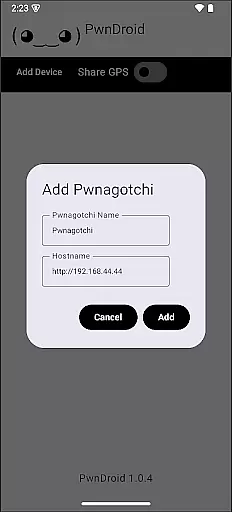
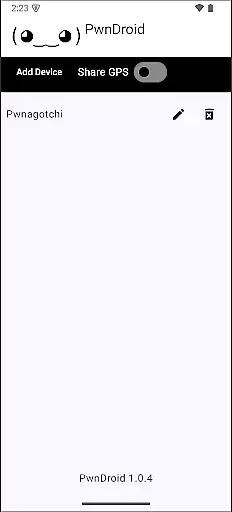
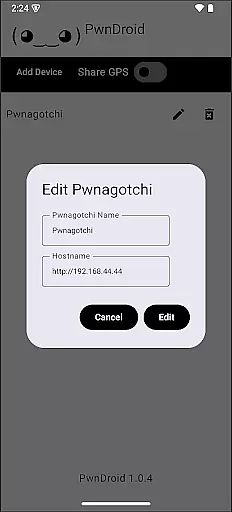
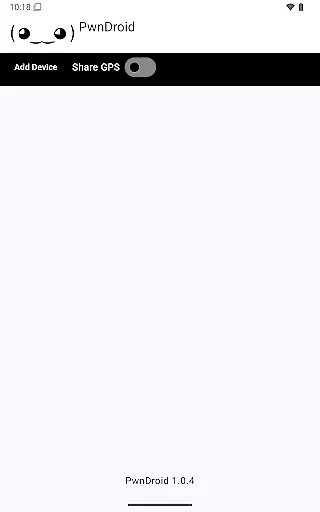
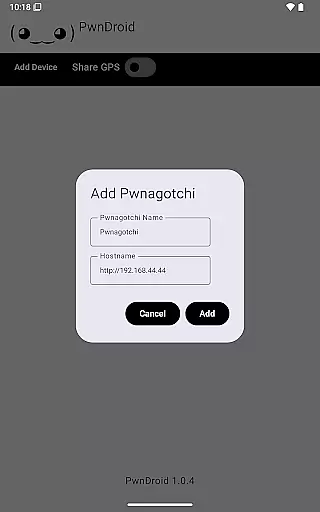
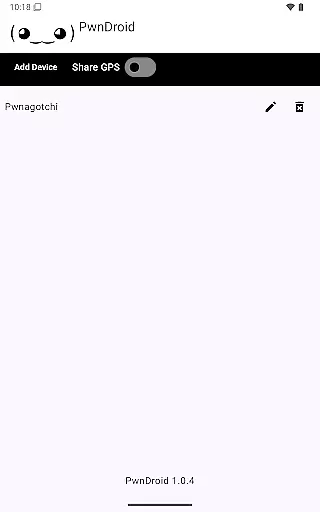
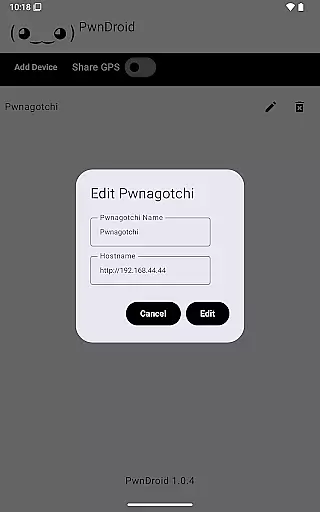
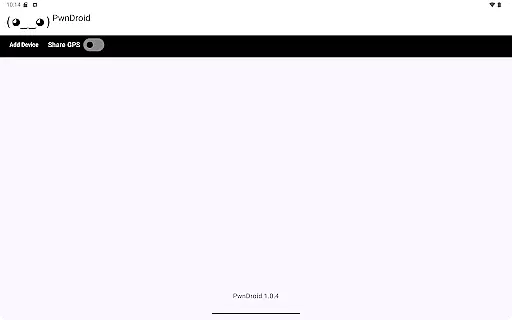
PwnDroid is a productivity-focused application designed to streamline the management of your Pwnagotchi devices. This innovative app allows users to conveniently add their Pwnagotchi units and access the web UI through an integrated in-app web browser. With its user-friendly interface, PwnDroid makes device monitoring and control more efficient than ever.
The app's core functionality centers on providing seamless access to your Pwnagotchi's web interface without needing to switch between multiple applications or browsers. Whether you're a cybersecurity professional or an enthusiast, this tool helps optimize your workflow by keeping all your Pwnagotchi management tasks consolidated in one place.
PwnDroid stands out with its specialized feature set tailored for Pwnagotchi users. The app's primary feature is its built-in web browser, which provides direct access to the web UI of connected Pwnagotchi devices. This eliminates the need for external browsers and creates a more focused, secure working environment.
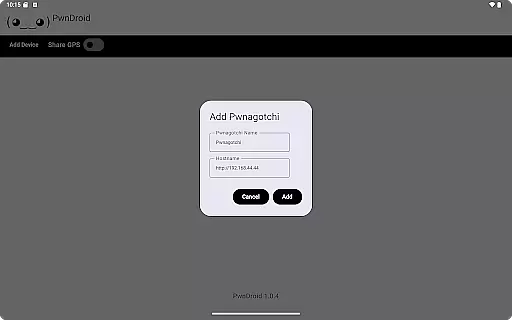
Another notable feature is the simple device-adding process that allows users to quickly register new Pwnagotchi units. The app also maintains session information, enabling users to pick up where they left off. These capabilities make PwnDroid particularly valuable for professionals who require reliable remote access to their devices while on the go.
Task management is a cornerstone of productivity applications, and PwnDroid excels in this area by offering users the ability to efficiently handle their Pwnagotchi devices. This feature allows for seamless organization and monitoring of tasks related to device management.
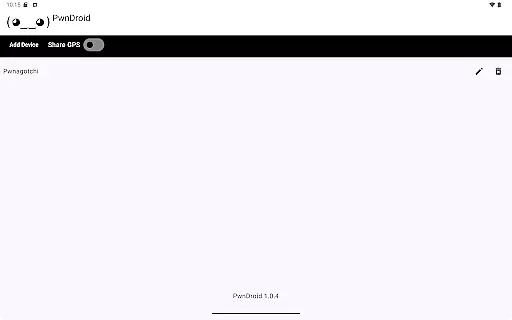
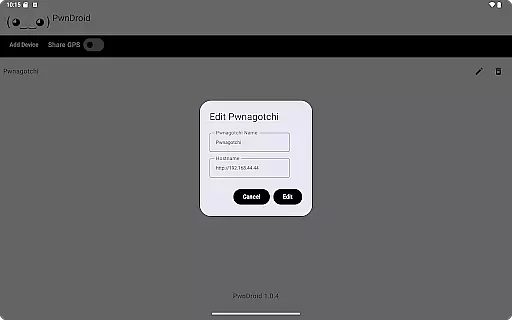
The app provides an intuitive interface where users can add multiple Pwnagotchi devices and manage them through a centralized dashboard. By integrating with the web UI of each device, it ensures that all necessary controls are at your fingertips without needing to switch contexts or applications.
Users benefit from real-time updates on their Pwnagotchi status directly within the app, enhancing workflow efficiency. The streamlined process saves time and reduces complexity, making device oversight straightforward and effective.
Cross-device synchronization is crucial for maintaining consistency across different platforms, and PwnDroid ensures reliable data exchange between your mobile device and Pwnagotchi units. This reliability is vital for users who depend on accurate information transfer.
PwnDroid employs robust protocols to guarantee that any interaction with a Pwnagotchi's web UI via the in-app browser is accurately reflected across all linked devices. This means changes made on one platform will be immediately visible elsewhere, ensuring uniformity and coherence in your operations.
By prioritizing synchronization integrity, PwnDroid enhances user confidence in managing their devices remotely. Whether updating settings or checking statuses, users can trust that their actions will propagate correctly, providing peace of mind and operational continuity.
User-friendly interface
Integrated web browser
Quick device adding
Session persistence
Enhanced security
Limited device support
No offline mode
Requires network
Specific use case
Premium pricing

When you Focus, so will your Bean in this cozy focus timer
 4.30
4.30
Create study competitions, track your hours, and stay consistent with friends
4.2
Automates browsing any website and notifies you of important changes or events
4.30
IP Camera Viewer - Android TV : RTSP Surveillance camera viewer for Android TV
4.0
Todo reminder
4.10
All in One PDF Reader: Manage, Read and Edit your Documents
4.20
Simple and reliable communication between inmates, friends and family
3.20
The ultimate file manager for rooted devices. The original and still the best.
4.00
Access your phone's notifications, calls, apps, photos & texts on your PC
3.90
Understand anything with a personalized AI research assistant
4.80
A beautiful digital clock with autostart and many other functions
4.70
QuickBooks Workforce lets teams view pay info and track time in one place.
4.70
To do list widget with a notebook organizer, checklist, simple shopping list
4.60
Planet Free VPN - The best Fast Unlimited and Secure VPN Without Logs
4.50
Send files, sync SMS, notifications & clipboard across devices via local network
4.40
Share files & memories safely. Keep your photos and videos secure.
4.40
A customizable calendar for your Wear OS watch
4.20
Professional calendar app for Google Calendar, MS Outlook & Exchange
4.20
A simple, portable logger for POTA, SOTA, Field Day, and more
4.5


User Reviews