
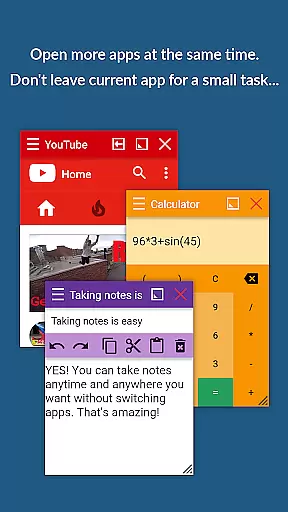
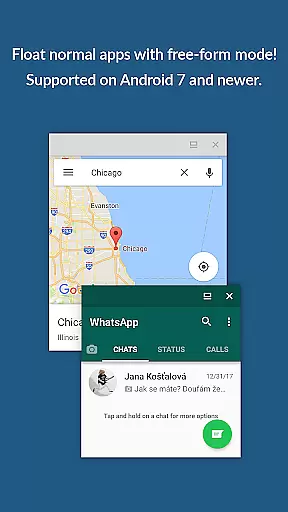
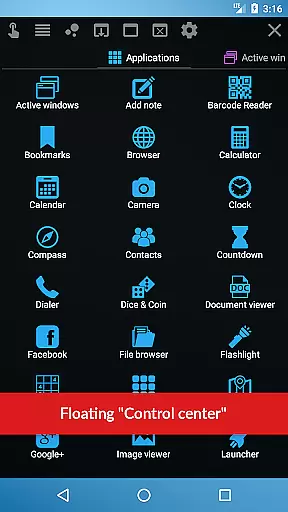
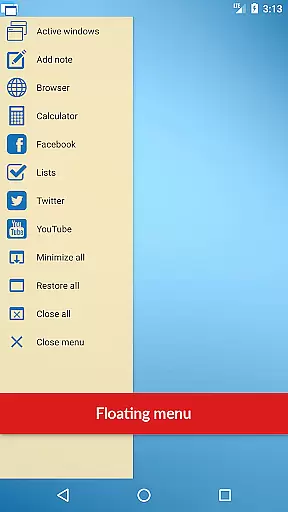
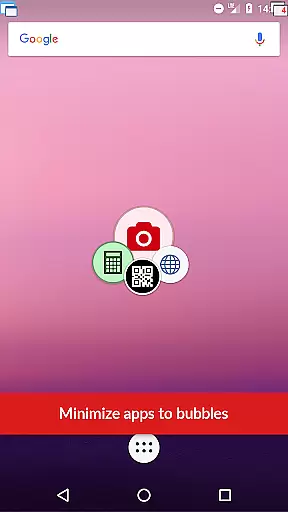
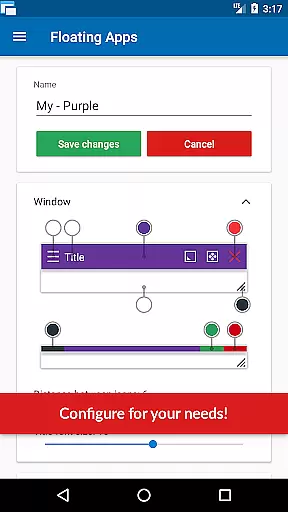
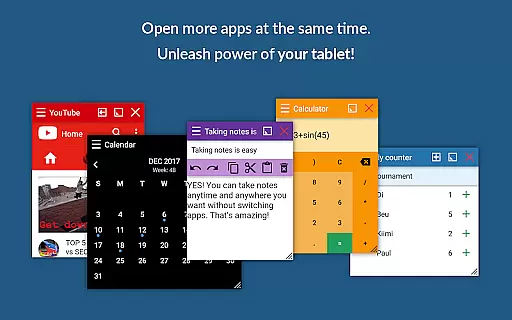
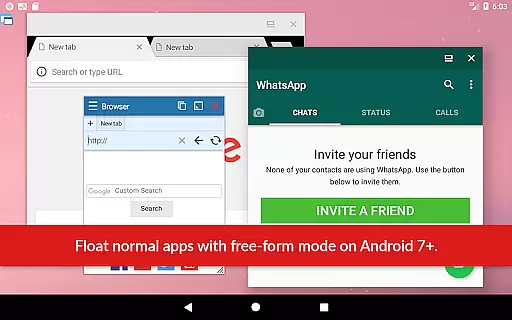
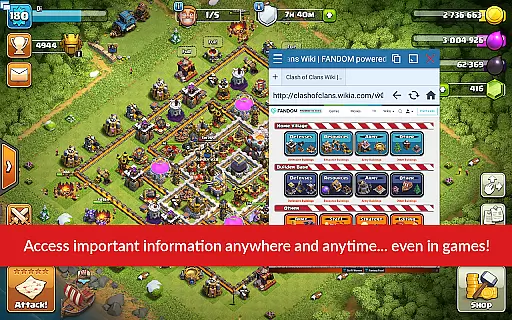
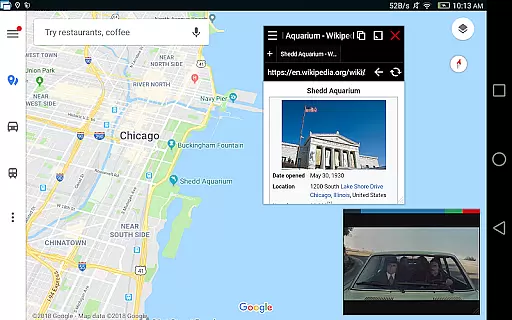
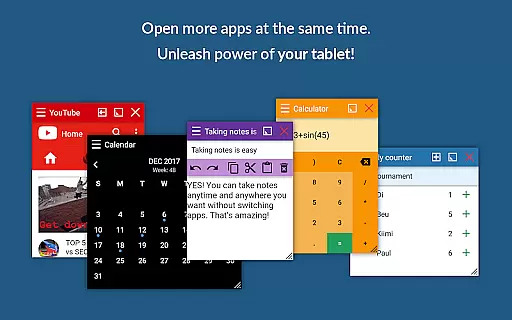
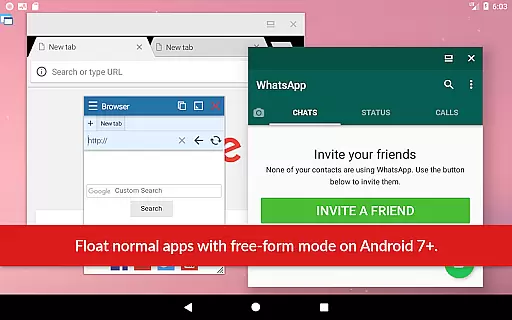
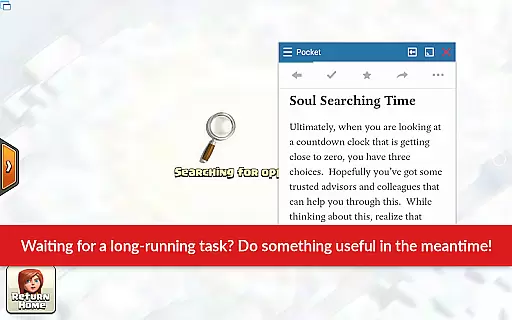
Floating Apps revolutionizes multitasking on Android devices by enabling users to run multiple apps simultaneously in floating windows. This Productivity app allows seamless integration of tasks without the need to switch between applications, thus enhancing efficiency and user experience.
With over 41 built-in floating apps including a browser, document viewer, YouTube, calculator, and more, it supports diverse use cases from entertainment to professional work. The ability to create custom floating apps from widgets and URLs further extends its utility, making it an indispensable tool for power users.
The app's advanced features such as the Floating Menu, Quick Launch, and customizable window options provide users with complete control over their multitasking environment. Whether you're managing documents, watching videos, or translating text, Floating Apps ensures that your workflow remains uninterrupted.
Floating Apps stands out with its extensive collection of over 41 ready-to-use floating mini-apps, covering essential functions like browsing, media playback, and document management. Each app operates independently in its own resizable and movable window, allowing users to tailor their workspace according to specific needs.
The innovative Floating Menu provides quick access not only to floating apps but also to regular and recent applications, streamlining navigation. Users can activate any app with a single tap via the always-on-top Quick Launch icon, ensuring minimal disruption to their current activities.
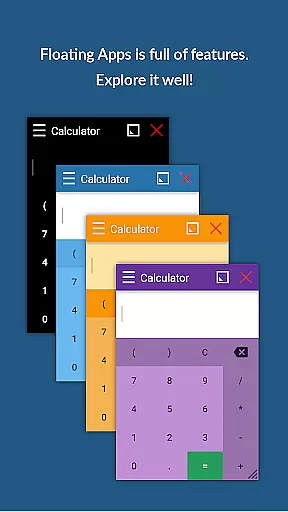
Advanced customization options enable precise control over window behavior, borders, transparency, and more through intuitive context menus. These powerful features make Floating Apps a versatile solution for both casual users seeking convenience and professionals requiring robust multitasking capabilities.
Floating Apps revolutionizes the way users handle multiple tasks on their Android devices through its innovative floating window system. This feature allows for real multitasking, enabling users to open more than one app simultaneously without the need to switch contexts constantly.
The app provides over 41 built-in floating apps, ranging from a floating browser, document viewer, and YouTube player to utilities like a calculator and note-taking app. Each mini-app operates within its own movable and resizable window, allowing users to customize their workspace according to their needs.
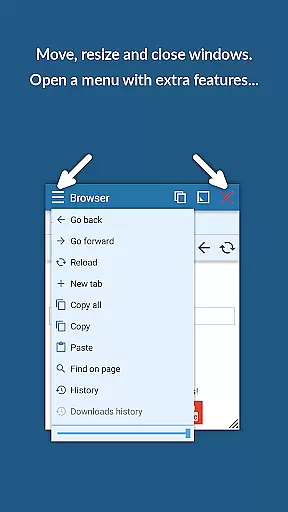
With functionalities such as Floating Menu and Quick Launch, accessing these floating apps is seamless and can be done from anywhere within the device. Users can easily drag windows by their title bar, resize them using the bottom bar, and even maximize or minimize as needed.
This approach not only enhances productivity but also streamlines workflow by keeping essential tools at your fingertips. Whether you're watching a video while working or referencing documents side-by-side, Floating Apps ensures that multitasking is both efficient and user-friendly.
Cross-device synchronization is crucial for users who operate across multiple devices and require consistent access to their applications and data. Floating Apps addresses this need by providing a reliable and synchronized experience across different Android devices.
While the primary function of Floating Apps is to facilitate multitasking on a single device, it indirectly supports cross-device workflows by allowing users to replicate their preferred app environment wherever they go. The ability to create custom floating apps from home screen widgets and URLs means that users can standardize their most-used tools.
Although direct cloud-based synchronization features are not explicitly mentioned, the consistency in functionality and availability of the same suite of floating apps on any Android device ensures that users enjoy a uniform experience. This uniformity is key for professionals who depend on a specific set of applications to be available regardless of the device they are using.
By delivering a robust set of features that remain constant across installations, Floating Apps effectively supports users in maintaining their productivity ecosystem, making it easier to transition between devices without losing operational efficiency.
Extensive app collection
Customizable floating windows
Efficient multitasking
User-friendly interface
Cross-platform functionality
May drain battery faster
Interface can be cluttered
Some features are complex
Occasional performance lags
Limited iOS support

Take control of your clipboard with Clipper!
 3.90
3.90
Native client for Forgejo and Gitea
5.00
Ads Free App! Editor, Hide File, Copy, Move, Delete and Rename.. all facility av
1.70
Professional calendar app for Google Calendar, MS Outlook & Exchange
4.20
A simple, portable logger for POTA, SOTA, Field Day, and more
4.0
Stay on top of your to-dos with Google Tasks, part of Google Workspace.
4.60
Functional QR scanner and barcode reader that requires little storage space.
4.60
Understand anything with a personalized AI research assistant
4.80
Note taking, handwriting, record audio, PDF annotation, planner & journal
4.20
8 custom complications. Custom Time Fonts. Beautiful color schemes. A++ Design.
5.00
Scientific calculator for Android - looks and operates like the real thing!
4.90
Use powerful, industry-leading AI tools to generate visual charts from any data
4.80
QuickBooks Workforce lets teams view pay info and track time in one place.
4.70
The long-awaited modern gallery app for your Nextcloud server
4.70
Lightweight PDF, Word, Excel reader.
4.60
Experience Reading - Night Mode for Documents
4.40
Device's storage information in a simple and clear graphical form (infographics)
4.10
Wake up & get tasks done! Add alarms & reminders on the Clock Launcher.
4.00
* block pre-roll ads, pop-up and forced redirect ads * Samsung certification app
4.00


User Reviews