
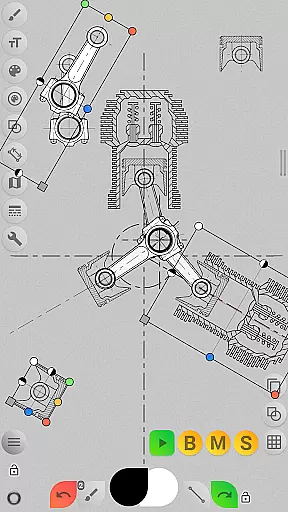
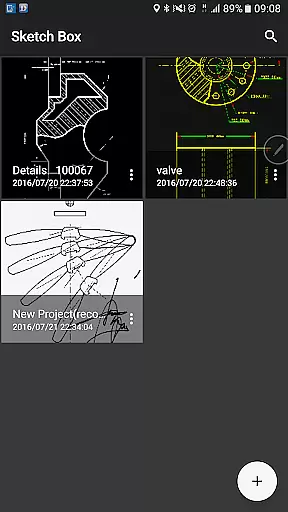
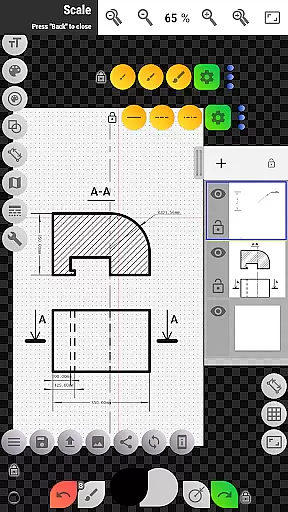
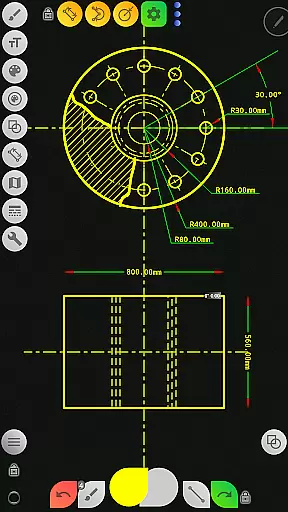
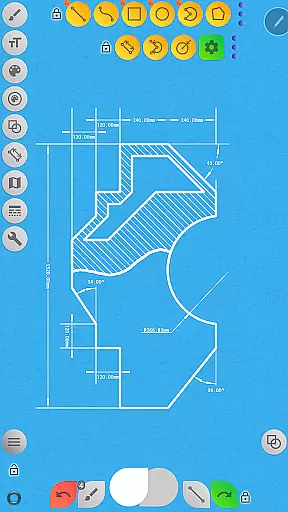
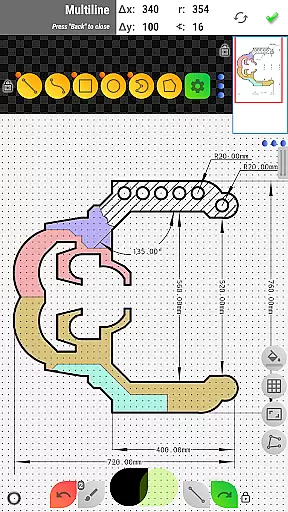

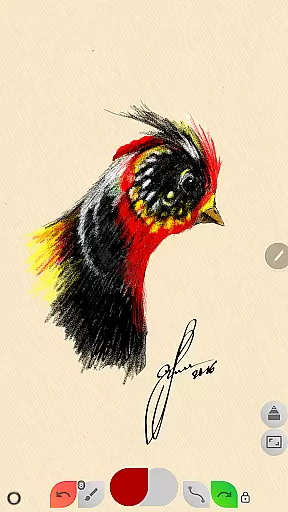
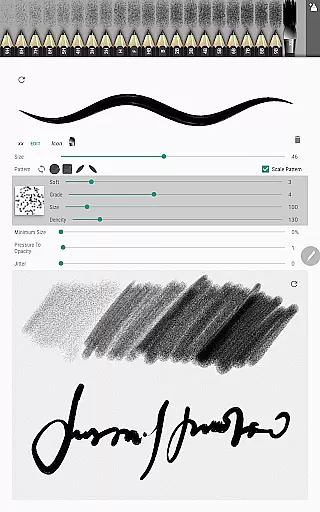
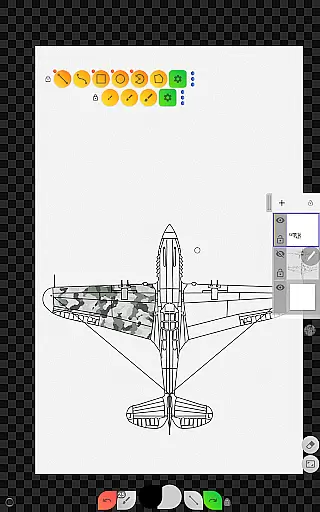
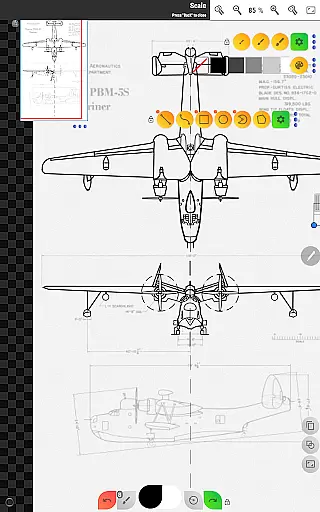
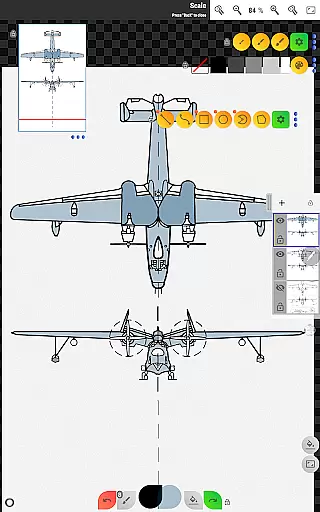
Sketch Box Pro is a versatile sketching and drawing application designed for both creative and technical users. It combines the flexibility of traditional drawing tools with the precision of CAD systems, making it suitable for a wide range of tasks including technical drawings, general sketching, and map-based projects. The app supports multiple layers, various brushes, shapes, and advanced tools like dimensioning, grid alignment, and flood filling. With project-based workflows, users can create new sketches from scratch, import maps, or use images from their gallery.
A standout feature of Sketch Box Pro is its ability to cater to engineers, designers, and artists alike. Its intuitive interface allows users to customize their workspace, control layer opacity, and utilize advanced tools such as the interactive compass and vector tool for azimuth measurements. Whether you're drafting blueprints or sketching spontaneous ideas, Sketch Box Pro ensures your work is precise, flexible, and easily shareable.
Sketch Box Pro offers an extensive set of features tailored for productivity and creativity. One of its core strengths is the support for up to six layers in the Pro version, enabling users to organize their work efficiently. Each layer can be locked, duplicated, cleared, or merged, providing complete control over complex drawings. Additionally, the app includes a variety of predefined brushes and basic shapes such as lines, rectangles, ovals, and arcs, catering to both freehand and structured designs.
The app also integrates advanced tools like the dimension tool for quick linear and angular measurements, the scale tool for setting ratios, and the hatching tool for one-touch area fills. Online map support enhances its utility by allowing users to incorporate Google Maps as a background, measure distances, and calculate areas. Interactive tools like the compass and vector tool further extend its functionality, making it ideal for technical and map-based projects.
Sketch Box Pro excels in core task management by offering a versatile platform for both creative and technical drawing needs. The app provides an extensive set of tools that cater to a wide array of requirements, from free-hand sketching to detailed technical drawings.
With project-based functionality, users can initiate new projects from scratch, utilize online map snapshots, or import images from their device gallery. This flexibility ensures that whether you're drafting innovative design ideas or constructing precise technical plans, Sketch Box Pro adapts to your workflow.
The application supports layers, giving users the ability to work on different elements without affecting others, thus streamlining complex drawing tasks. Features such as locking layers, controlling opacity, and merging layers provide granular control over the drawing process.
Additionally, Sketch Box Pro enhances productivity with its scale tool for setting drawing ratios, dimension tools for quick measurements, and grid tools for precision work. These features collectively ensure efficient task execution and management within the app.
Cross-device synchronization is crucial for maintaining continuity across different work environments, and Sketch Box Pro addresses this need effectively. Although the app does not explicitly market real-time cloud synchronization, it offers reliable methods to keep your work accessible and transferable.
Users can create and store projects locally, ensuring that their sketches and drawings are safely preserved on-device. Projects can be duplicated and shared at any time, which means that your work is always ready to be transferred to another device or shared with collaborators.
Moreover, the app's capability to export drawings to the gallery or directly share them adds another layer of synchronization reliability. Whether sending files via email or saving them to cloud storage, these options ensure that your work is never confined to a single device.
While Sketch Box Pro focuses primarily on providing powerful drawing tools, its sharing and exporting features offer practical solutions for users who require dependable access to their projects across multiple devices.
User-friendly interface
Advanced drawing tools
Layer management
Online map integration
Customizable workspace
Limited free version
Steep learning curve
Pro features locked
Occasional bugs
High system requirements

Professional calendar app for Google Calendar, MS Outlook & Exchange
 4.20
4.20
Wake up & get tasks done! Add alarms & reminders on the Clock Launcher.
4.00
CalenGoo is a very flexible and feature-rich calendar app
4.40
PDF scanner & converter for files, photos, lottery, QR codes. One swipe away!
4.50
Activate Two Factor Authentication (2FA or Multi OTP), Password manager and more
4.10
* block pre-roll ads, pop-up and forced redirect ads * Samsung certification app
4.00
Ultimate Virtual AI Character for immersive Roleplay Chat. Perfect Companion
3.90
Scan paperwork into PDF/JPG, generate your own e-signature and send fax or email
4.70
QuickEdit is a fast, stable and full featured text and code editor.
4.20
Native client for Forgejo and Gitea
5.00
Seamlessly integrate data and reports to build your presentation to impress
4.80
App lock - lock apps with fingerprint, password, pin or pattern, protect privacy
4.70
Tally and goal counter for Wear OS & mobile
4.50
This small app MUST BE INSTALLED after purchase, else license won't work
4.40
Cloud storage, automatic phone backup, and more.
4.10
Access your phone's notifications, calls, apps, photos & texts on your PC
3.90
Experience and share your SolidWorks designs on your Android® phone and tablet.
2.50
Ads Free App! Editor, Hide File, Copy, Move, Delete and Rename.. all facility av
1.70
A comprehensive suite of tools designed specifically for Lactation Consultants
4.4


User Reviews