

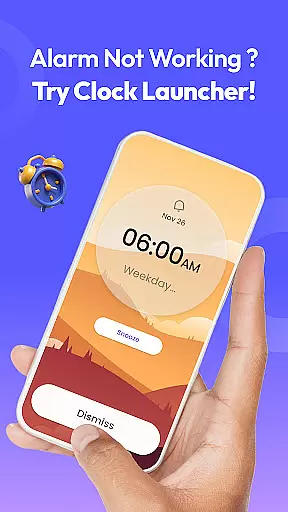
Clock Launcher is a productivity-focused app that combines an alarm clock with essential time management tools, designed to streamline daily routines. The app offers instant access to alarms, timers, reminders, and world clocks through a simple swipe from the home screen. Its launcher functionality transforms your device's interface, placing critical time-related features at your fingertips.
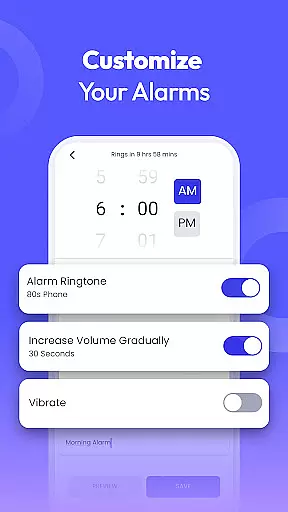
With Clock Launcher, users can personalize their experience by adding widgets for time and weather, setting alarms with customized tones and snooze durations, and tracking international time zones. Whether you're managing a busy schedule, traveling across time zones, or simply need help staying on task, this app provides all the tools necessary to keep you organized and punctual throughout the day.
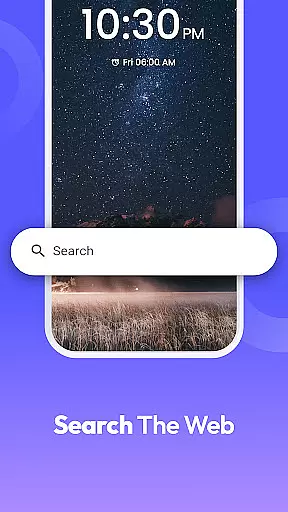
The app also includes practical features like multi-touchpoint search, which allows users to quickly find installed apps or perform web searches powered by Yahoo. This combination of convenience, customization, and accessibility makes Clock Launcher an ideal solution for anyone seeking to optimize their time management.
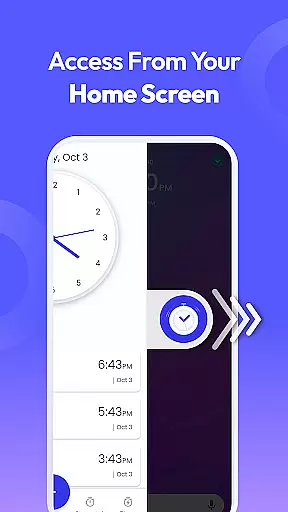
Clock Launcher stands out with its comprehensive suite of time management features tailored for productivity enthusiasts. One of its key highlights is the one-swipe access functionality, enabling users to set alarms, timers, and reminders without navigating through multiple screens. This seamless integration ensures that important tasks are never overlooked.
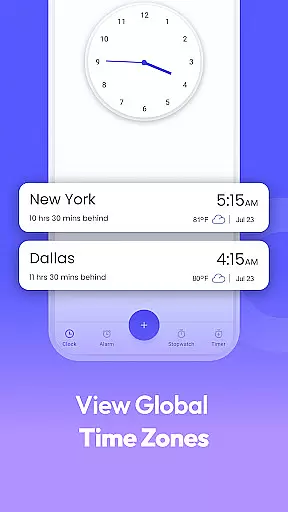
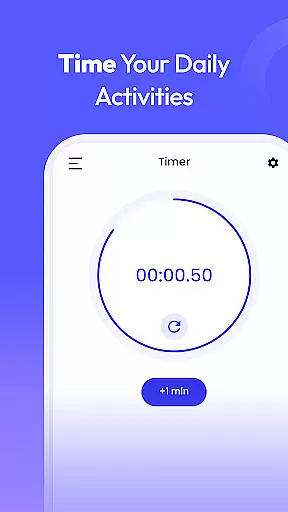
In addition to its core alarm clock feature, the app offers advanced capabilities such as world clocks for tracking time in different cities, highly accurate stopwatches for fitness tracking, and versatile timers for cooking or work sessions. Users can customize their home screens with clock-themed wallpapers and widgets displaying real-time weather updates alongside the current time. These personalization options enhance both usability and aesthetic appeal.
Another notable feature is the multi-touchpoint search, which simplifies finding apps or conducting web searches directly from the home screen. By consolidating these powerful tools into a single platform, Clock Launcher empowers users to take control of their schedules while enjoying a streamlined and visually appealing interface.
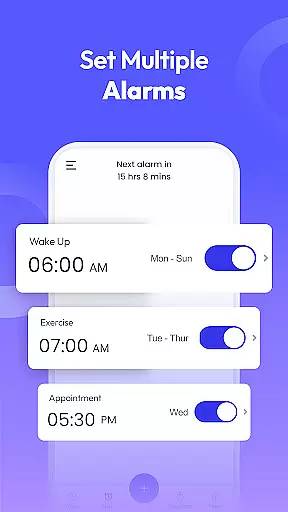
At the heart of Clock Launcher lies its robust core task management system, designed to streamline your daily routine. This feature allows users to effortlessly set alarms, reminders, and timers, ensuring they stay on top of their schedules without any hassle.
The app's intuitive interface enables quick access to essential time management tools right from the home screen. With just a single swipe, users can manage alarms and reminders, making it an indispensable tool for organizing one's day efficiently.
What sets Clock Launcher apart is its versatility in handling various types of tasks. Whether it's setting a recurring alarm for weekdays or creating specific reminders for important meetings, the app caters to diverse needs with ease.
Ultimately, this functionality empowers users to take control of their time. By providing reliable and customizable task management options, Clock Launcher ensures that users never miss an important event or deadline, enhancing productivity and peace of mind.
Clock Launcher excels in offering reliable cross-device synchronization, allowing users to maintain consistency across multiple devices. This feature ensures that all alarms, reminders, and settings are seamlessly updated and accessible, regardless of the device being used.
The synchronization process is designed to be both fast and dependable, leveraging secure cloud technology to keep data up-to-date. Users can start setting an alarm on their phone and continue adjusting it on a tablet without missing a beat.
Moreover, the app provides real-time updates, ensuring that any changes made on one device are immediately reflected on others. This level of reliability is crucial for users who rely on precise timing and reminders throughout their day.
By prioritizing synchronization accuracy, Clock Launcher enhances user experience by providing a seamless transition between devices. This reliability not only boosts productivity but also offers peace of mind, knowing that important notifications will not be missed due to device switching.
User-friendly interface
Customizable home screen
Comprehensive time tools
Efficient launcher design
Free essential features
Home screen layout changes
Limited widget options
No 24-hour clock format
Ads in free version
Occasional bugs

Secure, fast, open-source, VNC and SSH Remote Desktop for Windows, Linux and Mac
 4.70
4.70
AI Video AI Image Private LLM AI Browser Llama Gemma Ollama Connect LLM Studio
4.1
Client for Nextcloud Deck
4.60
QuickBooks Workforce lets teams view pay info and track time in one place.
4.70
Automates browsing any website and notifies you of important changes or events
4.30
A simple, portable logger for POTA, SOTA, Field Day, and more
4.2
Tally and goal counter for Wear OS & mobile
4.50
Lightweight PDF, Word, Excel reader.
4.60
AI Chatbot and AI writing assistant powered by ChatGPT.
4.60
Native client for Forgejo and Gitea
5.00
Multilingual translator for text, voice, and image translation!
4.90
Protect and view your important info on your phone and tablet with eWallet®
4.80
Direct Chat without saving contacts & Dual WA Account on Single Device
4.70
To do list widget with a notebook organizer, checklist, simple shopping list
4.60
Experience Reading - Night Mode for Documents
4.40
This small app MUST BE INSTALLED after purchase, else license won't work
4.40
Professional calendar app for Google Calendar, MS Outlook & Exchange
4.20
Cloud storage, automatic phone backup, and more.
4.10
Remotely view listen control and record cameras.
3.70


User Reviews