

Precision analog watch face with 7 complications and style options
 4.2
4.2
Christmas is near, let's count together the days left until Santa comes
4.5
Your second brain for organizing your life: to-do, calendar, reminder.
4.70
Connect to your Bluelink equipped Hyundai vehicle from your smartphone.
4.50
The ultimate destination for kids ages 3-8 to explore the Marvel Universe!
4.30
Bold weather Digital watchface with forecast & optional animated background
4.40
Daily Weather forecast with 15 weather images for Day & Night plus Big Bold time
4.10
Simple, helpful messaging by Google
4.60
Track airplanes and follow flights with our real-time flight tracker
4.50
A modern hybrid informative watch face for Wear OS designed by BALLOZI
4.80
Easy Voice Recorder is your everyday companion to record important moments.
4.70
The most customizable hybrid watch face. For Wear OS 5.0, API 34+ and later
4.70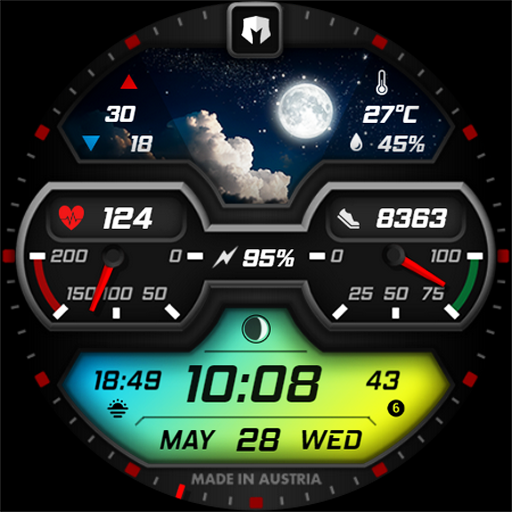
Stylish, Energizing and Modern Watch Face crafted by Dominus Mathias.
4.50
Wear Os Watch Face - Animated Snow Effect & Magic Spark - 6 Scenes
4.10
Viewer for Wyze/Yi/Eufy/Arlo/ONVIF/RTSP/P2P IP cams w/ adv. features & DIY DVR
4.00
Animated Watch Face and Customizable with 24 Backgrounds. Perfect for Christmas!
3.90
Christmas and New Year - Themed Watchface
4.4
an Analog Watch Face for winter season with freeze winter background for Wear OS
4.0
Sleek, highly customizable watch face inspired by Galaxy Watch Circle Dashboard.
4.1


