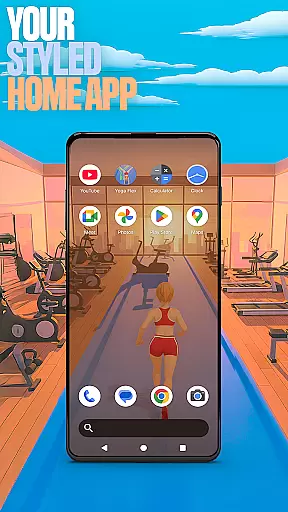

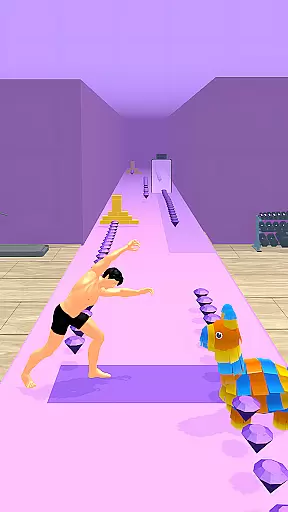
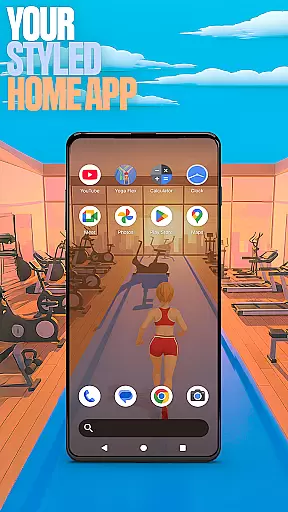

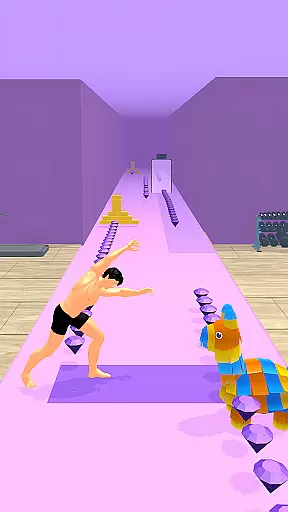
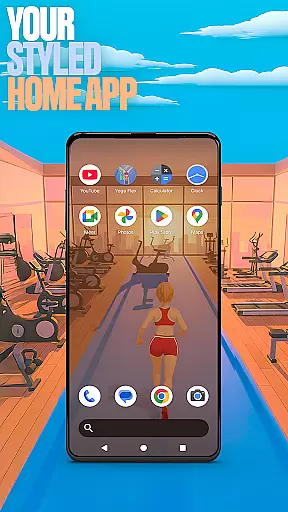

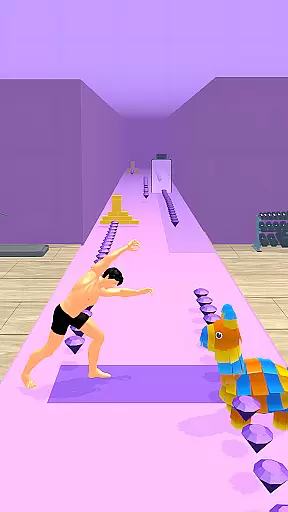
Yoga Flex Home App is a dynamic personalization tool that transforms your device's home screen into a personalized hub. This app allows users to customize their interface with game-style wallpapers, unique icon shapes, and intuitive gestures for seamless navigation. With features like accent color customization and the ability to hide apps, it offers both aesthetic appeal and privacy control.
The app also integrates gamification elements from the Yoga Flex game, letting users collect diamonds and unlock exclusive content. Whether you're looking to enhance productivity or simply enjoy a playful digital environment, this launcher provides an engaging experience while maintaining full functionality as your default home app.
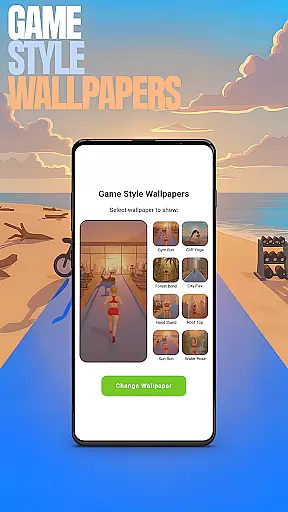
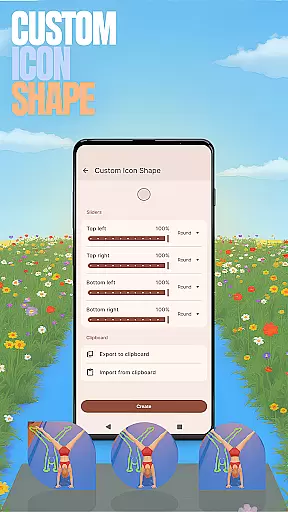
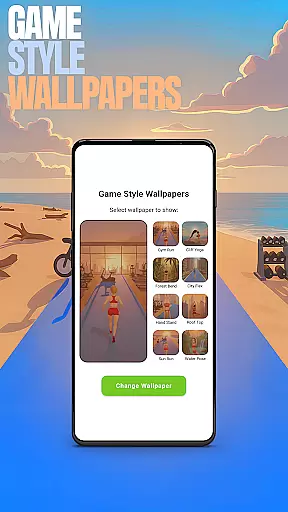
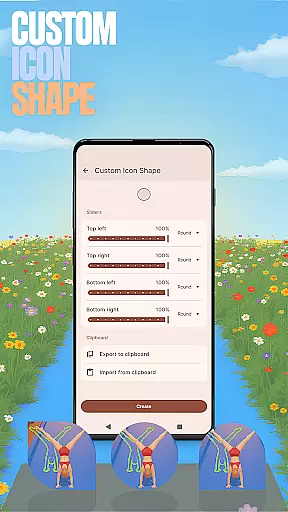
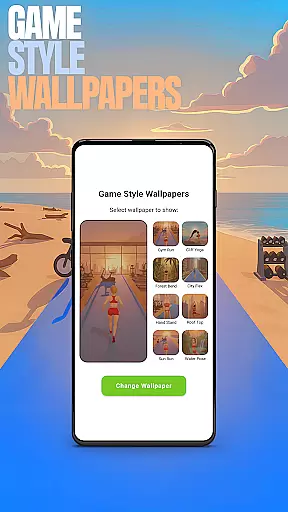
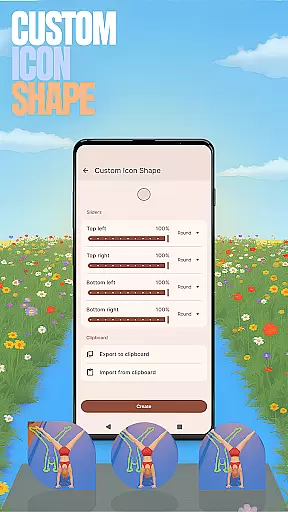
Yoga Flex Home App stands out with its diverse customization options. Users can access Game Style Wallpapers by long-pressing on the home screen, instantly giving their device a unique look inspired by the Yoga Flex game. The Custom Icon Shape feature lets you personalize app icons, while Custom Gestures allow quick access to frequently used functions through simple swipes or taps.
Privacy-focused features include the ability to Hide Apps, ensuring sensitive applications remain discreetly out of view. Additionally, the Accent Color setting enables users to define their device's color scheme, either through presets or custom designs. These rich functionalities make the app not just a launcher but a comprehensive personalization suite that keeps your home screen fresh and exciting.
Customization is at the heart of the Yoga Flex Home App, offering users a wide array of options to tailor their device's interface to their personal taste. With features like Game Style Wallpapers, Custom Icon Shapes, and Accent Color settings, the app allows for an unprecedented level of personal expression right from your home screen.
The app provides intuitive controls for modifying visual elements, ensuring that each user can craft a digital environment that feels uniquely theirs. Whether it's through selecting wallpapers inspired by the Yoga Flex game or choosing from various icon shapes, customization has never been more engaging.
Users benefit from the ability to adjust their home screen layout with ease, thanks to the app's accessible design. This flexibility not only enhances aesthetic appeal but also improves usability, making daily interactions with the device more enjoyable and efficient.
Theme compatibility in the Yoga Flex Home App ensures that all customizations are seamlessly integrated into the user's device, maintaining visual consistency across the board. By allowing users to apply presets or create their own color schemes, the app guarantees that every personalized element adheres to a cohesive theme.
This harmonious blend of customized features is made possible through meticulous design, which supports a diverse range of themes without compromising on performance or aesthetics. Users can switch between themes effortlessly, knowing that their chosen style will be uniformly applied throughout their home screen.
The true value of theme compatibility lies in its ability to preserve the integrity of the user's vision for their device's appearance while providing the flexibility to experiment with different looks. This empowers users to express their individuality without being constrained by technical limitations.
Highly customizable
Intuitive gesture controls
Unique game-style themes
Strong privacy features
Vibrant accent colors
May overwhelm new users
Limited default layouts
Game ads integration
Occasional performance lags
Complex settings navigation

Vertically oriented rectangular icons
 4.70
4.70
Ultra realistic gold analog watch face with lots of customization options.
4.50
Beautiful realistic hybrid watch face with numerous customization options.
4.50
A launcher for Samsung Good Lock and Good Guardians modules without ads
4.70
Add cute Shimeji pets to screen, interact with them and relax with cute motions
4.60
Ultimate Gallery Lock App - Hide Pictures, Videos and Lock Apps Instantly!
4.60
Choose your keyboard with RGB colors effect, themes, fonts, emojis.
4.60
200+ Material Inspired Widgets
4.50
Cool custom fonts & keyboard themes! Symbols & font changer for Instagram
4.50
Only for Wear OS devices!
4.90
Stunningly Different look with Line Icons and Neon Colors
4.60
Ultra realistic high quality analog watch face for Wear OS.
4.60
300+ widgets inspired by Material You and Material 3 expressive design.
4.60 4.50
4.50
Vibrant Adaptive Icons with Material You and Enhanced Monet Colors.
4.50
Transform your device in a game console
4.40
Unique Fonts, typefaces and stylish text. Fonts for Instagram, Whatsapp & others
4.20
Organize and manage your photos and videos effortlessly with Photo Gallery
4.20
Struggling to find apps? Use this app to locate and open any app on your phone!
2.20


User Reviews