
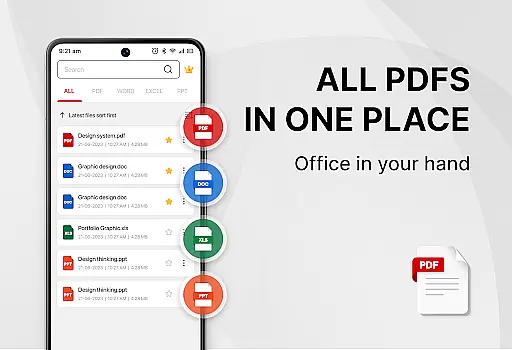
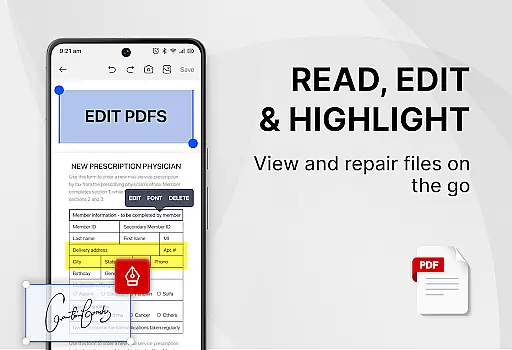
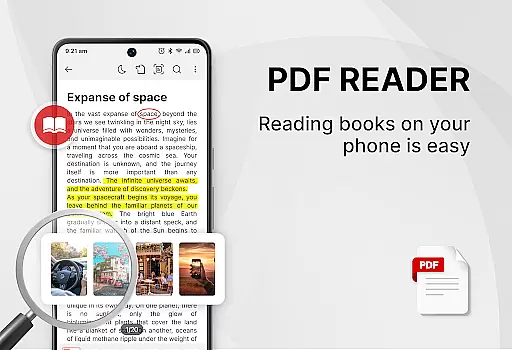
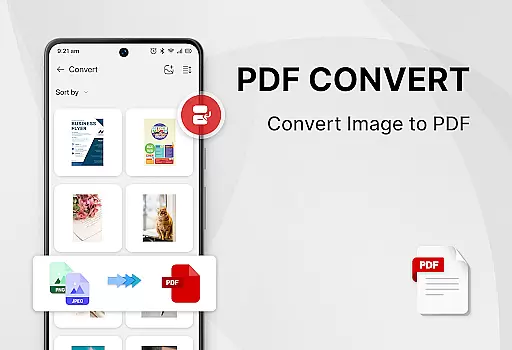
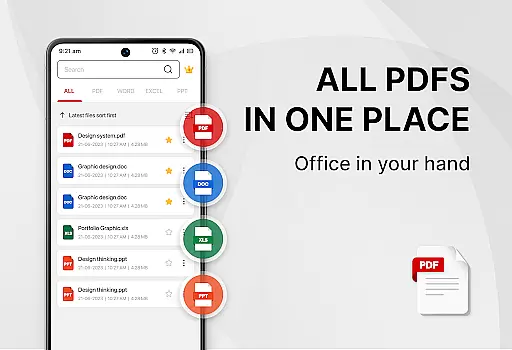
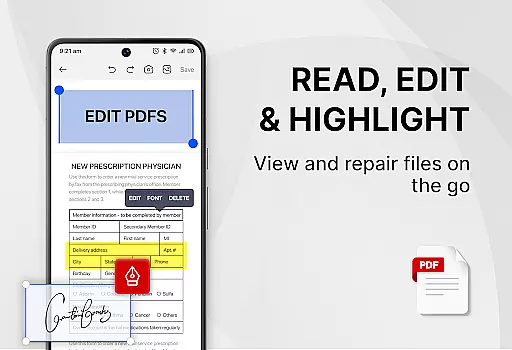
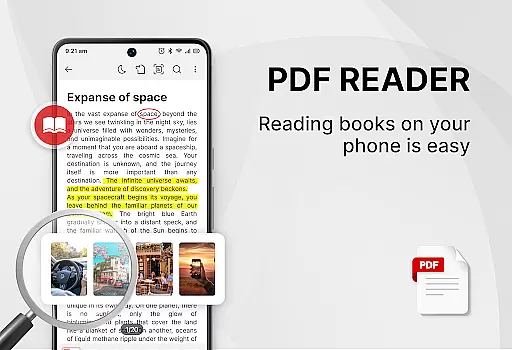
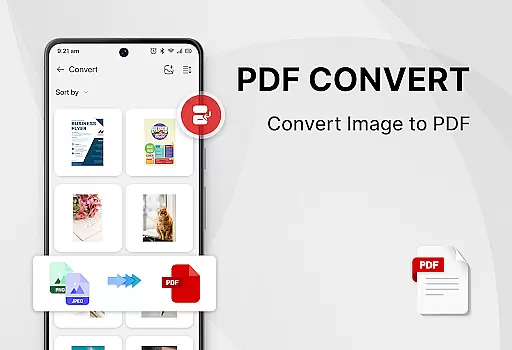
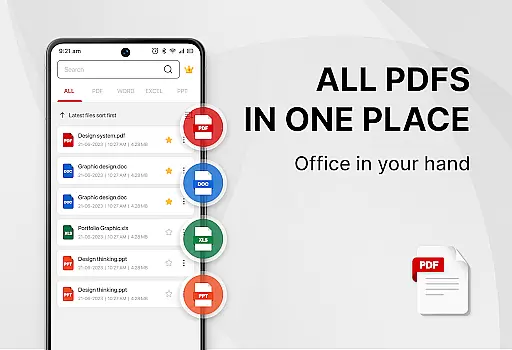
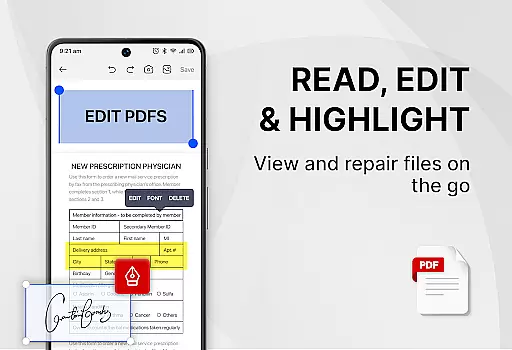
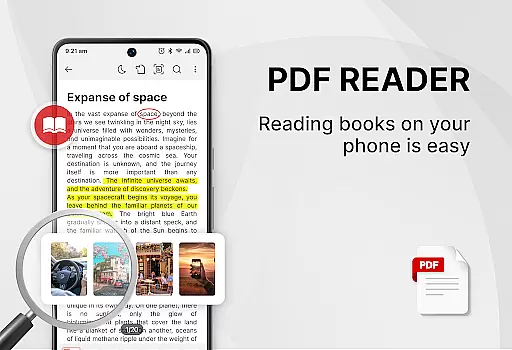
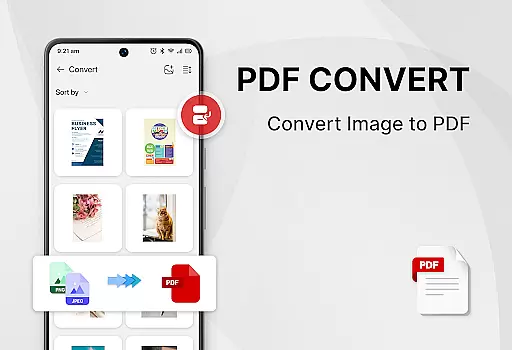
PDF Reader - Smart PDF Viewer is a comprehensive productivity app designed for managing and reading various document formats on Android devices. This free application allows users to effortlessly read, manage, and edit PDF files while also supporting e-signatures, file conversion, merging, splitting, and sharing capabilities.
The app stands out with its all-in-one functionality, combining a PDF reader, ebook viewer, and editor in a single interface. It supports multiple document formats including PDFs, Word, Excel, and PPT files. Its intuitive design ensures ease of use, making it suitable for both personal and professional environments.
Whether you're a student needing to annotate lecture notes or a professional organizing work documents, this app provides the tools necessary to enhance efficiency. With features like light and dark mode, password protection, and recent file access, it caters to a wide range of user needs.
PDF Reader - Smart PDF Viewer offers an array of powerful features tailored to improve document management. The app's smart search function helps locate all document types quickly, while its easy-to-use interface allows for seamless navigation through files.
Among its standout tools are the ability to add e-signatures, convert images or scans into PDFs, and transform Word documents into PDF format. Users can also merge and split PDF files, copy text from PDFs, and secure their documents with passwords.
Designed for convenience, the app includes practical functionalities such as one-click switching between light and dark modes and maintaining a list of recently opened files for quick access. These features collectively ensure that users can efficiently handle their documents without hassle.
Task management is a cornerstone of productivity applications, and the PDF Reader - Smart PDF Viewer excels in this area by offering users an intuitive way to handle their documents. This app simplifies the process of organizing and accessing PDF files through features like smart search functionality and a clear display of all document types including PDFs, Word, Excel, and PPT.
The application goes beyond mere viewing by providing powerful tools that contribute to efficient document handling. Users can easily manage their PDF files with options for merging, splitting, and protecting their documents with passwords. The recently opened files feature presents a simple list for quick access, ensuring that users can swiftly pick up where they left off.
By integrating these comprehensive management capabilities, the app empowers users to improve their workflow significantly. Whether it's for personal use or professional tasks, the ability to swiftly search, open, view, and share documents enhances both work and study efficiency.
In today's interconnected world, reliable cross-device synchronization is vital for maintaining productivity on the go. The PDF Reader - Smart PDF Viewer addresses this need by ensuring that your documents are accessible and editable across various devices without hassle. Although specific sync features aren't detailed in the description, the app requests MANAGE_EXTERNAL_STORAGE permission to effectively locate, access, and edit document files, which suggests a robust approach to file management.
This level of synchronization means you can start working on one device and continue on another seamlessly. Imagine adding an e-signature on your phone and then reviewing the document on a tablet; this app facilitates such workflows effortlessly. It also supports converting different formats, such as images or scans to PDF, making it versatile for various tasks.
With its promise of free, simple, and easy-to-use features, the app ensures that users won't miss a beat when switching between devices. By centralizing document handling within a single reliable application, PDF Reader - Smart PDF Viewer becomes an indispensable tool for anyone looking to streamline their digital document processes.
User-friendly interface
Free to use
All-in-one solution
Supports multiple formats
Powerful editing tools
Requires storage permission
Limited advanced features
No cloud integration
Occasional ads
Basic design

 4.20
4.20
Create study competitions, track your hours, and stay consistent with friends
4.4
All in one sketching tool. Technical and General drawing. Online Maps support.
3.70
Send files, sync SMS, notifications & clipboard across devices via local network
4.40
The Pro Version of Android's tiniest Notepad app. Just 0.3MB but feature-packed!
4.60
Device's storage information in a simple and clear graphical form (infographics)
4.10
Create and edit presentations with Google Slides, part of Google Workspace.
4.00
Great calculator for Android named one of USA TODAY's "25 Essential Apps".
4.90
To do list widget with a notebook organizer, checklist, simple shopping list
4.60
Use powerful, industry-leading AI tools to generate visual charts from any data
4.80
Mind Map and brainstorm, note taking and idea collection
4.80
Understand anything with a personalized AI research assistant
4.80
App lock - lock apps with fingerprint, password, pin or pattern, protect privacy
4.70
All document reader, all in one file viewer read PDF, DOCX, XLS, PPT, TXT files.
4.60
CalenGoo is a very flexible and feature-rich calendar app
4.40
Make apps & sites with natural language prompts
4.10
Customizable calendar widget for seamless event sync, planning & scheduling.
4.00
Remotely view listen control and record cameras.
3.70
Code on-the-go with VScode for Android. Edit,debug and collaborate from mobile!!
3.10


User Reviews