
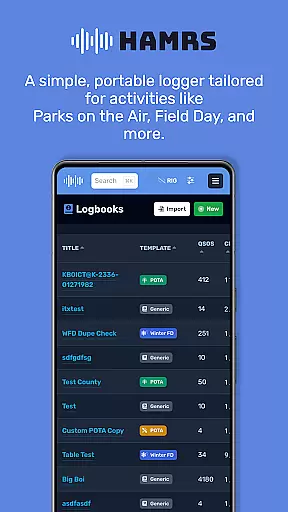
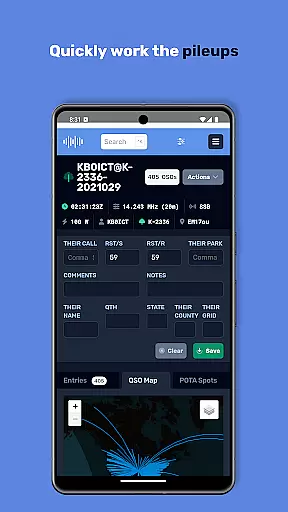
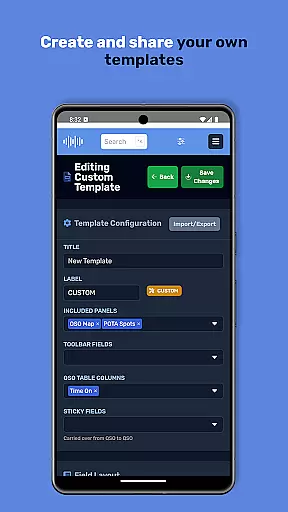
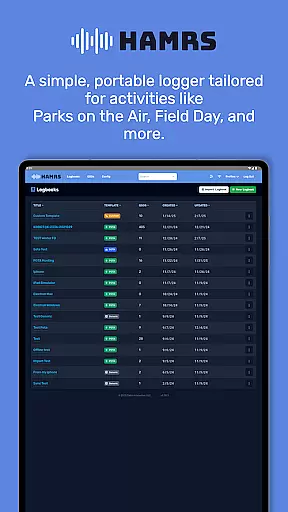
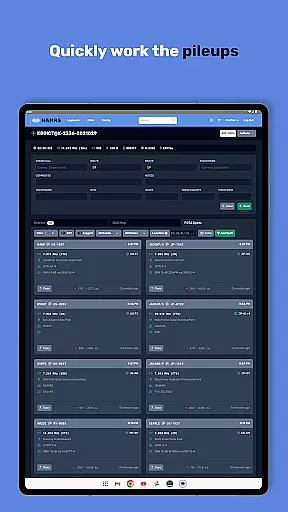
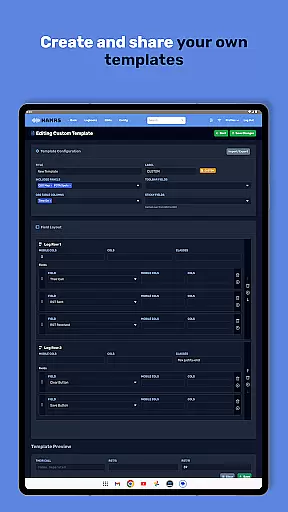
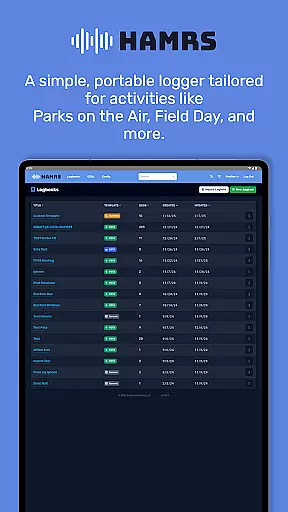
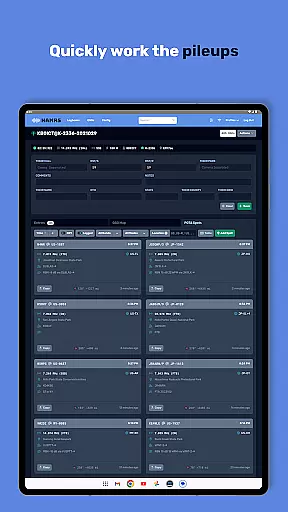
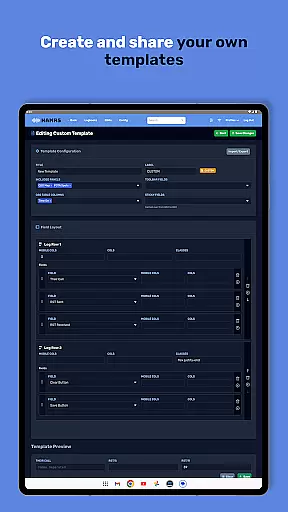
HAMRS Pro is a specialized productivity app designed for amateur radio enthusiasts. This application has been completely redeveloped to offer a streamlined logging experience, particularly suited for portable operations such as Parks on the Air and Field Day events.
The app provides quick navigation through logging fields, displays operator QTH information when online, and supports easy ADI file exports. With direct QRZ uploads, it enhances operational efficiency for radio operators in the field.
Whether you're participating in outdoor radio activities or managing contacts from home, HAMRS Pro ensures a seamless workflow that caters specifically to the needs of amateur radio users.
One of the standout features of HAMRS Pro is its intuitive interface tailored for amateur radio logging. The app allows users to swiftly tab through input fields while making contacts, significantly speeding up the logging process.
With an active internet connection, operators can view QTH details of other users, adding a layer of convenience during communications. Additionally, the app simplifies data management by enabling straightforward ADI file exports and direct uploads to QRZ.
These capabilities make HAMRS Pro an essential tool for organizing and managing amateur radio activities efficiently, especially in portable settings where time and accuracy are crucial.
Efficient task management is crucial for amateur radio enthusiasts who need to log their activities seamlessly. HAMRS Pro offers a streamlined interface that allows users to quickly tab through fields while making contacts, ensuring no detail is missed.
The application has been re-designed from the ground up to cater specifically to portable radio activities such as Parks on the Air and Field Day. This focus ensures that all essential logging features are easily accessible and optimized for these unique scenarios.
With an internet connection, operators can view QTH information in real-time, enhancing the accuracy of their logs. This feature not only saves time but also improves the reliability of the logged data, which is vital for future reference and analysis.
In today's interconnected world, reliable cross-device synchronization is essential for maintaining consistent data across multiple platforms. HAMRS Pro excels in this area by providing seamless ADI file export capabilities, allowing users to back up and transfer their logs effortlessly.
The app supports direct uploads to QRZ, a popular online platform for amateur radio operators. This integration simplifies the process of sharing and updating logs, ensuring that users can access their data from any device with internet connectivity.
Whether you're logging contacts at home or in the field, HAMRS Pro ensures that your data remains synchronized and up-to-date. This reliability empowers users to focus on their activities without worrying about data loss or inconsistencies.
User-friendly interface
Quick contact logging
Direct QRZ uploads
QTH info display
Easy ADI export
Limited to amateur radio
Internet required
No advanced analytics
Premium cost
Few customization options

QuickBooks Workforce lets teams view pay info and track time in one place.
 4.70
4.70
Planet Free VPN - The best Fast Unlimited and Secure VPN Without Logs
4.50
Smart PDF reader & editor to view, organize and manage PDF documents easily.
3.70
A lightweight JSON & XML files creator, editor and viewer (Premium Version)
4.40
Make your handwriting beautiful, even more than pen on paper.
3.60
Secure, fast, open-source, Remote Desktop Client for Windows and Linux with SSH
4.60
⏰ Finally a timer app which can run multiple timers simultaneously on your watch
3.90
Enjoy classic gameplay with customizable features and retro-style graphics.
4.30
Access your phone's notifications, calls, apps, photos & texts on your PC
3.90
Mind Map and brainstorm, note taking and idea collection
4.80
aCalendar+ makes your day, week and month
4.70
All document reader, all in one file viewer read PDF, DOCX, XLS, PPT, TXT files.
4.60
Tally and goal counter for Wear OS & mobile
4.50
Docker, Kubernetes management over Portainer Mobile
4.40
Pwnagotchi companion app
4.20
Font maker keyboard with your own handwriting
4.10
Intelligent AI Assistant
4.10
A Revolutionary All-in-One Artificial Intelligence Tools
3.80
Remotely view listen control and record cameras.
3.70


User Reviews