
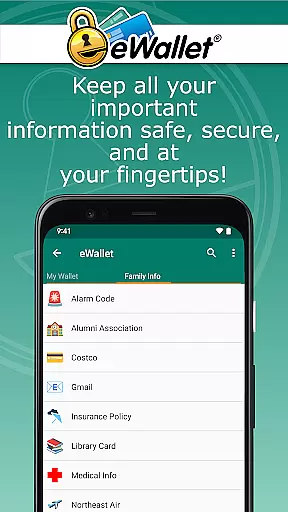
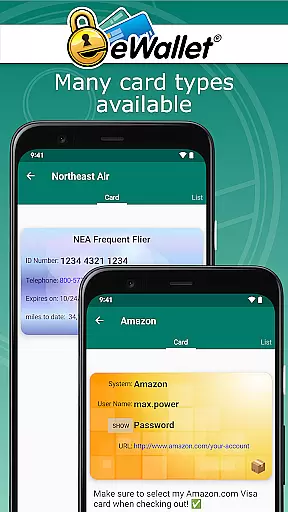
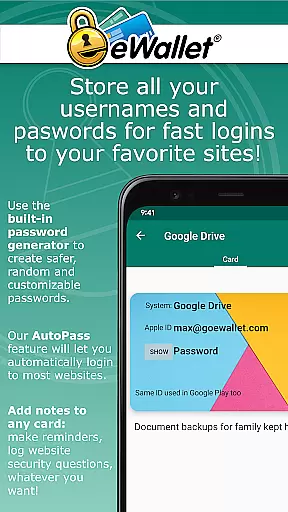
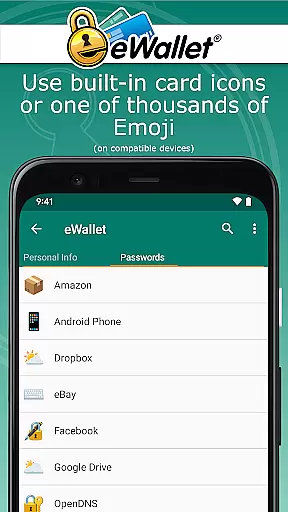
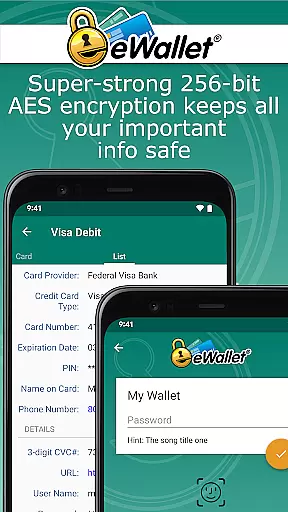
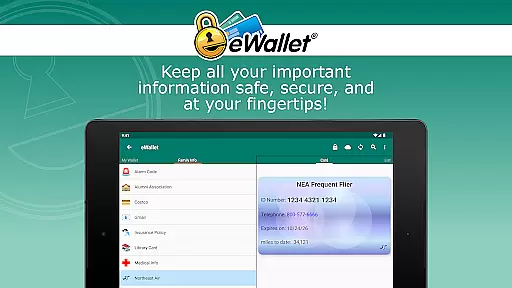
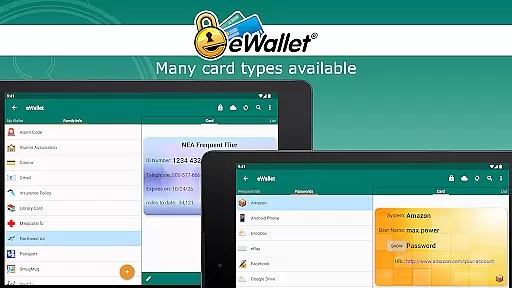
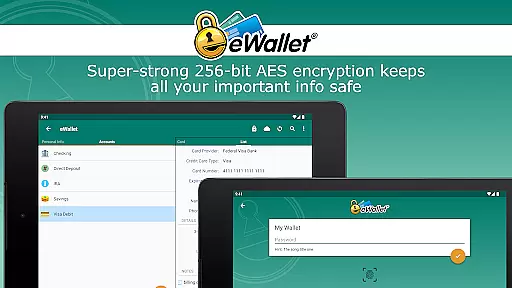
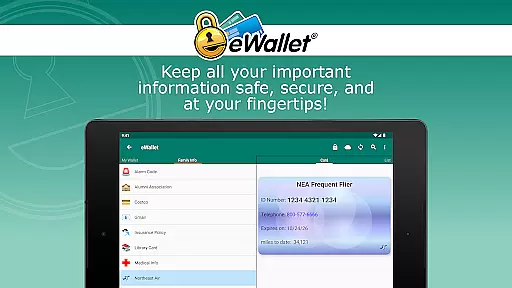
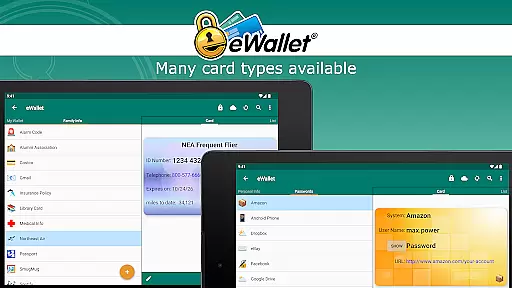
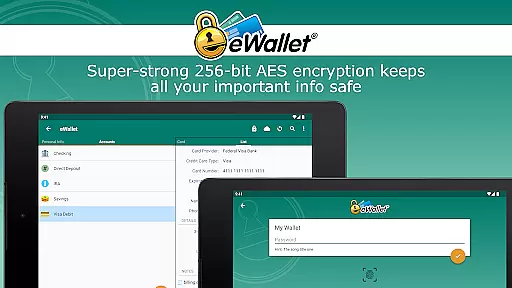
eWallet is a premier productivity app designed to securely manage your digital life. This robust password manager allows users to store sensitive information such as passwords, credit card details, and bank account numbers behind military-grade 256-bit AES encryption. With the inclusion of updated Biometric features, access to your data has never been more convenient or secure. Compatible with Android OS 8 or higher, eWallet ensures that you can carry your essential data wherever you go without compromising on safety.
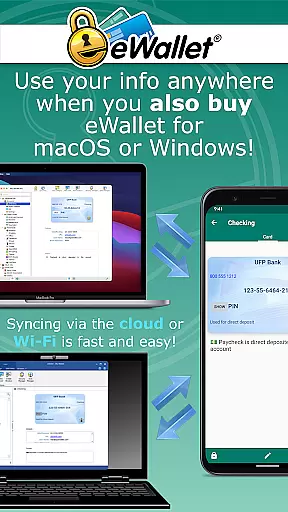
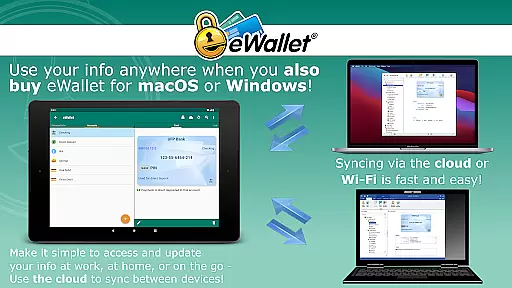
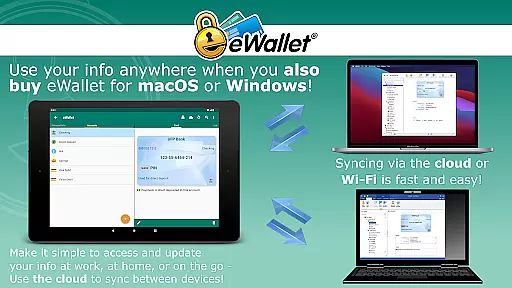
One of the standout features of eWallet is its seamless synchronization capabilities. Users can sync their secure wallets across multiple devices via cloud services like Dropbox, Google Drive, or Microsoft OneDrive, or through local Wi-Fi with desktop versions for macOS or Windows. Whether you need to generate random passwords, auto-lock your app after inactivity, or customize your wallet's appearance, eWallet provides a comprehensive suite of tools to keep your personal and financial information organized and protected.
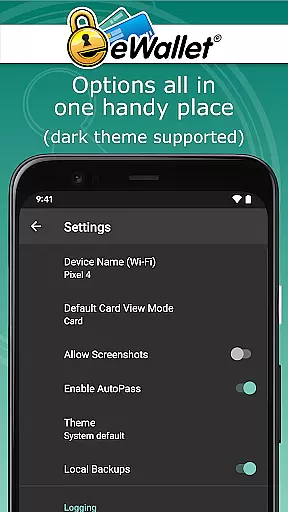
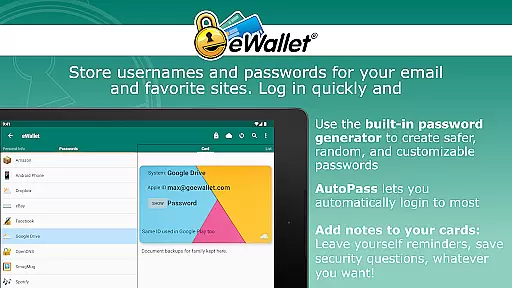
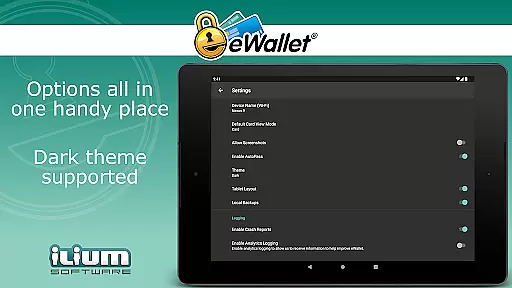
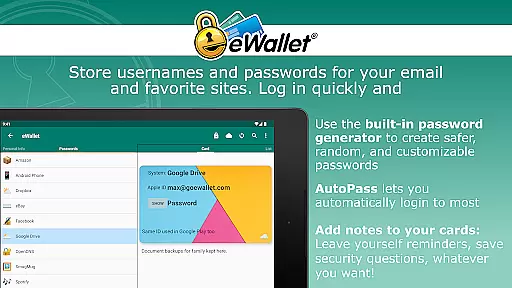
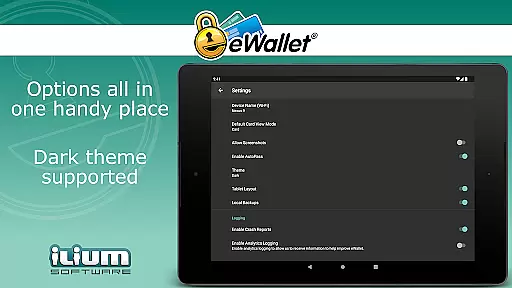
eWallet stands out with its powerful array of features tailored for security and convenience. The app supports biometric authentication methods including fingerprint, facial recognition, and iris scanning, ensuring quick yet secure access on compatible devices. Its Dark Theme offers a comfortable viewing experience, while the AutoPass feature simplifies login processes by automatically entering passwords through a built-in browser control.
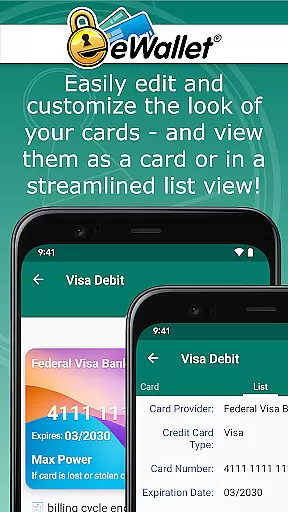
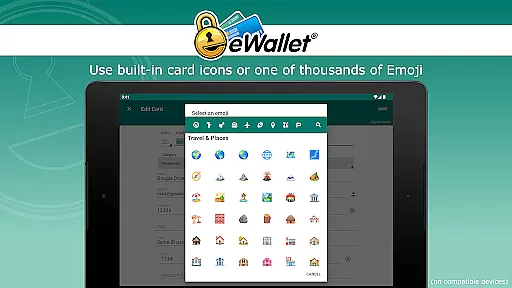
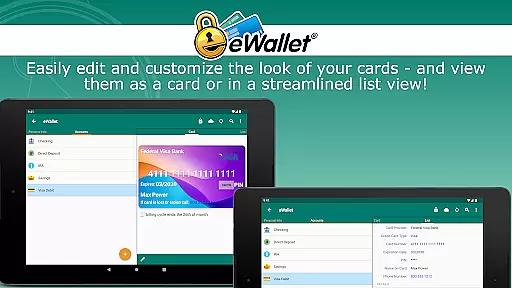
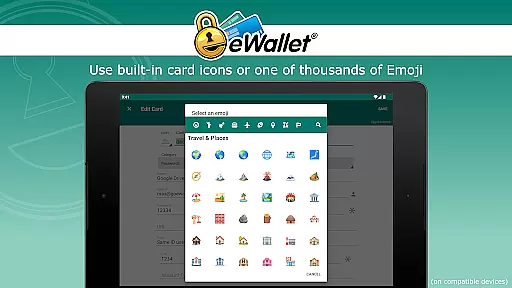
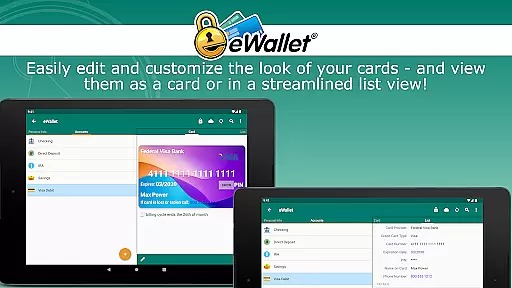
In addition to top-notch security protocols, eWallet also emphasizes user customization and ease of use. Users can create multiple wallets, each tailored with unique cards, backgrounds, and categories. Over three thousand emoji options are available for personalizing cards, making data management not only secure but also visually intuitive. With Ilium Software's 28 years of expertise backing it, eWallet delivers a trusted and user-friendly solution for managing personal data efficiently.
In the realm of productivity, eWallet excels in core task management by offering a secure and efficient way to handle sensitive information. This app allows users to manage an array of personal data including passwords, credit card details, and bank account numbers with military-grade encryption.
The functionality extends to organizing this data into multiple wallets that can be synced across various devices via cloud services or Wi-Fi. This ensures that whether you're at home or on the go, your essential information is organized and accessible from any of your Android devices.
With features like auto-locking and random password generation, eWallet not only keeps your data safe but also helps in creating strong barriers against unauthorized access, making it an indispensable tool for anyone looking to keep their digital life in order.
eWallet shines in cross-device synchronization reliability by providing seamless sync options over popular cloud platforms such as Dropbox, Google Drive, and Microsoft OneDrive. This means that changes made on one device are reliably and swiftly updated across all others, ensuring consistency and availability of your data.
For those preferring local solutions, eWallet supports full Wi-Fi synchronization between Android devices and desktop computers using additional macOS or Windows versions. This dual approach to synchronization caters to different user preferences while maintaining top-notch security standards.
By integrating biometric access methods compatible with fingerprints, facial recognition, or iris scans, eWallet ensures that while your data is synchronized effortlessly, it remains protected by cutting-edge authentication techniques tailored to modern devices.
Top-notch security
User-friendly interface
Biometric access support
Cloud synchronization
Customizable wallets
No iOS compatibility
Separate desktop purchase
Limited free features
Requires Android 8+
Subscription model

Seamlessly integrate data and reports to build your presentation to impress
 4.80
4.80
Experience real multitasking on your Android!
4.00
⏰ Finally a timer app which can run multiple timers simultaneously on your watch
3.90
Customizable calendar widget for seamless event sync, planning & scheduling.
4.00
Simple and reliable communication between inmates, friends and family
3.20
All document reader, all in one file viewer read PDF, DOCX, XLS, PPT, TXT files.
4.60
Secure, open-source, SPICE and SSH Remote Desktop for QEMU KVM virtual machines
4.00
Use powerful, industry-leading AI tools to generate visual charts from any data
4.80
Browse and view your photos and videos from the phone with photo & video hide.
4.10
Scientific calculator for Android - looks and operates like the real thing!
4.90
Best Tool for the professionals Electrician, Electrical contractors, etc.
4.90
Secure, fast, open-source, VNC and SSH Remote Desktop for Windows, Linux and Mac
4.70
A simple Whisper AI keyboard for reliable speech transcription and rewording
4.60
Subscribe to Webcal & .ics calendars and keep them up-to-date!
4.50
Enjoy classic gameplay with customizable features and retro-style graphics.
4.30
Cloud storage, automatic phone backup, and more.
4.10
The ultimate file manager for rooted devices. The original and still the best.
4.00
Access your phone's notifications, calls, apps, photos & texts on your PC
3.90
Create study competitions, track your hours, and stay consistent with friends
4.5


User Reviews