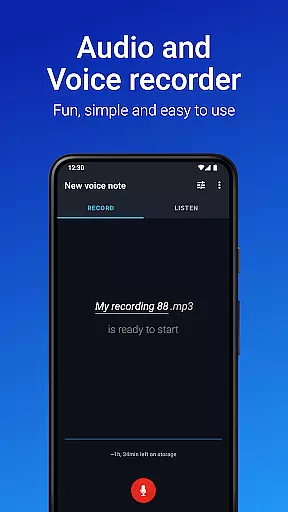
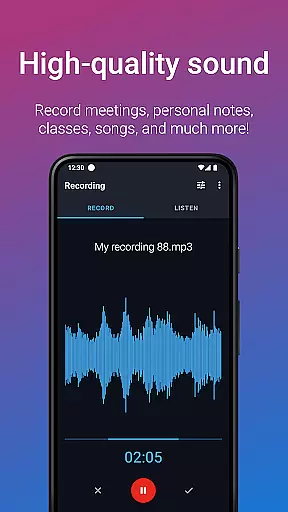
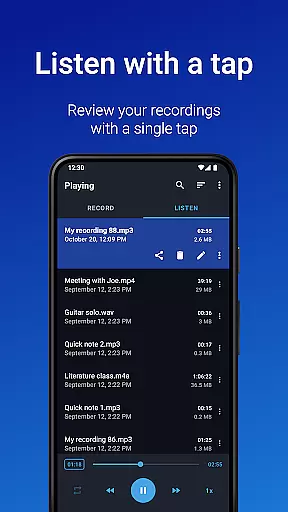
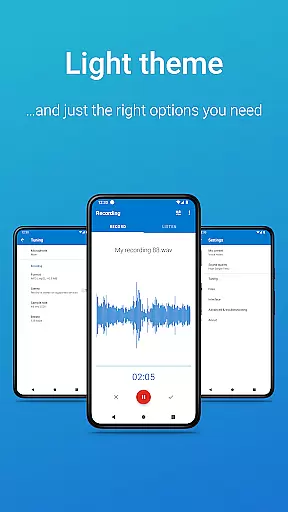
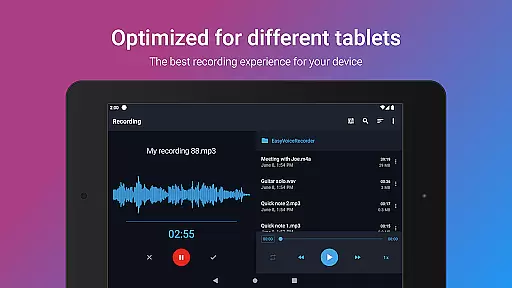
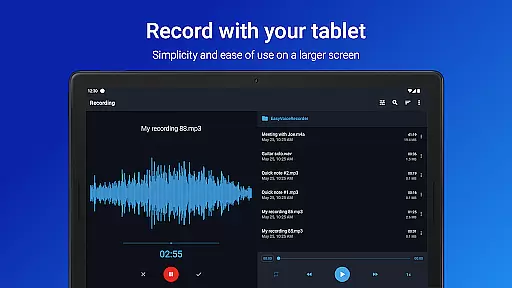
Easy Voice Recorder Pro is a versatile audio recording application designed for Android users. It allows you to capture high-quality recordings of meetings, classes, songs, and more without any time restrictions or advertisements. The app offers exclusive Pro features such as automatic cloud uploads to Google Drive or Dropbox, recording in MP3, FLAC, and AAC formats, and the ability to use Bluetooth microphones. With its user-friendly interface, Easy Voice Recorder Pro provides powerful widgets and shortcuts for effortless recording management.
This app is particularly useful for students who need to record lectures and adjust playback speed for comfortable listening. Business professionals can benefit from capturing interviews and meetings and sharing them with colleagues via email or messaging apps. Musicians will appreciate the fine-tuning options for rehearsals and melody capturing. Whether you're commuting or at your desk, this app adapts to various scenarios, making it an essential tool for anyone needing reliable voice recording capabilities.
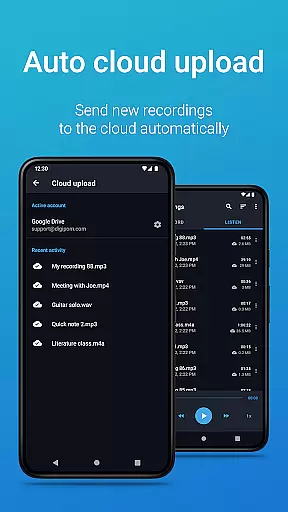
Easy Voice Recorder Pro stands out with its comprehensive feature set tailored to meet diverse recording needs. One of its key features is the ability to automatically upload new recordings to cloud services like Google Drive or Dropbox, ensuring your files are always backed up and accessible. The app supports multiple recording formats including MP3, FLAC, and AAC, providing flexibility in file size and quality. Additionally, users can take advantage of Bluetooth microphone support, which enhances mobility and convenience during recordings.
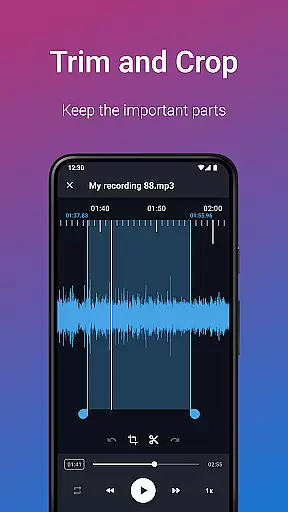
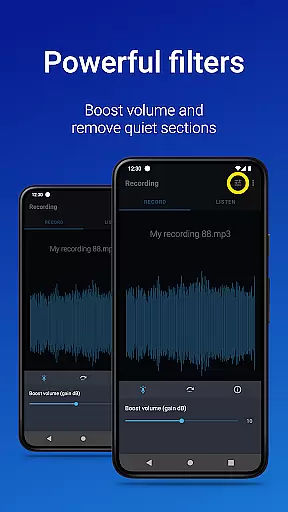
The app includes an Edit mode that allows users to trim recordings and remove unwanted sections, ensuring polished final outputs. Organizing recordings is made easy with folder management, while the notifications bar control offers quick access to recorder functions. Bonus features such as stereo recording, importing files, skipping silence, volume boosting, custom bitrates, and more add to the app's versatility. These features collectively make Easy Voice Recorder Pro a powerful tool for both casual and professional audio recording needs.
Easy Voice Recorder Pro offers seamless companion app integration, ensuring that your recordings are effortlessly synchronized across all your devices. Whether you're using a smartphone, tablet, or smartwatch, the app provides consistent functionality and access to your audio files.
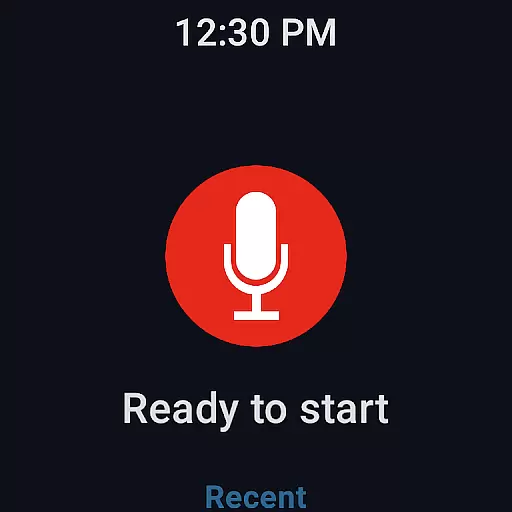
The synchronization feature allows users to start a recording on their Wear OS smartwatch and have it automatically available on their phone or tablet. This ensures no important moment is missed, regardless of which device is at hand.
Additionally, the app supports cloud upload options to Google Drive or Dropbox. This means voice notes recorded while commuting can be automatically sent to your laptop, providing a reliable backup and easy access from any location.
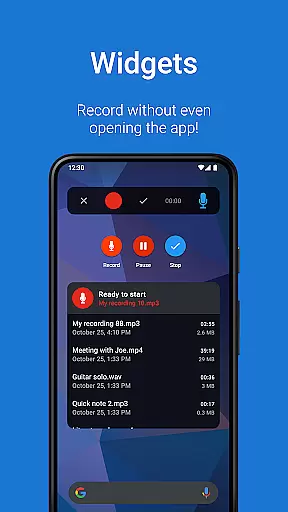
With powerful widgets and shortcuts available directly from the home screen, users can quickly initiate new recordings or manage existing ones without navigating through multiple menus. This level of integration enhances productivity by streamlining the recording process.
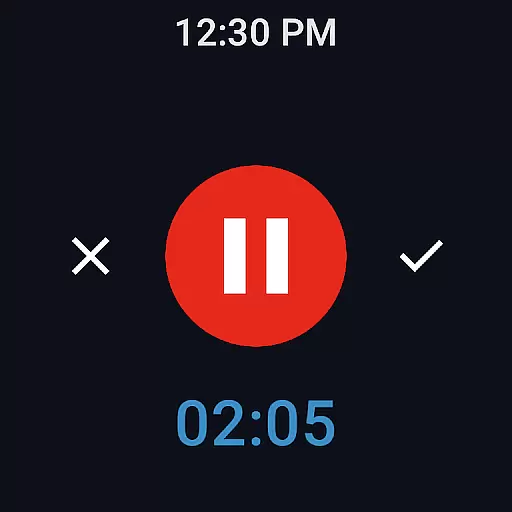
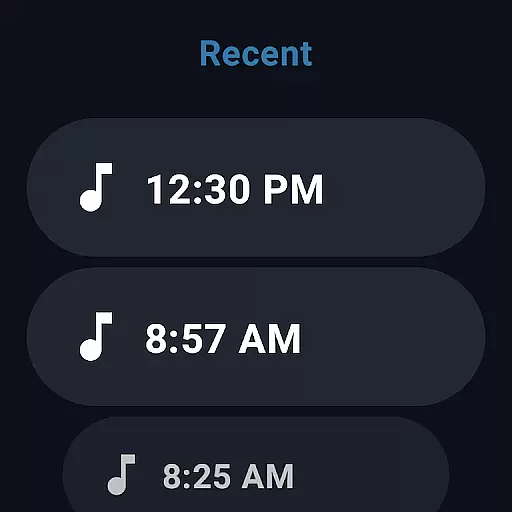
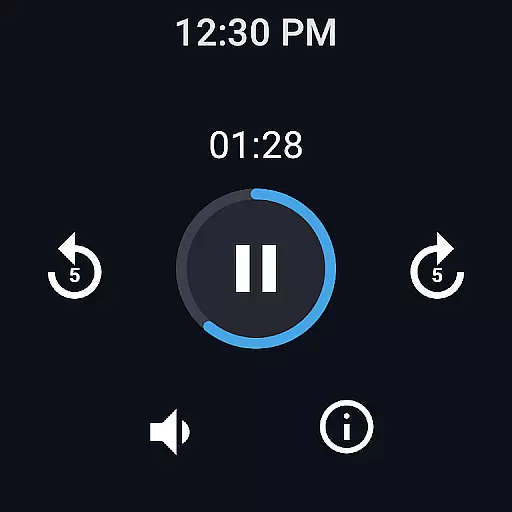
Designed with broad device compatibility in mind, Easy Voice Recorder Pro excels in its support for Wear OS and various other Android devices. Users can record directly from their smartwatches, thanks to an intuitive watch tile that simplifies the initiation of new recordings.
This compatibility extends beyond just smartwatches; whether you're operating on a phone or tablet, the app maintains high-quality recording capabilities and user-friendly features. The ability to switch between different devices without losing functionality is a significant advantage.
Moreover, the app includes exclusive Pro features such as recording via Bluetooth microphones and advanced format options like MP3, FLAC, and AAC. These features ensure that regardless of the device used, users have access to professional-grade recording tools.
By offering extensive customization options and supporting a wide range of formats, Easy Voice Recorder Pro caters to both casual users and professionals who demand flexibility and performance from their recording applications.
User-friendly interface
High-quality recording
Cloud integration
Multiple format support
Bluetooth microphone compatibility
No call recording
Premium price
Complex settings
Limited free features
Occasional bugs

Walking app for weight loss: walk & step tracker, pedometer, indoor treadmill
 4.60
4.60
Watch the sharpness of the sky on your wrist..
3.70
A Wintery Snow Globe on Your Wrist; now celebrating Christmas!
4.5
MyNISSAN® lets you remotely control your car from your phone.*
4.50
Sleek, highly customizable watch face inspired by Galaxy Watch Circle Dashboard.
4.0
Digital, flexibly customizable watch face. For Wear OS 5.0, API 34+ and later.
5.00
Nutrition, Macro tracker: Food, fitness & healthy diet tracking for weight loss
4.60
Hybrid watch face for Wear OS with customizable complications by Matteo Dini MD
4.70
Your local weather forecast, storm tracker, radar maps & live weather news
3.40
The most customizable minimal watch face. For Wear OS 5.0, API 34+ and later
4.70
A modern premium sporty hybrid watch face for Wear OS by Ballozi
4.70
Rose gold watch face with festive lights & customizable features.
4.60
Deck out your Wear OS Watch face with a beautifully decorated pine wreath!
4.50
Digital watch face. For Wear OS devices.
4.40
Locate your family members by GPS phone location tracker everywhere and anytime
4.30
A customizable Christmas watch face for Wear OS with a countdown.
4.20
The #1 source of faces for your smartwatch!
4.00
Watch face designed for Thanksgiving Day. 7 Background Styles included.
3.20
Christmas is near, let's count together the days left until Santa comes
4.3


User Reviews