
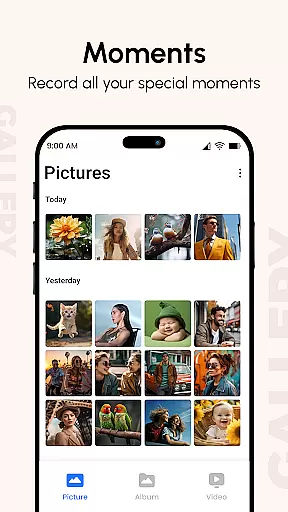
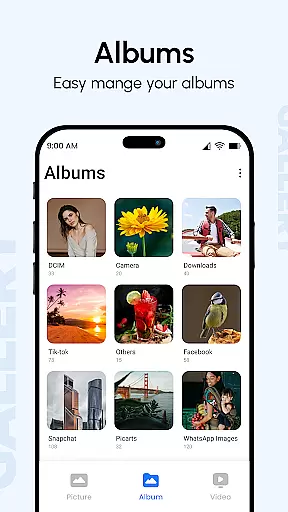
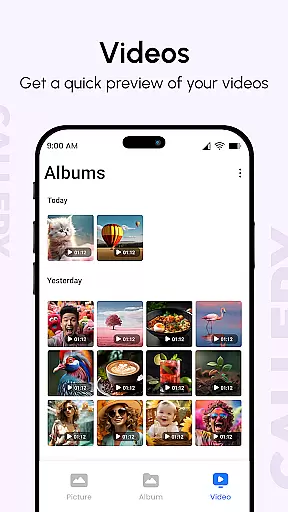
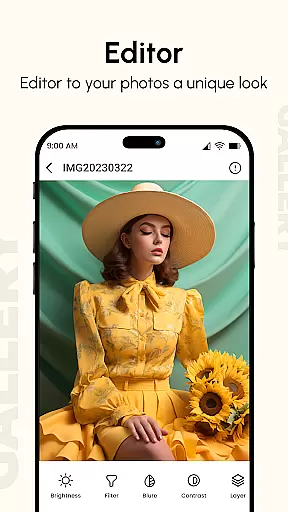
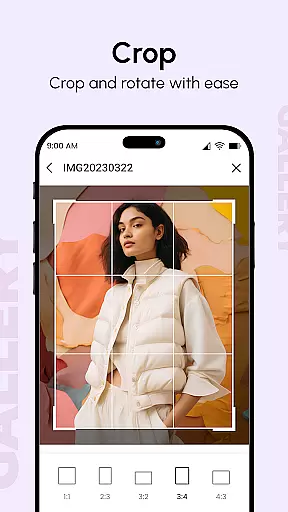
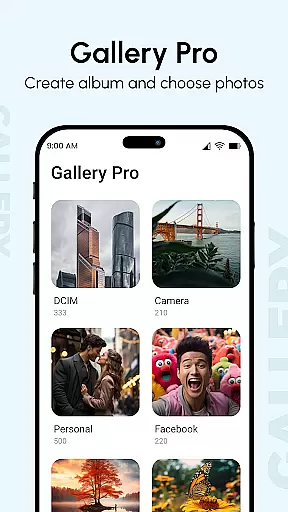
Gallery is a comprehensive photo and video management app designed to enhance your digital memories. This productivity-focused app brings together all your media files from various devices, organizing them into visually appealing albums while enhancing image quality. The app supports multiple file types including images, GIFs, and videos, and offers advanced features like metadata viewing, location tagging, and date-based sorting.
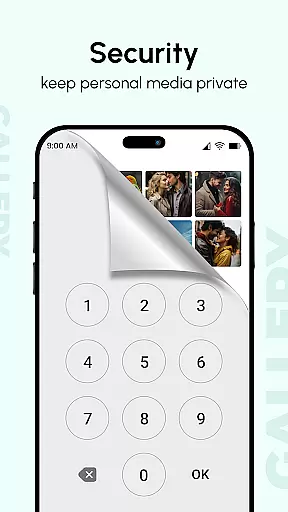
One of the standout capabilities is its secure private gallery option, allowing users to hide sensitive photos and videos behind password protection. The app also includes practical tools such as slideshow creation, instant sharing options, and smart organization features that make it easy to manage large collections of media files. Whether you're looking to organize your personal collection or need a secure way to store confidential media, Gallery provides a complete solution for both casual users and professionals.
Gallery distinguishes itself through its robust feature set tailored for efficient media management. The app's Smart Mode automatically organizes photos based on tags, dates, and locations while presenting them in an intuitive interface. Users can create customized slideshows with various transition effects and easily share their creations across social platforms or through direct messaging.
Advanced functionality includes EXIF metadata reading, IPTC support, and XMP data processing, enabling professional-grade photo management. The app also incorporates privacy-focused features such as hidden galleries with PIN protection and secure vault storage for sensitive media. Additionally, Gallery offers instant recovery methods for lost files and maintains compatibility with multiple devices, ensuring seamless synchronization across your ecosystem while providing fast access to thousands of photos through optimized performance on large screens.
In the realm of digital organization, the Gallery app excels in core task management by offering a comprehensive suite of features aimed at optimizing how users interact with their multimedia content. This app consolidates photos and videos from all devices, enhancing them for improved quality and organizing them into visually appealing albums.
Users can leverage advanced functionalities such as metadata-based search, which allows for efficient retrieval of files based on EXIF, XMP, and IPTC data. The inclusion of GIF support and diverse slideshow transitions further enriches the user experience, making it not just a tool for viewing but also for creative expression.
The application's strength lies in its ability to streamline photo management tasks through intuitive design and powerful capabilities like hiding private content behind password protection. This ensures that personal memories remain secure while still being easily accessible to the rightful owner.
Cross-device synchronization is a pivotal feature of the Gallery app, ensuring that users' precious memories are reliably backed up and accessible across all their devices. By bringing together multimedia content from various sources, the app creates a unified repository that updates in real time as new content is added or modified.
This synchronization process is seamless and operates behind the scenes, providing users with peace of mind that their latest photos and videos are always available, regardless of which device they are using. The appu2019s support for all image types, GIFs, and video files enhances this experience by catering to diverse media formats.
Furthermore, the Gallery app's optimization for large screens and multiple finger gestures underscores its commitment to delivering a smooth and responsive cross-device experience. Users can enjoy quick app launching and instant access to thousands of photos, knowing that their digital memories are securely synchronized and readily available whenever inspiration strikes.
User-friendly interface
Advanced security features
Comprehensive file support
Smart organization tools
Professional editing capabilities
Occasional sync issues
Storage space required
Premium feature costs
Complex settings
Learning curve

Auto-shutoff Alarm with Sunrise, Sunset & Fixed Options.
 3.50
3.50
All in one sketching tool. Technical and General drawing. Online Maps support.
3.70
We're working to become the best machining app on the market! www.cncdirt.com
4.80
Absolutely the best CNC machinist speed and feed calculator around. fswizard.com
4.60
Fill, sign & send docs, forms, agreements & contracts via electronic signature.
4.50
The AI assistant that thinks with you - write, code, and solve complex tasks
4.60
A beautiful digital clock with autostart and many other functions
4.70
Access your phone's notifications, calls, apps, photos & texts on your PC
3.90
Share files & memories safely. Keep your photos and videos secure.
4.40
Use powerful, industry-leading AI tools to generate visual charts from any data
4.80
Scan paperwork into PDF/JPG, generate your own e-signature and send fax or email
4.70
All document reader, all in one file viewer read PDF, DOCX, XLS, PPT, TXT files.
4.60
Planet Free VPN - The best Fast Unlimited and Secure VPN Without Logs
4.50
Subscribe to Webcal & .ics calendars and keep them up-to-date!
4.50
Experience Reading - Night Mode for Documents
4.40
Unlock AutoNotification
4.00
* block pre-roll ads, pop-up and forced redirect ads * Samsung certification app
4.00
Remotely view listen control and record cameras.
3.70
Make your handwriting beautiful, even more than pen on paper.
3.60


User Reviews