
Google Sheets is a powerful productivity application that allows users to create, edit, and collaborate on spreadsheets directly from their Android devices. The app offers a comprehensive set of features including real-time collaboration, offline access, and automatic saving. With its seamless integration with Excel files and smart suggestions powered by Google AI, it provides an efficient solution for both individual and team spreadsheet management.
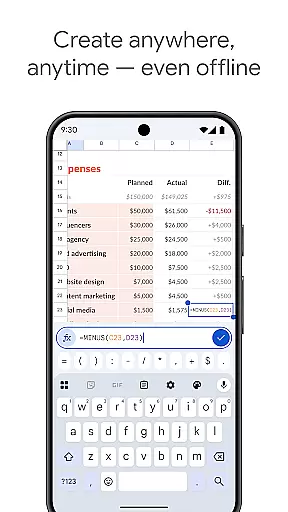
The application supports essential spreadsheet functions such as formatting cells, entering formulas, sorting data, and inserting charts. It also enables users to add comments and respond to others' feedback within the document. These capabilities make it suitable for various professional scenarios, from financial analysis to project management, ensuring users can work productively regardless of their location.
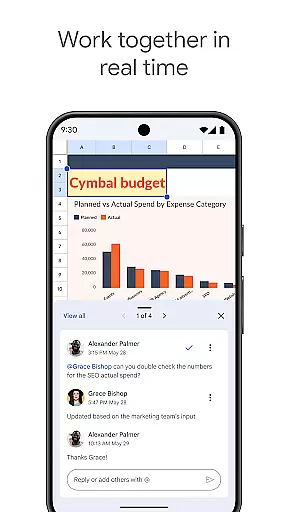
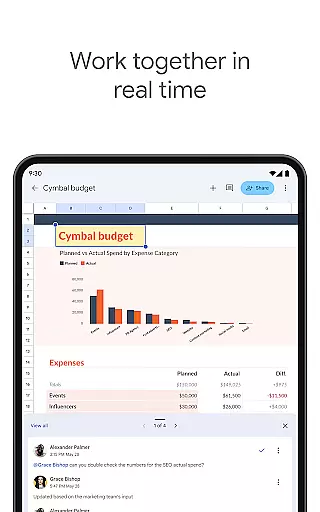
Google Sheets stands out with its rich feature set tailored for productivity. One of its key strengths is the ability to collaborate in real-time, allowing multiple users to work on the same spreadsheet simultaneously. This feature is particularly valuable for remote teams who need to share information and updates instantly.
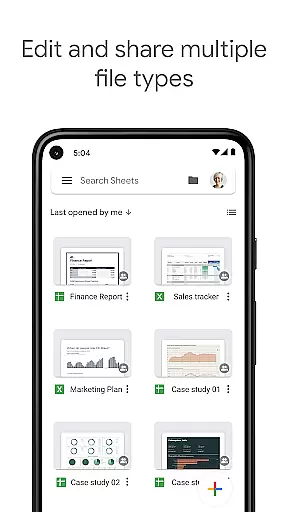
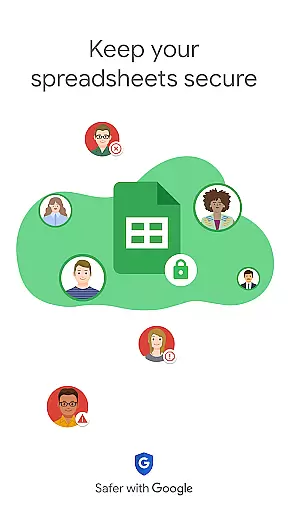
Beyond collaboration, the app provides advanced functionalities such as smart suggestions, which help users quickly gain insights and apply formatting. It also supports seamless transitions between Sheets and Excel, maintaining the integrity of complex files. For enterprise users, Google Sheets offers enhanced security controls and integration with other business-critical tools, making it a versatile choice for organizations of all sizes.
Google Sheets revolutionizes core task management by offering a versatile platform for organizing, tracking, and completing tasks efficiently. With its intuitive interface, users can create detailed spreadsheets that serve as task lists, project trackers, or workflow managers.
The app enables real-time updates and collaboration, ensuring that every team member is on the same page. This feature is crucial for task management as it allows instant communication and seamless updates across all devices, enhancing productivity and accountability within teams.
Users benefit from automatic saving and cloud syncing, which means their data is always up-to-date and accessible from anywhere. This ensures that no progress is lost and tasks can be updated or reviewed at any time, providing peace of mind and continuity in task management.
Cross-device synchronization is a cornerstone of Google Sheets, ensuring that your spreadsheets are consistently updated across all your devices. This reliability is vital for users who switch between their Android phone, tablet, and computer throughout the day.
With Google Sheets, every change made on one device instantly appears on all others, thanks to robust cloud integration. This seamless synchronization empowers users to start a task on their phone during a commute and continue working on it from their desktop at the office without missing a beat.
This level of synchronization reliability not only boosts productivity but also enhances collaboration. Team members can work together in real-time, seeing each other's updates instantly, regardless of the device they are using. This interconnected ecosystem fosters a more dynamic and responsive work environment.
User-friendly interface
Real-time collaboration
Automatic saving
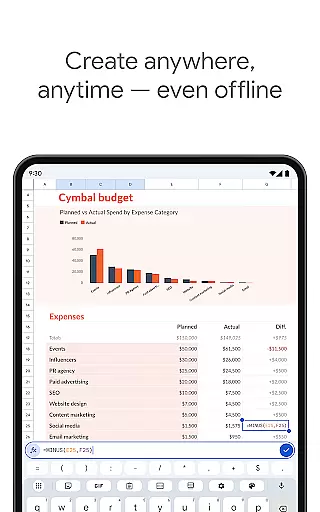
Offline access
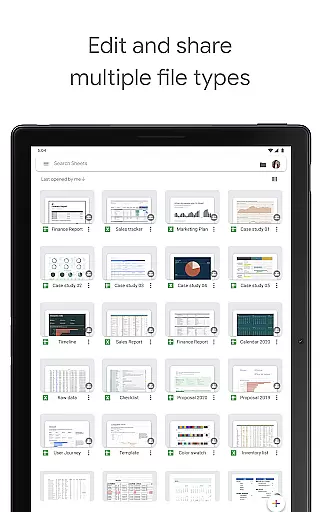
Excel compatibility
Limited advanced features
Requires internet for full functionality
Occasional sync issues
Fewer templates than competitors
Basic chart options

Auto-shutoff Alarm with Sunrise, Sunset & Fixed Options.
 3.50
3.50
Smart PDF reader & editor to view, organize and manage PDF documents easily.
3.70
We're working to become the best machining app on the market! www.cncdirt.com
4.80
App Lock with fingerprint, password: Lock apps & hide photos with lock screens
4.60
Font maker keyboard with your own handwriting
4.10
Simple and reliable communication between inmates, friends and family
3.20
The ultimate file manager for rooted devices. The original and still the best.
4.00
Experience and share your SolidWorks designs on your Android® phone and tablet.
2.50
Ultimate Virtual AI Character for immersive Roleplay Chat. Perfect Companion
3.90
8 custom complications. Custom Time Fonts. Beautiful color schemes. A++ Design.
5.00
A simple Whisper AI keyboard for reliable speech transcription and rewording
4.60
To do list widget with a notebook organizer, checklist, simple shopping list
4.60
Secure your apps with lock screens, use custom themes and different features.
4.40
Access, manage and transfer files on Android, PC, Mac, NAS and cloud storages.
4.30 4.20
4.20
Professional calendar app for Google Calendar, MS Outlook & Exchange
4.20
Secure, open-source, SPICE and SSH Remote Desktop for QEMU KVM virtual machines
4.00
Remotely view listen control and record cameras.
3.70
The upgraded version of Name Wheel with AI and the power to add your own wheels.
4.5


User Reviews