
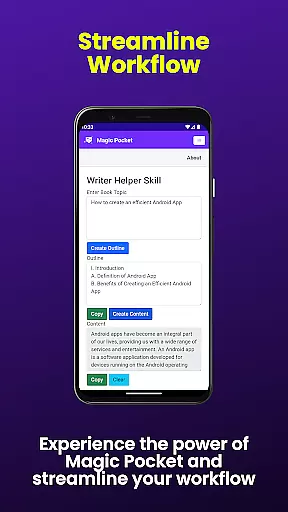
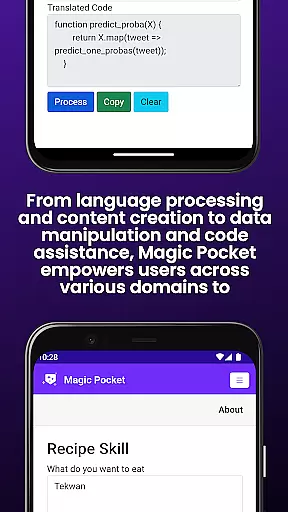
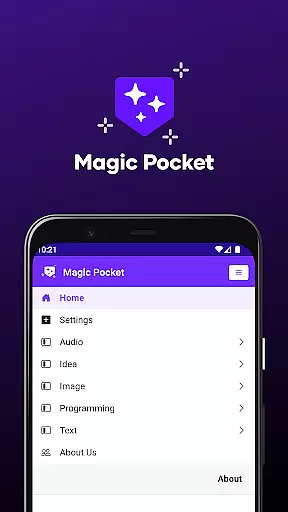
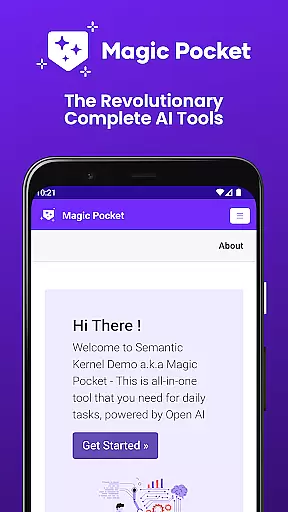
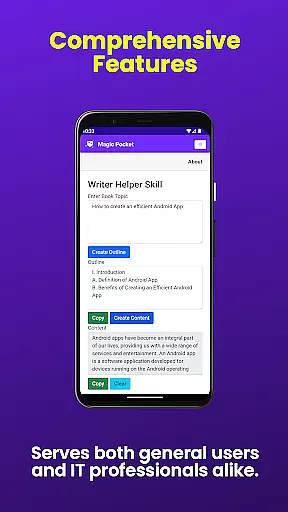
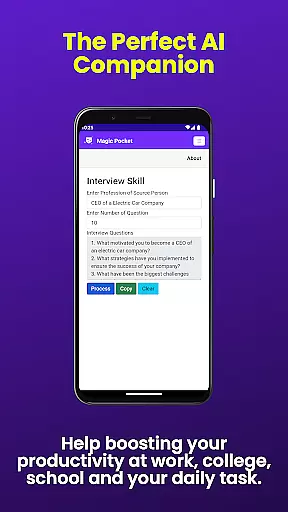
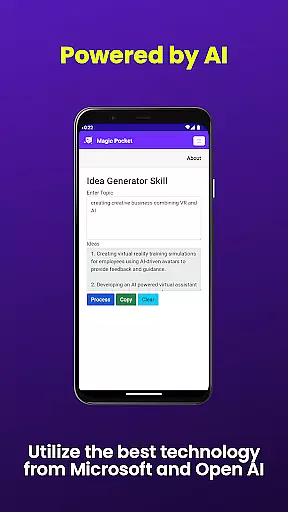
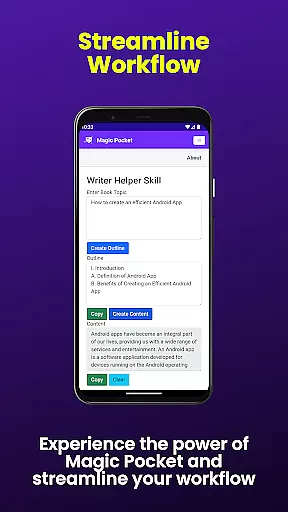
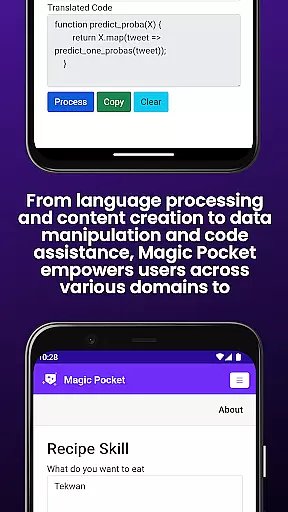
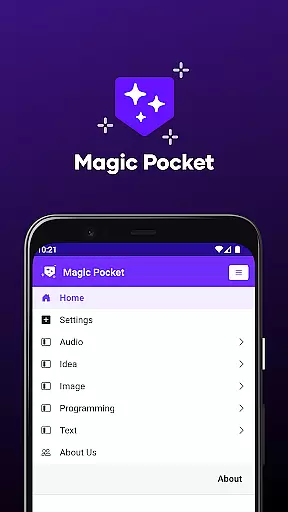
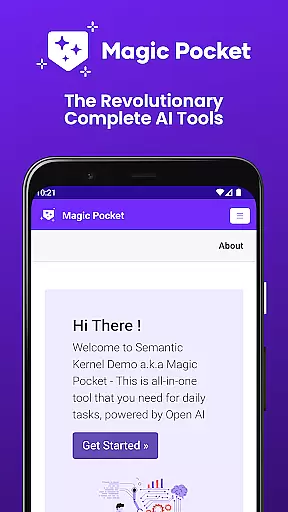
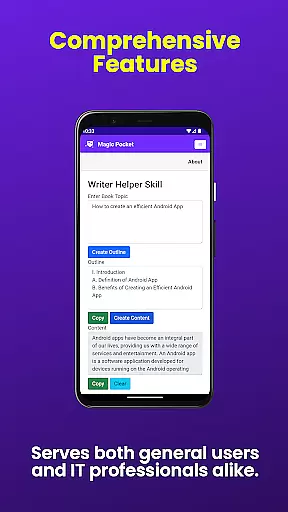
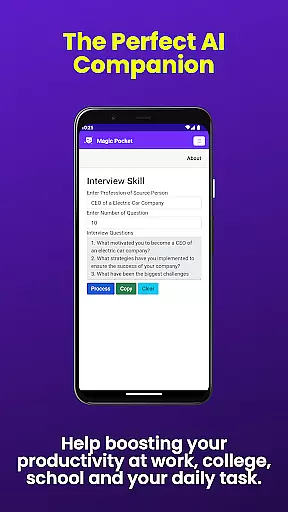
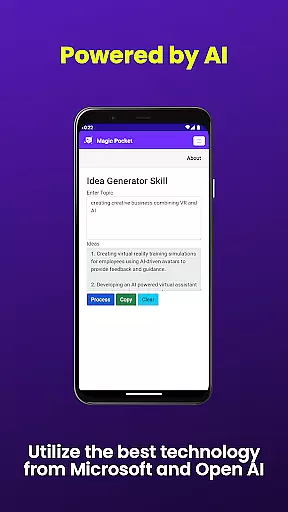
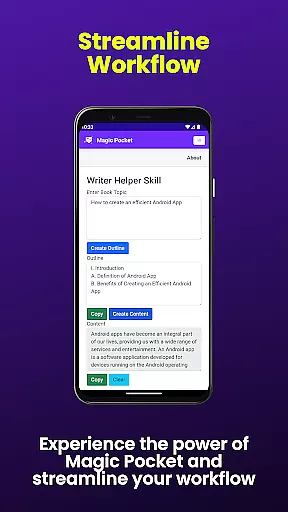
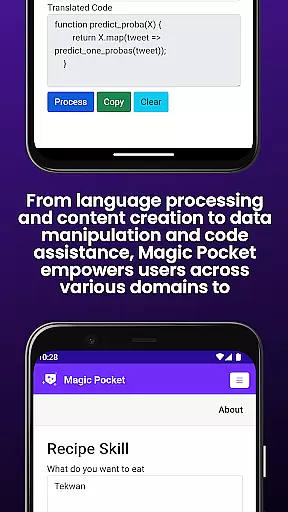
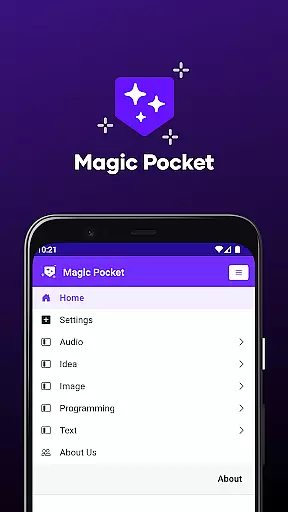
Magic Pocket is a productivity powerhouse, offering users an extensive suite of 100 cutting-edge features designed to enhance creativity and efficiency. Available on Android and Windows platforms, this app provides innovative tools for media management, creative projects, and text transformation.
At its core, Magic Pocket enables seamless video conversations, smooth speech-to-speech translation, and effortless image data extraction. The application stands out with its AI-driven capabilities like animating images with voice commands, generating high-quality videos through the Luma model, and transforming pictures into detailed artworks using the Sana Image Generator from Nvidia.
The true value of Magic Pocket lies in its ability to streamline complex tasks while unleashing users' creative potential. Whether you're crafting professional headshots, converting HTML to Markdown, or manipulating video backgrounds, this versatile tool empowers both individuals and businesses to achieve more in less time.
Magic Pocket distinguishes itself through a diverse range of advanced functionalities that cater to various productivity needs. One standout feature is the Video to Video Generator, which allows users to create new video content by transforming existing footage effortlessly. This capability is particularly valuable for content creators seeking efficient ways to repurpose media assets.
Another remarkable aspect is the app's robust image manipulation toolkit. Users can invert and enhance image resolutions, generate vector graphics, or even convert standard images into expressive emojis. These features are powered by sophisticated AI models such as Photon and Recraft, ensuring professional-grade results without requiring specialized technical skills.
The application also excels in multimedia processing, offering tools for extracting video foregrounds, adding captions to videos, and converting images into 3D assets through Trellis technology. Each feature is carefully designed to save time while maintaining exceptional output quality, making Magic Pocket an indispensable companion for modern digital workflows.
In the realm of productivity, core task management is pivotal for organizing and prioritizing work efficiently. Magic Pocket - AI Tools excels in this area by offering a suite of features that streamline task handling.
With capabilities such as Talk with Video and Speech to Speech, users can manage communications and collaborations without switching contexts, keeping the workflow uninterrupted. The app's ability to handle multimedia tasks, like Extract Image Data and Add Video Caption, further enhances productivity by integrating various task management facets into one platform.
For creative professionals, Magic Pocket provides specialized tools such as Luma Video Generator and Vector Image Generator, allowing for seamless incorporation of creative tasks within the project management process. This ensures that from brainstorming to execution, every step is accounted for within the app.
The true value of Magic Pocket lies in its comprehensive approach to task management, where both routine and complex tasks are executed with precision, granting users more time to focus on strategic activities and innovation.
Cross-device synchronization is essential for maintaining continuity and consistency across different platforms. Magic Pocket - AI Tools addresses this need by ensuring reliable and real-time updates between Android and Windows devices.
Features like Handwriting Generator and Change Video Background are not only powerful on a single device but also shine when it comes to syncing content across devices. Users can start a task on their Windows machine and continue refining it on their Android device without missing a beat.
Magic Pocket's synchronization prowess extends to collaborative environments too. With functions such as Video Foreground Extractor and Photon Image Generator, teams can work together on media projects, confident that changes will be accurately reflected regardless of the device used.
This steadfast reliability in cross-device operations empowers users to work flexibly and efficiently, knowing their data is always up-to-date and accessible wherever they go.
Extensive feature set
Cross-platform support
AI-powered tools
Professional-grade outputs
Regular updates
Steep learning curve
High system requirements
Limited mobile functionality
Subscription costs
Complex interface

Android Wallet Password Manager
 4.80
4.80
Automates browsing any website and notifies you of important changes or events
4.30
⏰ Finally a timer app which can run multiple timers simultaneously on your watch
3.90
Calendar 2023 widget for Android. Appointment scheduler, planner, and reminder
4.60
Access, manage and transfer files on Android, PC, Mac, NAS and cloud storages.
4.30
A comprehensive suite of tools designed specifically for Lactation Consultants
4.1
Secure your apps with lock screens, use custom themes and different features.
4.40
Lightweight PDF, Word, Excel reader.
4.60
Scan paperwork into PDF/JPG, generate your own e-signature and send fax or email
4.70
Native client for Forgejo and Gitea
5.00
Simple notepad & memo. Take notes, to-do list, shopping list with reminders.
4.80
Secure, fast, open-source, Remote Desktop Client for Windows and Linux with SSH
4.60
A Pixel Art watchface inspired by other iconic 90s designs for Wear OS devices!
4.40
All in One PDF Reader: Manage, Read and Edit your Documents
4.20
Todo reminder
4.10
Take control of your clipboard with Clipper!
3.90
Make your handwriting beautiful, even more than pen on paper.
3.60
Auto-shutoff Alarm with Sunrise, Sunset & Fixed Options.
3.50
Code on-the-go with VScode for Android. Edit,debug and collaborate from mobile!!
3.10


User Reviews