
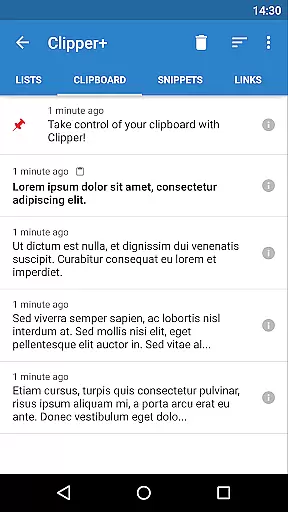
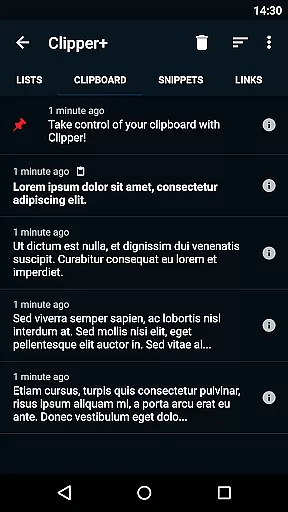
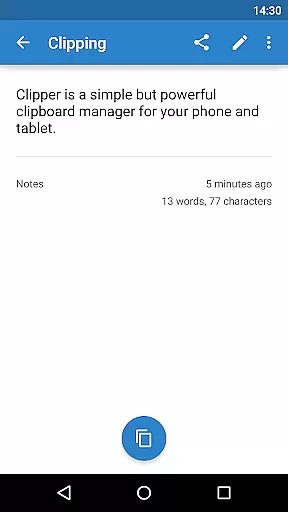
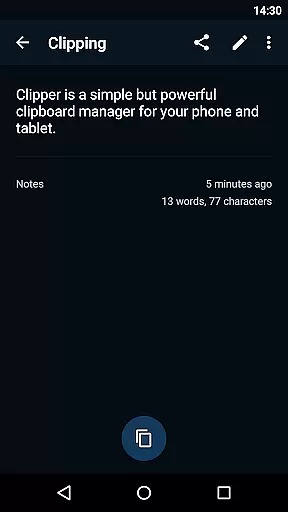
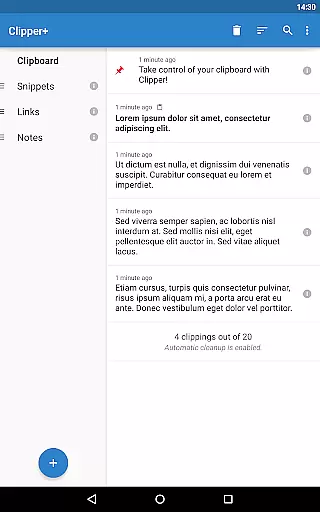
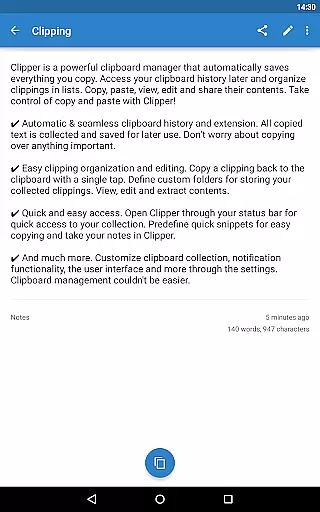
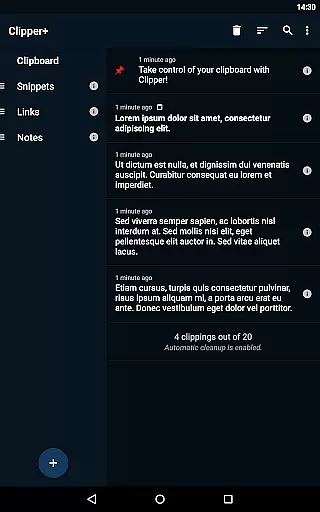
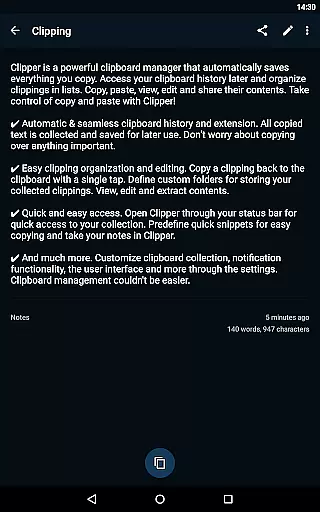
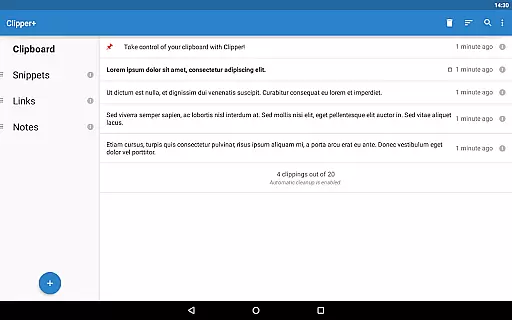
Clipper+: Clipboard Manager is a robust productivity tool designed to enhance your device's clipboard functionality. This app automatically saves everything you copy, allowing you to access, organize, and manage clippings effortlessly. With features like unlimited clipping storage, dynamic values for custom snippets, and powerful search capabilities, it transforms the way you handle copied content.
The app supports seamless integration with your workflow through easy organization options, quick access via the status bar, and predefined snippets for repetitive text. Whether you're managing large volumes of text or need quick access to frequently used phrases, Clipper+ ensures you have the right tools to stay productive.
Use Clipper+ to streamline tasks that require frequent copying and pasting, such as content creation, coding, or data entry. Its intuitive design and extended features make it an essential utility for anyone looking to optimize their daily operations.
Clipper+ offers an extensive range of features tailored to maximize productivity. One standout feature is its ability to store unlimited clippings, ensuring you never lose important copied content due to automatic cleanup. The dynamic values function allows users to insert current date and time into custom snippets, adding flexibility to repetitive tasks.
Organization is made simple with easy-to-manage folders and powerful search functionality. Users can copy clippings back to the clipboard with a single tap, edit contents directly within the app, and even share clippings effortlessly. These capabilities ensure that managing your clipboard history is both efficient and user-friendly.
Additionally, Clipper+ provides quick access through the status bar and predefined snippets for frequently used text. The app is completely ad-free, offering a seamless experience while supporting ongoing development. These features collectively create a comprehensive clipboard management solution that caters to various productivity needs.
Clipper+: Clipboard Manager excels in core task management by offering users an efficient way to handle their clipboard history. This powerful clipboard manager automatically saves everything you copy, allowing for seamless access and organization of collected clippings.
The application provides dynamic features such as unlimited collected clippings, which means you are not restricted to saving only the most recent items. Additionally, it offers dynamic values that let you insert the current date and time into your custom snippets, enhancing productivity.
Users benefit from the easy clipping organization and editing options. With Clipper+, you can define custom folders for storing your clippings, view, edit, and extract contents with minimal effort, streamlining your workflow and keeping important information at your fingertips.
Cross-device synchronization is a pivotal feature for those who use multiple devices and need reliable access to their clipboard data. Clipper+: Clipboard Manager ensures that your collected clippings are available wherever you need them, providing a consistent experience across devices.
While Clipper+ focuses on single-device efficiency, its robust infrastructure lays the groundwork for potential future cross-device functionalities. The app's design emphasizes ease of use and reliability, ensuring that each clipping is accurately saved and easily accessible.
Although direct cross-device sync isn't highlighted in the current feature set, the appu2019s solid organizational capabilities mean that once this feature is integrated, users will enjoy a dependable and intuitive synchronization process, maintaining productivity regardless of the device in use.
User-friendly interface
Unlimited clipping storage
Dynamic snippet customization
Powerful search functionality
Completely ad-free experience
Paid application
Separate installation needed
Requires manual data migration
No built-in cloud sync
Limited multimedia support

A customizable calendar for your Wear OS watch
 4.20
4.20
Experience Reading - Night Mode for Documents
4.40
Native client for Forgejo and Gitea
5.00
Mega cloud explorer plugin for Solid Explorer
3.80
Android Wallet Password Manager
4.80
Subscribe to Webcal & .ics calendars and keep them up-to-date!
4.50
Code on-the-go with VScode for Android. Edit,debug and collaborate from mobile!!
3.10
A simple Whisper AI keyboard for reliable speech transcription and rewording
4.60
Intelligent AI Assistant
4.10
Best Tool for the professionals Electrician, Electrical contractors, etc.
4.90
Mind Map and brainstorm, note taking and idea collection
4.80
App Lock with fingerprint, password: Lock apps & hide photos with lock screens
4.60
Stay on top of your to-dos with Google Tasks, part of Google Workspace.
4.60
Tally and goal counter for Wear OS & mobile
4.50
Docker, Kubernetes management over Portainer Mobile
4.40
Secure your apps with lock screens, use custom themes and different features.
4.40
Make apps & sites with natural language prompts
4.10
Wake up & get tasks done! Add alarms & reminders on the Clock Launcher.
4.00
Experience and share your SolidWorks designs on your Android® phone and tablet.
2.50


User Reviews