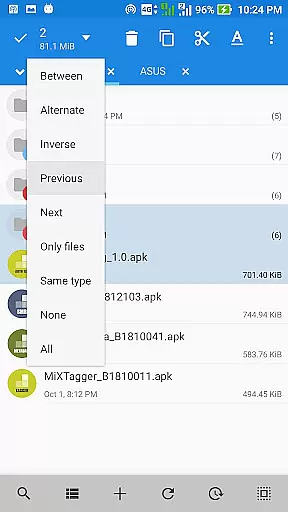
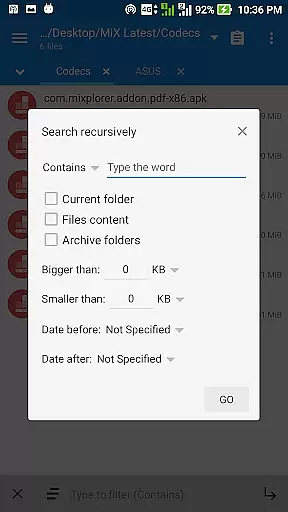
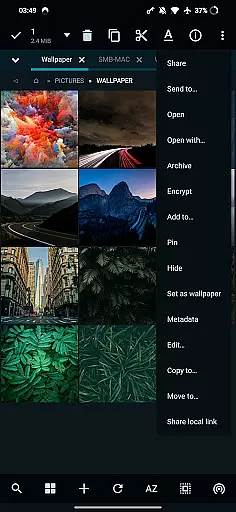
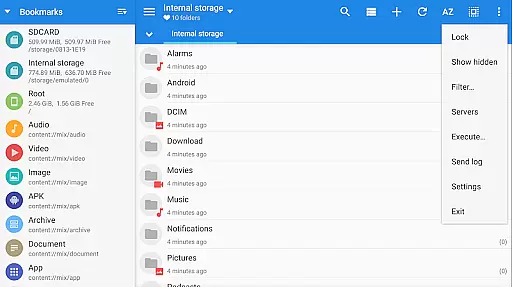
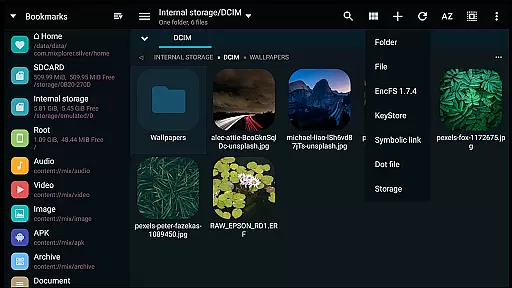
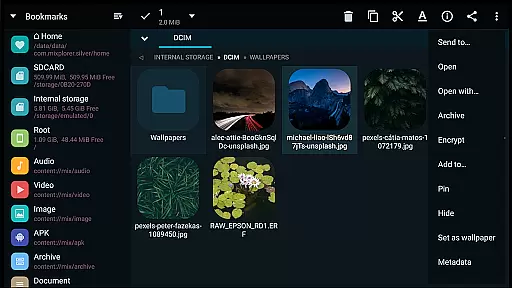
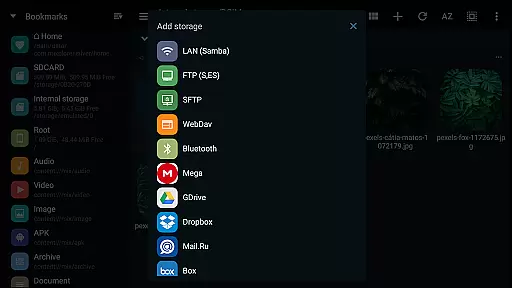
MiXplorer Silver is a comprehensive file management solution that combines the robust MiXplorer file manager with powerful add-ons like Archiver, Image viewer, Tagger, and PDF reader. Designed for productivity enthusiasts, this paid app offers an all-in-one platform to efficiently manage files, archives, and multimedia content while supporting development efforts.
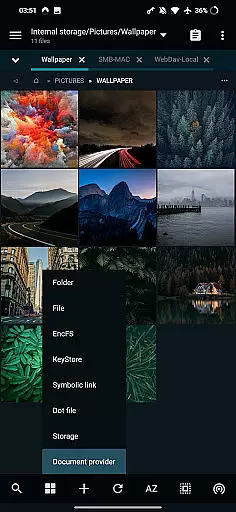
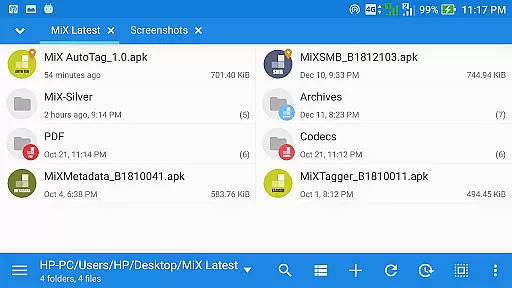
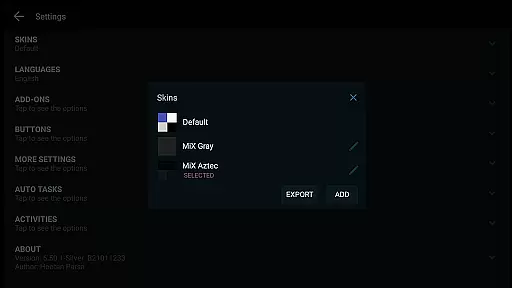
The application stands out with its extensive customization options, allowing users to personalize interface colors, menu layouts, and action buttons. Its advanced functionality includes unlimited tabbed browsing, dual-panel views in landscape mode, and multitasking capabilities through task creation. Whether you're handling local files or managing cloud storage from providers like Google Drive, Dropbox, and OneDrive, MiXplorer Silver ensures seamless access and organization.
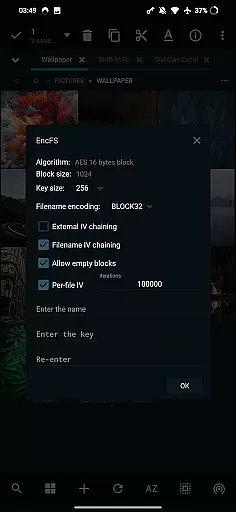
With support for a wide range of file formats including 7z, RAR, EPUB, and multimedia codecs, this app caters to diverse user needs. From root access for advanced operations to EncFS volume support and file encryption, it provides both basic and sophisticated tools for efficient file management.
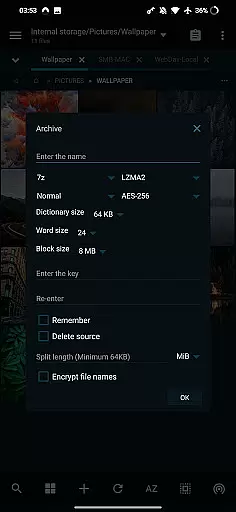
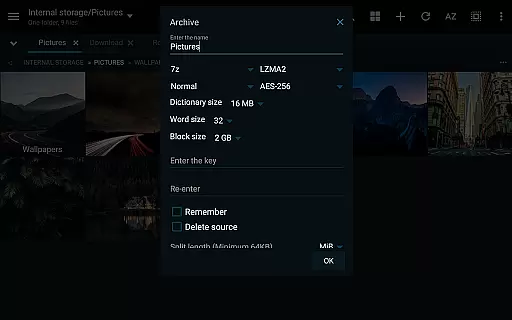
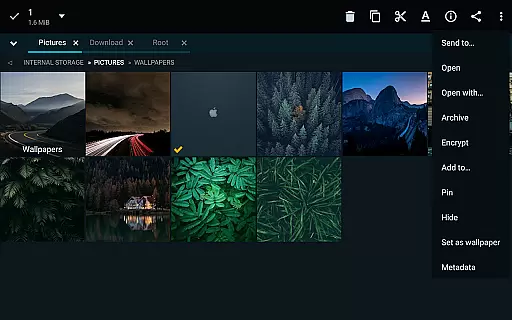
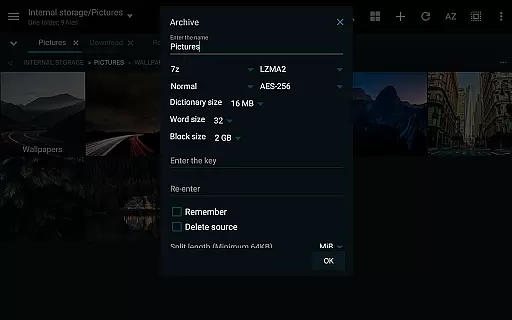
MiXplorer Silver boasts an impressive array of features designed to enhance productivity. The app supports over 20 archive formats for packing and unpacking, including 7z, Zip, TAR, and RAR, while offering specialized functions like modifying zip files and ISO extraction. Its cloud integration is exceptional, providing unified access to multiple cloud services such as Mega.nz, OneDrive, and WebDAV-compatible platforms.
For media enthusiasts, the app includes a built-in HTML viewer, font viewer, and advanced image viewer supporting formats like GIF, SVG, and RAW. The integrated media player handles various video codecs, while the text and code editor facilitates on-the-go editing. Users can also enjoy reading EPUB, MOBI, and PDF files with dedicated add-ons.
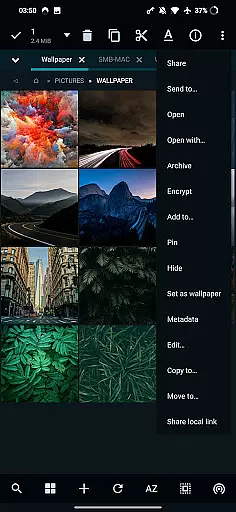
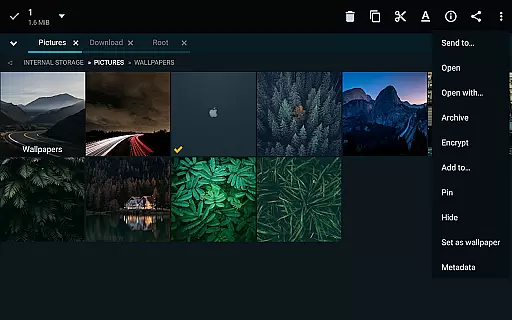
Advanced users will appreciate features like root access, FTP/HTTP servers, SAMBA client support, and APK signing with multiple schemes. The ability to export/import preferences, bookmarks, and customized skins ensures personalized workflows. With drag-and-drop functionality between panels and encryptions using Aescrypt format, MiXplorer Silver delivers both convenience and security.
In the realm of file management, MiXplorer Silver excels with its robust core task management capabilities. This feature allows users to handle multiple operations such as copying, moving, and other file manipulations simultaneously through an intuitive task creation system.
Users can easily create and manage tasks, ensuring that complex file operations are executed smoothly and efficiently. The ability to multitask is crucial for productivity, allowing seamless transitions between different activities without losing track of ongoing processes.
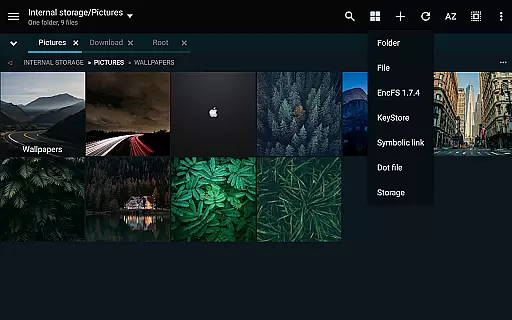
The app's design emphasizes user control, providing options to sort, enable, or disable menu actions and buttons according to personal workflow preferences. This level of customization ensures that each user can tailor the application to fit their unique needs, enhancing overall efficiency.
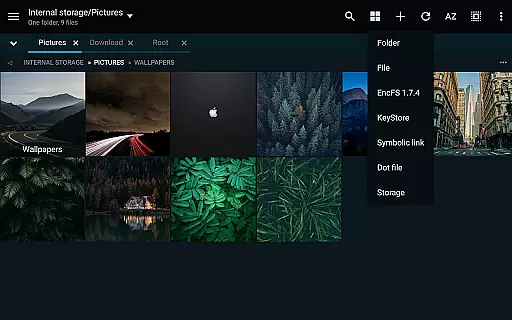
Furthermore, unlimited tabbed browsing and dual-panel support in landscape mode empower users to navigate and manipulate files across different directories effortlessly. Drag-and-drop functionality between panels adds another layer of convenience, making file organization both swift and straightforward.
MiXplorer Silver offers reliable cross-device synchronization, a vital feature for users who manage files across multiple devices. This ensures that your data remains consistent and up-to-date, regardless of which device you are using.
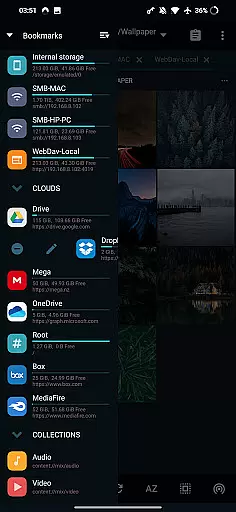
The app supports various cloud storage providers including Google Drive, Dropbox, and OneDrive, enabling seamless access to your files from any location. By integrating these services, MiXplorer Silver provides a centralized platform where all your cloud storage needs are met, enhancing accessibility and convenience.
Moreover, the ability to export and import all preferences, bookmarks, and customized skins guarantees that your personalized settings are preserved across devices. This continuity is essential for maintaining a familiar and efficient working environment, no matter where you are.
With real-time updates and synchronization, users can trust that their changes will be reflected instantly across all linked devices, ensuring data integrity and coherence. This reliability is crucial for professionals and power users who demand high performance and consistency in their daily operations.
Highly customizable UI
Extensive cloud support
Wide format compatibility
Advanced root tools
Secure file encryption
Paid application only
Steeper learning curve
No free version available
Heavy on system resources
Complex for beginners

 4.20
4.20
Total remote control for your Android device, PC and cloud services (IFTTT)!
4.20
Mega cloud explorer plugin for Solid Explorer
3.80
Easily read and manage all your PDF files
4.10
Smart PDF reader & editor to view, organize and manage PDF documents easily.
3.70
⏰ Finally a timer app which can run multiple timers simultaneously on your watch
3.90
Cloud storage, automatic phone backup, and more.
4.10
Code on-the-go with VScode for Android. Edit,debug and collaborate from mobile!!
3.10
Great calculator for Android named one of USA TODAY's "25 Essential Apps".
4.90
Secure, fast, open-source, VNC and SSH Remote Desktop for Windows, Linux and Mac
4.70
Fill, sign & send docs, forms, agreements & contracts via electronic signature.
4.50
Translate text/voice/photos in 150+ languages. Offline & fast translator app.
4.50
A lightweight JSON & XML files creator, editor and viewer (Premium Version)
4.40
Device's storage information in a simple and clear graphical form (infographics)
4.10
Make apps & sites with natural language prompts
4.10
Experience real multitasking on your Android!
4.00
A Revolutionary All-in-One Artificial Intelligence Tools
3.80
ID.me Authenticator is a simple and free Two Factor Authentication solution
3.50
Ads Free App! Editor, Hide File, Copy, Move, Delete and Rename.. all facility av
1.70


User Reviews