
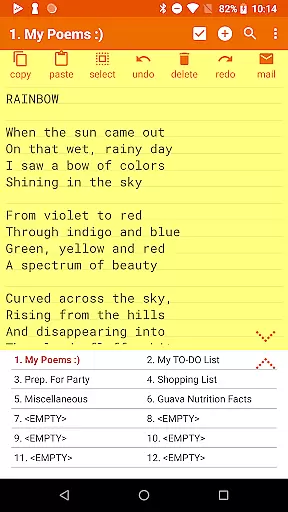
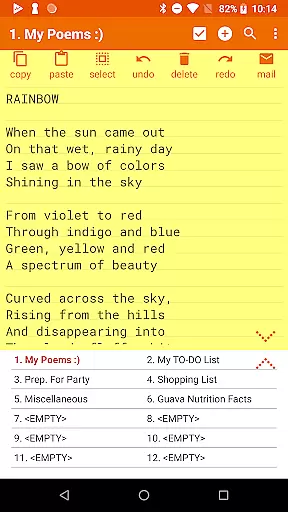
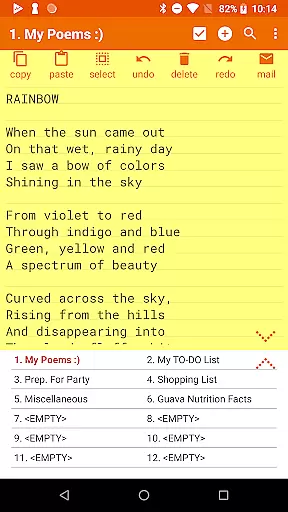
Notepad Pro represents the pinnacle of minimalist productivity tools, offering users an efficient way to manage notes on their Android devices. This versatile notepad application stands out with its auto-save functionality and unlimited note slots, ensuring that no idea is ever lost. The app's compact size of just 0.3MB means it won't take up valuable space on your device, while still delivering powerful features.
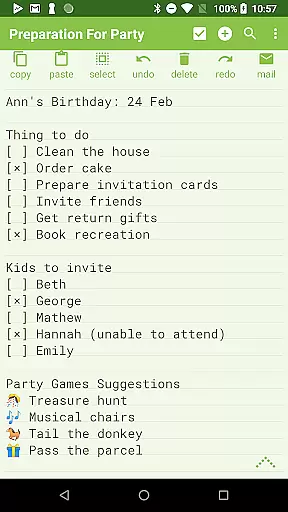
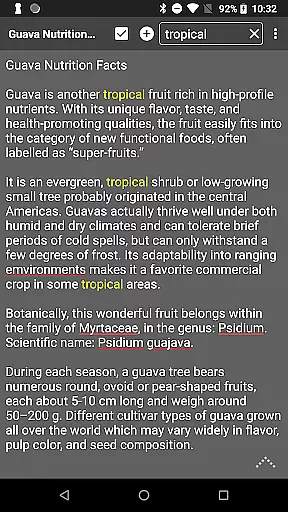
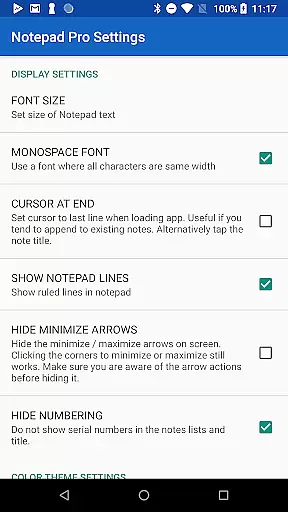
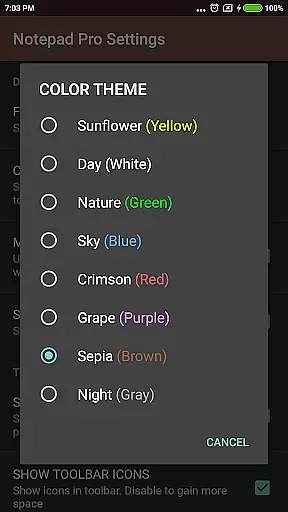
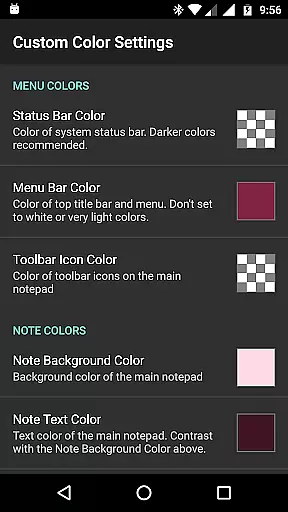
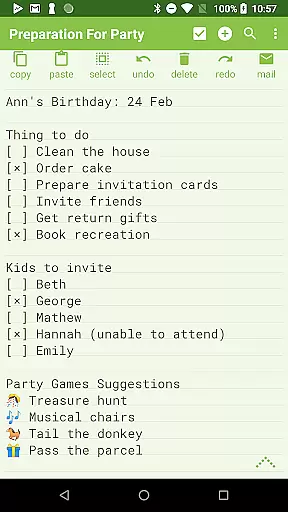
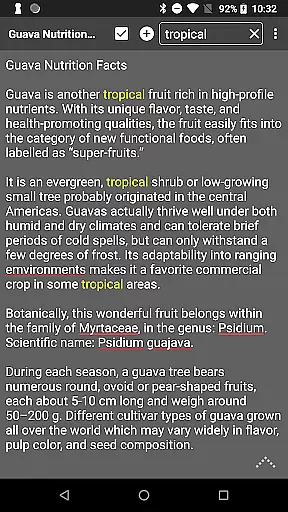
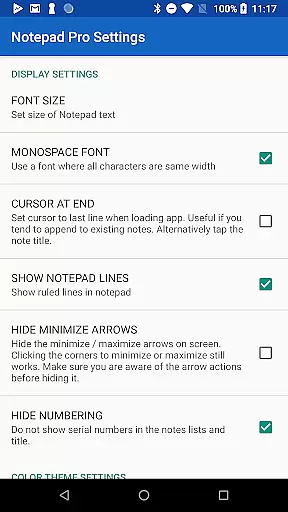
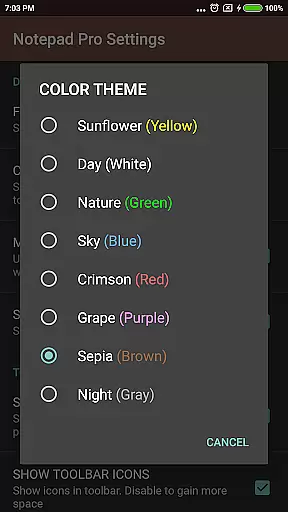
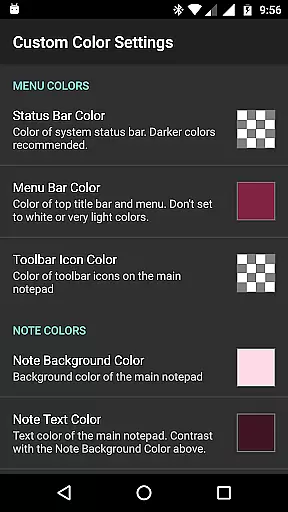
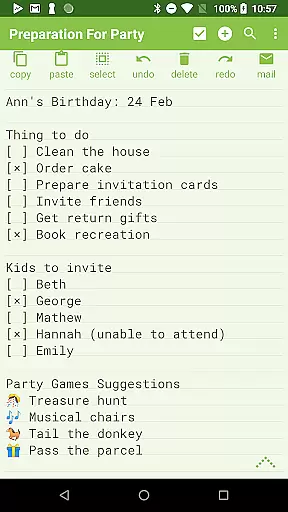
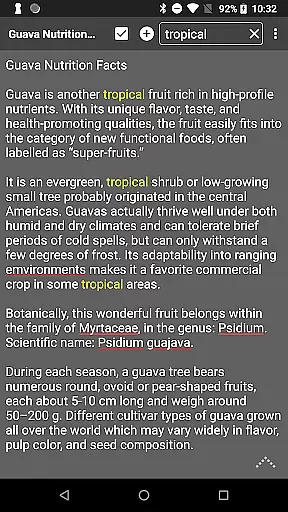
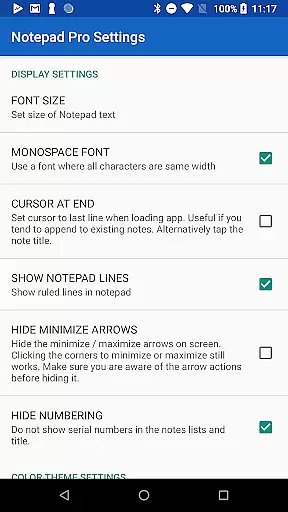
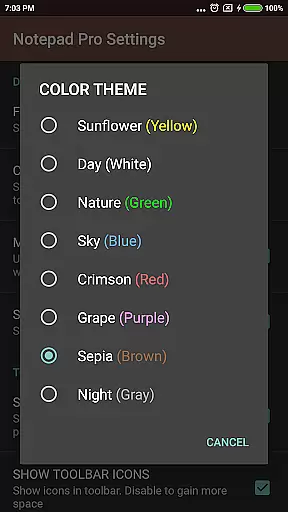
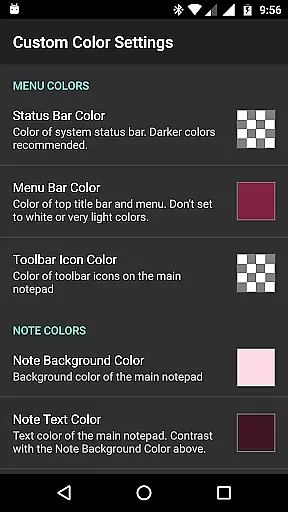
Beyond basic note-taking, Notepad Pro provides advanced capabilities such as in-line checklist creation, cross-note search functionality, and desktop widget support. Users can customize their experience through various display options including custom themes and full-screen viewing. The app also emphasizes data security with comprehensive backup and restore features, making it an essential tool for both personal and professional use.
Notepad Pro distinguishes itself through a robust set of features designed to enhance productivity. The application offers unlimited notepad slots alongside advanced organizational tools like custom sorting and categorization options. Its tiny footprint belies a powerful feature set including read-only mode, selective import/export capabilities, and customizable backup frequencies.
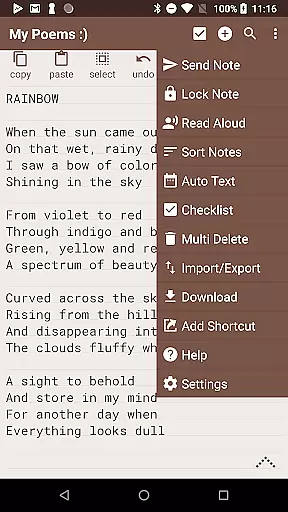
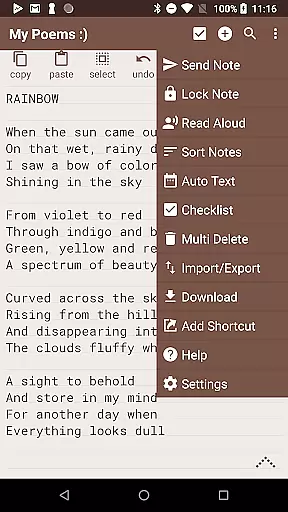
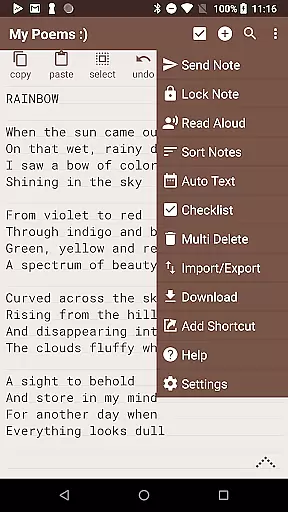
The app's accessibility features are particularly noteworthy, with options for reading notes aloud, creating desktop shortcuts, and enhanced navigation controls. Sharing capabilities have been thoughtfully implemented, allowing users to open text from external applications, attach notes as files in emails, and specify preferred email clients. These features collectively create a comprehensive note-taking solution that adapts to various user needs and workflows.
Notepad Pro excels in core task management by offering users a versatile Auto Save Notepad with unlimited notepad slots. This ensures that users can manage multiple tasks simultaneously without the fear of losing any information due to storage constraints.
The app goes beyond simple note-taking by providing in-line checklist capability and search functionality within and across notes. These features allow users to organize their tasks efficiently and retrieve information quickly, enhancing productivity.
Additionally, the app's tiny size of just 0.3 MB and lack of unwanted permissions make it a lightweight yet powerful tool for task management on Android devices. Users can enjoy a seamless experience without compromising device security or performance.
While Notepad Pro focuses on device-specific features, its ability to safeguard and share notes offers a form of cross-device synchronization. The app allows users to download notes and backups locally, which can then be transferred to other devices.
With options to import/export notes selectively, users can maintain reliable synchronization of their important information across different platforms. This feature is crucial for users who work on multiple devices and need consistent access to their notes.
Moreover, the app supports creating desktop shortcuts to any note and attaching notes as files in emails. These functionalities facilitate easy access and sharing, ensuring that users can stay productive regardless of the device they are using.
Lightweight design
Unlimited note storage
Advanced backup options
Customizable interface
Cross-note search capability
Paid version only
No cloud sync
Limited formatting options
Android exclusive
Basic UI design

Direct Chat without saving contacts & Dual WA Account on Single Device
 4.70
4.70
Android Wallet Password Manager
4.80
A lightweight JSON & XML files creator, editor and viewer (Premium Version)
4.40
Stay on top of your to-dos with Google Tasks, part of Google Workspace.
4.60
Translate text/voice/photos in 150+ languages. Offline & fast translator app.
4.50
A simple Whisper AI keyboard for reliable speech transcription and rewording
4.60
The ultimate file manager for rooted devices. The original and still the best.
4.00
Access your phone's notifications, calls, apps, photos & texts on your PC
3.90
Note taking, handwriting, record audio, PDF annotation, planner & journal
4.20
8 custom complications. Custom Time Fonts. Beautiful color schemes. A++ Design.
5.00
Absolutely the best CNC machinist speed and feed calculator around. fswizard.com
4.60
PDF scanner & converter for files, photos, lottery, QR codes. One swipe away!
4.50
Subscribe to Webcal & .ics calendars and keep them up-to-date!
4.50
Docker, Kubernetes management over Portainer Mobile
4.40
A Pixel Art watchface inspired by other iconic 90s designs for Wear OS devices!
4.40
Professional calendar app for Google Calendar, MS Outlook & Exchange
4.20
Font maker keyboard with your own handwriting
4.10
A Revolutionary All-in-One Artificial Intelligence Tools
3.80
Auto-shutoff Alarm with Sunrise, Sunset & Fixed Options.
3.50


User Reviews