
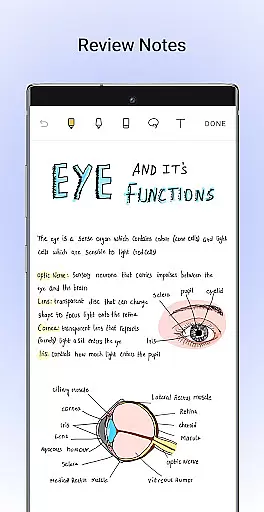
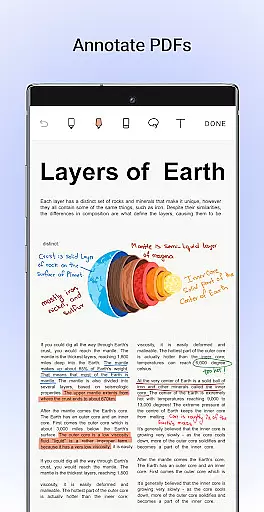
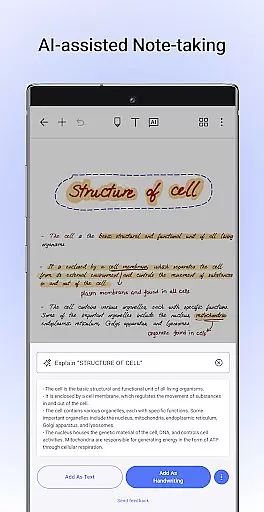
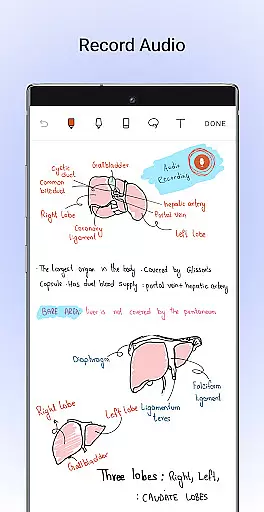
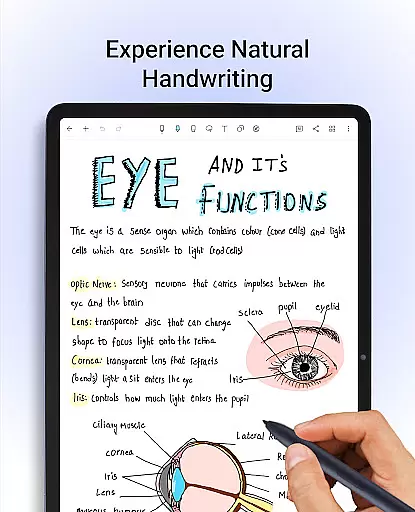
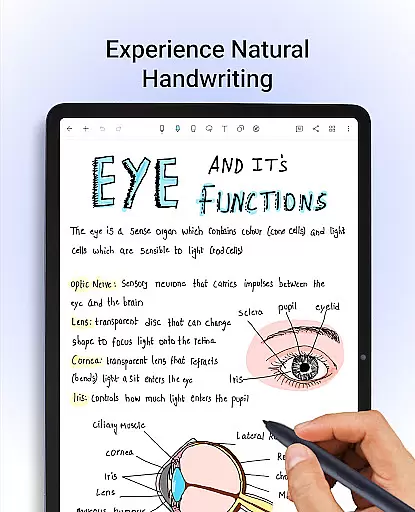
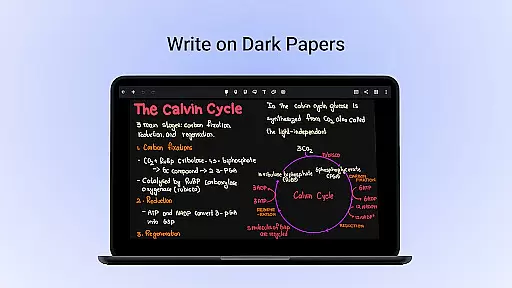
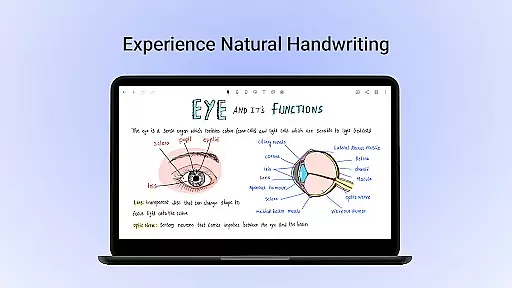
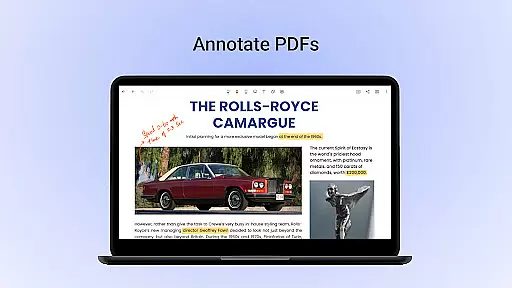
Noteshelf is a comprehensive note-taking app designed for Android users, offering a digital solution to replace traditional pen and paper. It allows students, teachers, and professionals to take beautiful handwritten notes with realistic pens and highlighters, annotate PDFs, record audio notes, and even convert handwriting to typed text through OCR in 65 languages. The app supports various stylus options and offers specialized features like quick-erase on Samsung Galaxy Note devices.
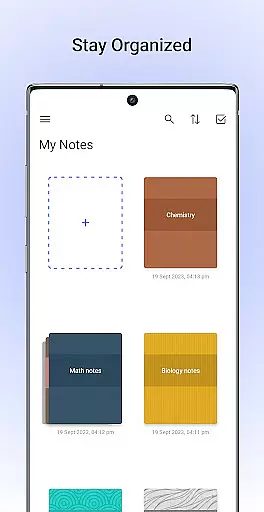
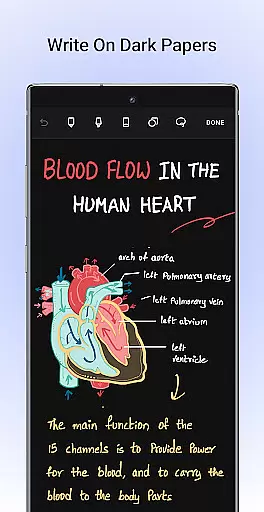
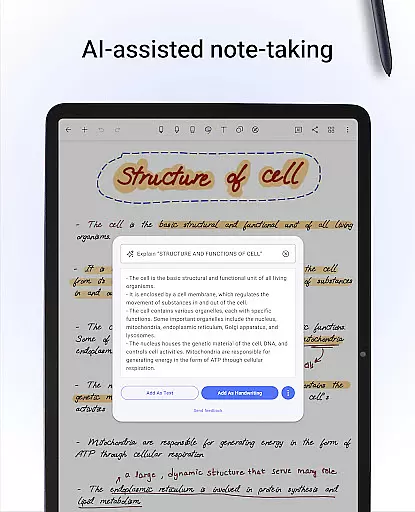
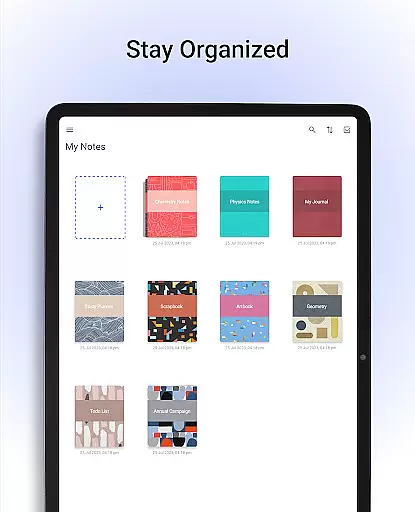
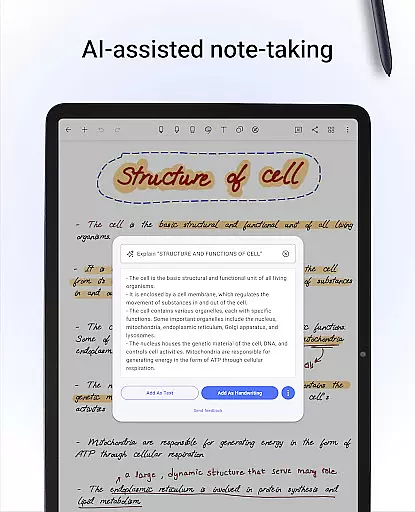
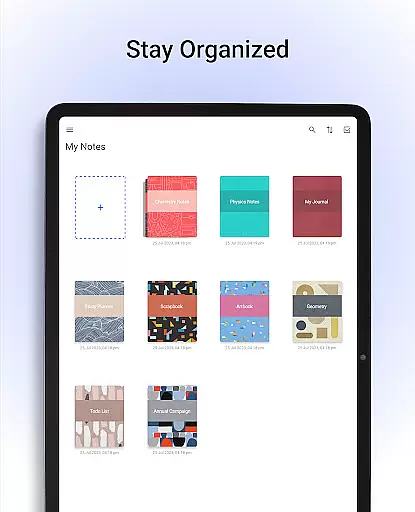
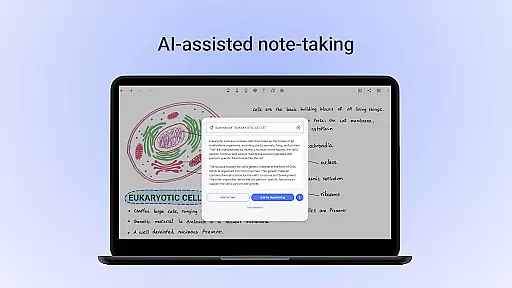
Beyond basic note-taking, Noteshelf provides advanced organizational tools such as customizable notebook covers, templates for different needs, and the ability to sync notes via Google Drive. With Noteshelf AI, users can generate notes, summarize content, translate text, and more. The app also includes productivity-enhancing features like shape recognition, dark mode, and integration with cloud services for backup and cross-device access.
Whether you're managing school assignments, preparing lesson plans, or organizing work projects, Noteshelf ensures your notes are well-structured, easily accessible, and secure. Its combination of creative tools, intelligent features, and seamless synchronization makes it an ideal choice for anyone seeking a smarter way to manage their digital notes.
Noteshelf stands out with its diverse range of features tailored to enhance productivity and creativity. One of its core strengths is the natural handwriting experience, which includes realistic pens, highlighters, and support for multiple styluses. This feature allows users to create colorful and engaging notes while maintaining the familiarity of traditional writing.
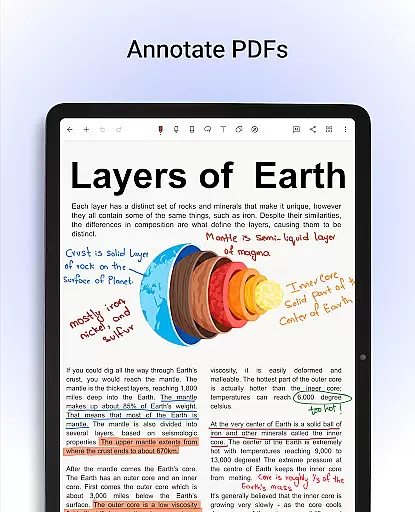
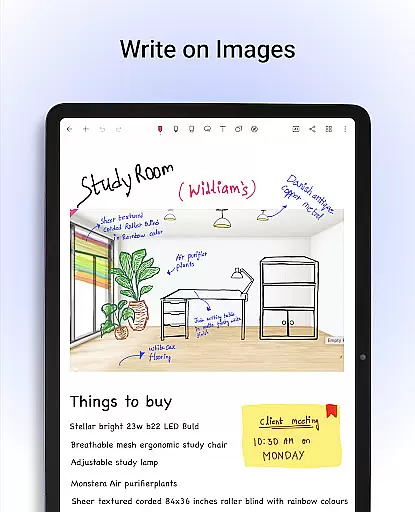
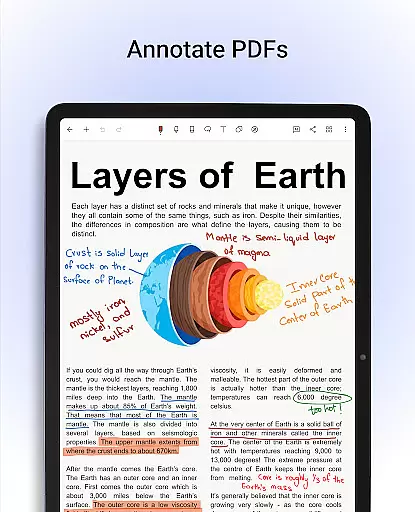
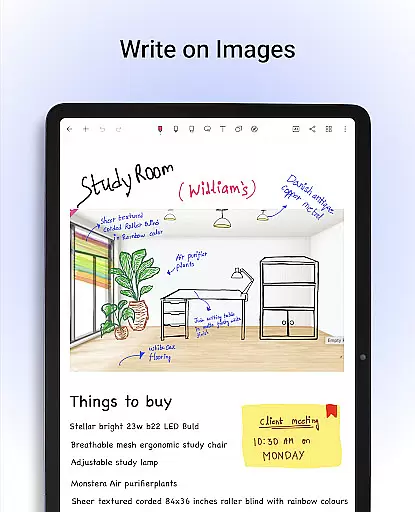
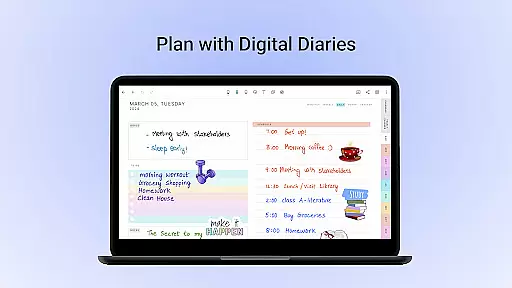
The app also excels in document management and customization. Users can annotate PDFs, write on images, and choose from over 200 templates for various purposes like lesson planning, bullet journaling, and health tracking. Additionally, Noteshelf AI adds a layer of intelligence by generating notes, summarizing content, and translating text, making it a powerful tool for both personal and professional use.
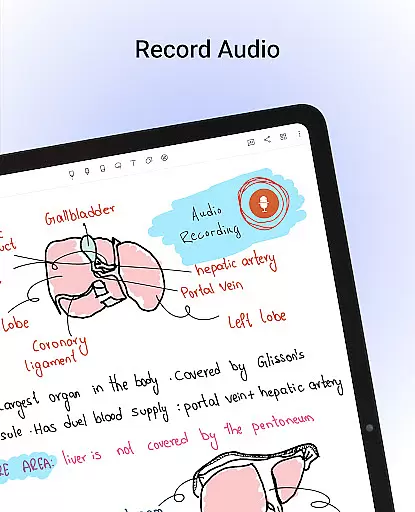
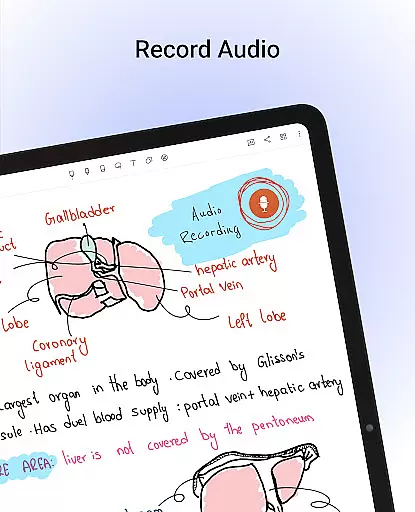
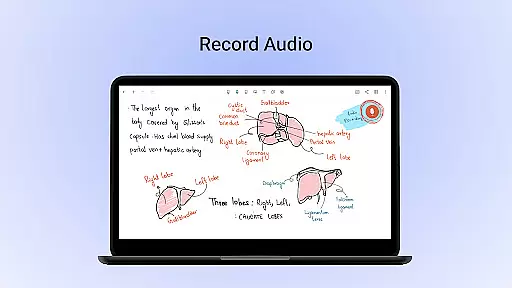
Other notable features include audio recording during lectures or meetings, automatic backups to cloud services, and the ability to share notes as images. With functionalities like shape recognition, dark mode, and integrations with platforms like Evernote, Noteshelf ensures that users have all the tools they need to stay organized and efficient.
Noteshelf excels in core task management by offering a comprehensive suite of tools designed to enhance productivity. The app allows users to take beautiful handwritten notes with realistic pens and highlighters, making note-taking not only efficient but also enjoyable. With support for various styluses, including the Samsung Galaxy Note's S-pen, users can erase quickly and effortlessly, ensuring a seamless experience.
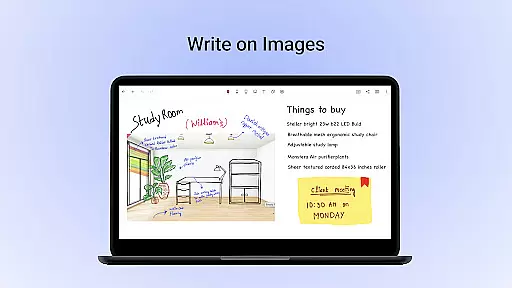
In addition to handwriting, Noteshelf enables users to annotate PDFs and write on images, providing versatile formatting tools that cater to different needs. Whether editing school notes, grading papers, or signing documents, the app ensures precision and clarity. This functionality is crucial for students, teachers, and professionals who require accurate and organized digital notes.
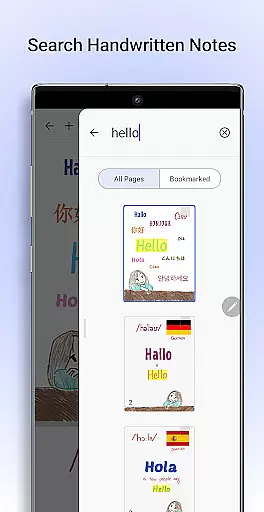
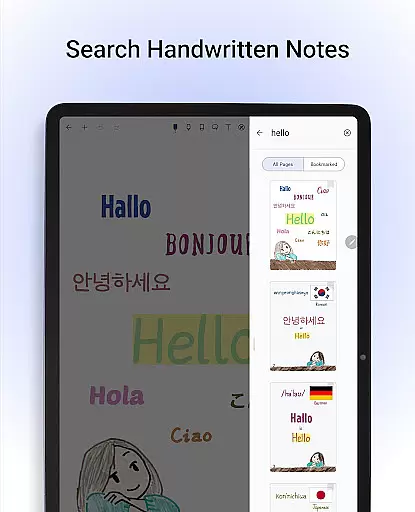
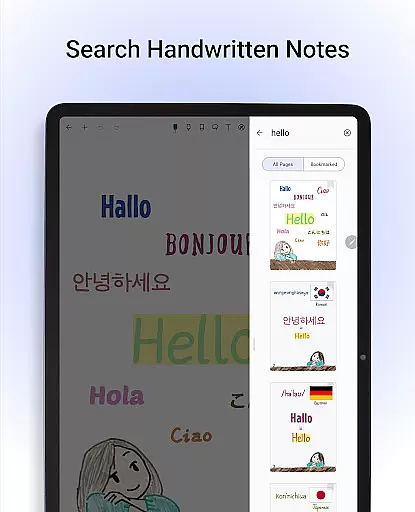
The app further enhances task management through its powerful search capabilities and OCR technology. Users can search through their handwritten notes in 65 languages and convert them into typed text seamlessly. This feature saves time and boosts productivity by allowing quick access to information. Moreover, Noteshelf AI adds an intelligent layer, understanding handwriting and assisting with tasks like summarizing notes and translating text.
Overall, Noteshelf's robust task management features ensure that users can efficiently organize and manage their notes, enhancing both personal and professional workflows.
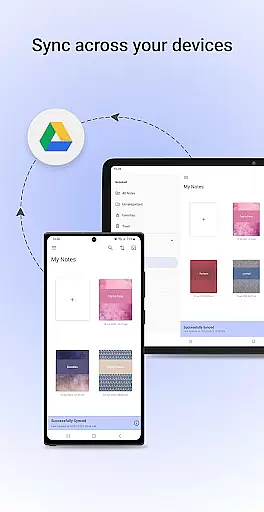
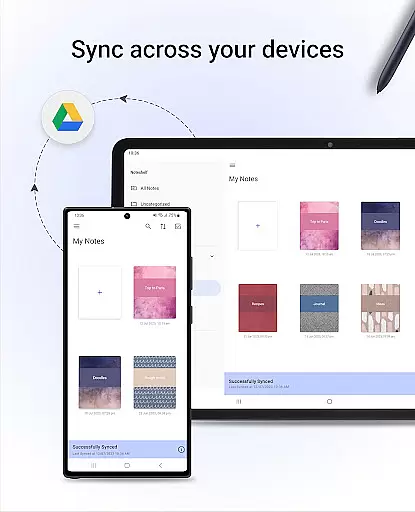
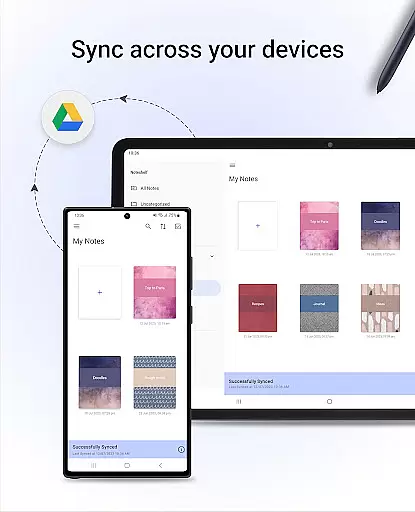
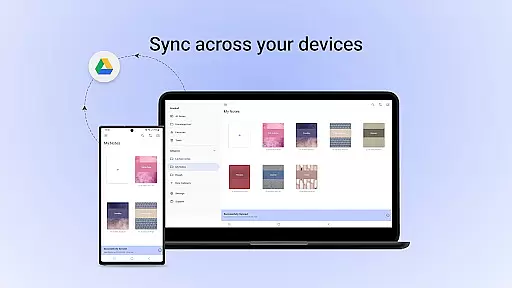
Cross-device synchronization is a standout feature of Noteshelf, ensuring that users can access their notes anytime and anywhere. By syncing notes via Google Drive, the app allows effortless access across multiple Android devices. This reliable synchronization ensures that users never lose important information and can continue their work seamlessly from different locations.
Noteshelf offers auto-backup options to popular cloud services such as Google Drive, OneDrive, Dropbox, and WebDAV. This automatic backup feature provides an extra layer of security, safeguarding notes against data loss. Additionally, users can publish their notes to Evernote, accessing them from any location and ensuring that their information is always up-to-date and available.
The app's ability to sync and backup across various platforms highlights its commitment to reliability and user convenience. Whether switching between devices or working remotely, users can trust that their notes are securely stored and easily accessible. This cross-device functionality is essential for maintaining productivity in today's fast-paced world.
By prioritizing synchronization reliability, Noteshelf ensures that users can focus on their tasks without worrying about data integrity or accessibility. This peace of mind is invaluable for students, educators, and professionals who rely on consistent access to their digital notes.
User-friendly interface
Realistic handwriting tools
Versatile annotation options
Advanced AI capabilities
Robust cloud integration
Limited free features
Requires learning curve
Occasional syncing issues
Premium subscription cost
Heavy storage usage

Create study competitions, track your hours, and stay consistent with friends
 4.1
4.1
Unlock AutoNotification
4.00
The Pro Version of Android's tiniest Notepad app. Just 0.3MB but feature-packed!
4.60
We're working to become the best machining app on the market! www.cncdirt.com
4.80
Fill, sign & send docs, forms, agreements & contracts via electronic signature.
4.50
Scientific calculator for Android - looks and operates like the real thing!
4.90
Understand anything with a personalized AI research assistant
4.80
AI Chatbot and AI writing assistant powered by ChatGPT.
4.60
Seamlessly read, manage, and organize all your PDF files solution in one place
4.40
Quickly and easily keep track of your work shifts
4.70
A lightweight JSON & XML files creator, editor and viewer (Premium Version)
4.40
Font maker keyboard with your own handwriting
4.10
Mega cloud explorer plugin for Solid Explorer
3.80
All in one sketching tool. Technical and General drawing. Online Maps support.
3.70
Smart PDF reader & editor to view, organize and manage PDF documents easily.
3.70
Make your handwriting beautiful, even more than pen on paper.
3.60
AI Video AI Image Private LLM AI Browser Llama Gemma Ollama Connect LLM Studio
4.2
The upgraded version of Name Wheel with AI and the power to add your own wheels.
4.2
A comprehensive suite of tools designed specifically for Lactation Consultants
4.5


User Reviews