
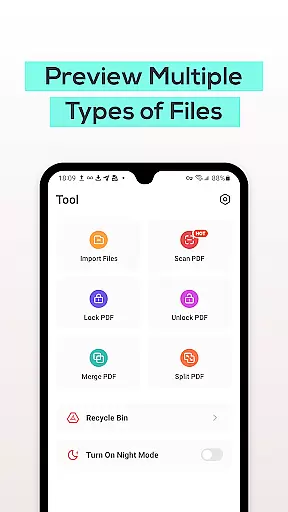
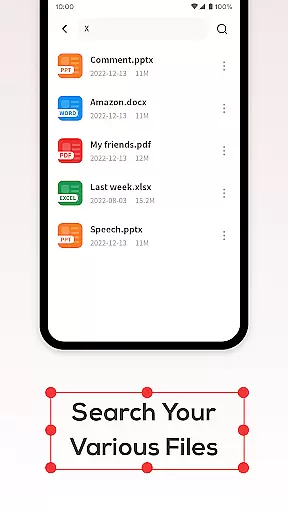
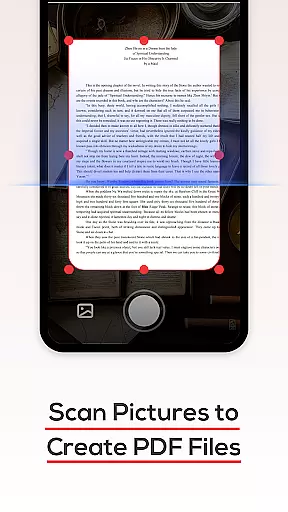
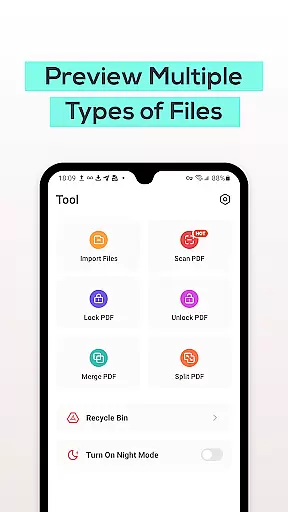
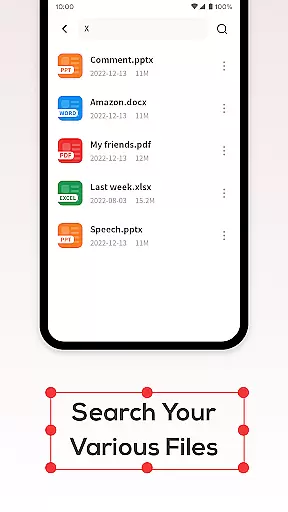
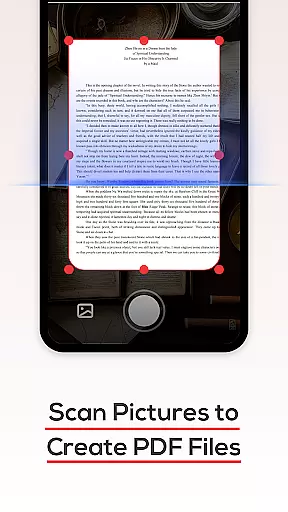
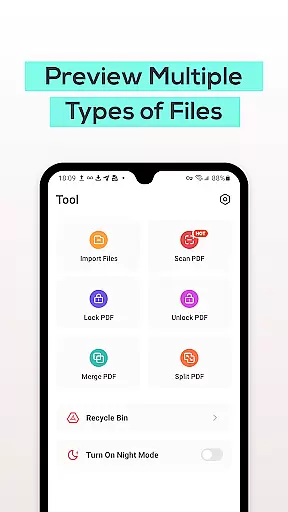
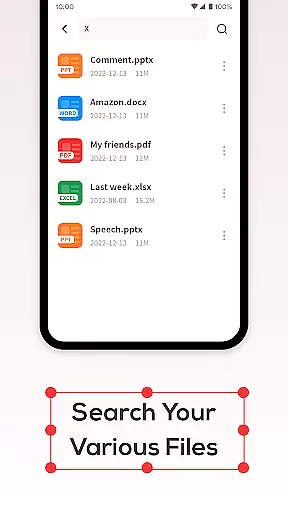
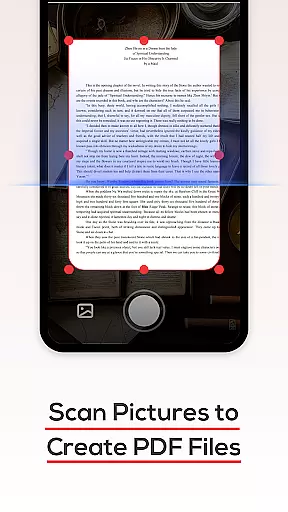
PDF File Reader is a powerful productivity tool designed to streamline document management on mobile devices. This application allows users to efficiently handle PDF files, offering essential features such as viewing, editing, and organizing documents. With support for multiple file formats including Word, PowerPoint, and Excel, it ensures comprehensive compatibility across various document types.
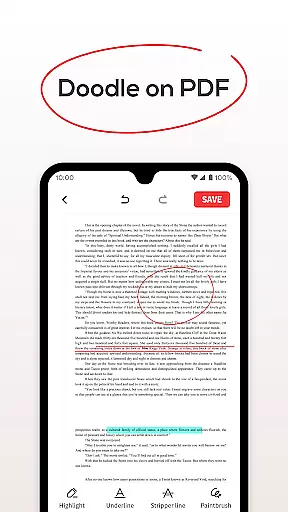
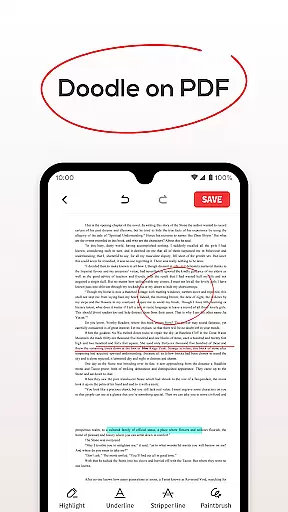
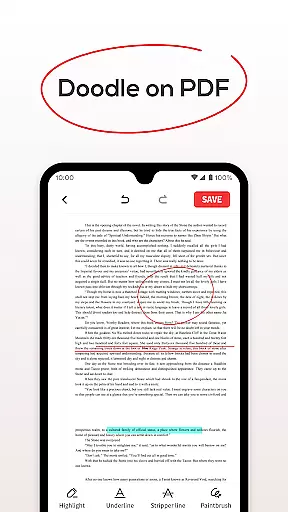
The app's intuitive interface enables quick processing of PDF files while providing useful functionalities like text highlighting, underlining, and simple annotations. Its robust search function helps users locate specific documents without delay, making it ideal for professionals who need instant access to important files. Additionally, the integrated Recycle Bin feature offers a safety net by temporarily storing deleted items for up to seven days before permanent removal.
Whether you're a student managing research papers or a business professional handling reports, PDF File Reader simplifies your workflow by combining essential tools into one convenient package. By optimizing document management tasks, this app enhances productivity and saves valuable time.
PDF File Reader stands out with its diverse range of features tailored to enhance document management. One of its core strengths is the ability to open and manipulate PDF files effortlessly. Users can perform various operations such as adding highlights, underlines, and annotations directly within the app, ensuring that important information is easily identifiable.
A notable feature is the efficient search functionality, which allows users to quickly locate specific PDF documents without lengthy wait times. This is particularly beneficial for individuals dealing with large volumes of files. Furthermore, the app includes a unique Recycle Bin option, providing users with the flexibility to either permanently delete files or move them to a temporary storage area for up to seven days.
Compatibility with multiple file formats sets this app apart from competitors. Whether you need to view Word documents, PowerPoint presentations, or Excel spreadsheets, PDF File Reader supports seamless transitions between different file types. These features collectively contribute to a more organized and productive workflow, catering to both personal and professional needs.
In the realm of productivity, managing tasks efficiently is paramount. PDF File Reader excels in this area by offering a suite of features designed to streamline your document handling experience.
At its core, the app allows you to open and manipulate PDF files with ease. You can perform essential operations such as highlighting text, adding underlines, and filling forms, which are crucial for effective task management within documents.
Beyond just viewing capabilities, the application simplifies your workflow by enabling quick searches for PDF documents. This feature ensures that you spend less time searching and more time working, significantly enhancing your productivity.
Moreover, the inclusion of a recycle bin adds another layer of task management sophistication. It provides a safety net when deleting files, allowing users to restore accidentally removed documents within seven days, thus ensuring peace of mind while managing important files.
For professionals and students alike, having reliable access to documents across multiple devices is a necessity. PDF File Reader addresses this need by ensuring that your files are accessible wherever you go.
While the current version focuses on local file management, it lays a solid foundation for future cross-device synchronization features. The robust framework for handling PDFs suggests potential for seamless integration with cloud services or other synchronization methods.
The app's efficient processing of documents, including support for word, ppt, and excel viewing, indicates a versatile core that could easily adapt to syncing these formats across devices without compromising quality or speed.
Although explicit details about synchronization aren't provided, the app's comprehensive approach to document managementu2014including advanced search capabilities and thoughtful recycle bin functionalityu2014implies a commitment to developing reliable, user-focused features that would extend naturally to maintaining consistent access across different platforms.
User-friendly interface
Multi-format support
Efficient search function
Recycle Bin feature
Quick document processing
Limited advanced editing
No cloud integration
Basic annotation tools
Occasional lag
Ads in free version

A customizable calendar for your Wear OS watch
 4.20
4.20
Native client for Forgejo and Gitea
5.00
Unlock AutoNotification
4.00
IP Camera Viewer - Android TV : RTSP Surveillance camera viewer for Android TV
4.3
Stay on top of your to-dos with Google Tasks, part of Google Workspace.
4.60
Multilingual translator for text, voice, and image translation!
4.90
Tally and goal counter for Wear OS & mobile
4.50
Simple notepad & memo. Take notes, to-do list, shopping list with reminders.
4.80
Okta MFA
4.70
A beautiful digital clock with autostart and many other functions
4.70
Absolutely the best CNC machinist speed and feed calculator around. fswizard.com
4.60
Fill, sign & send docs, forms, agreements & contracts via electronic signature.
4.50
A lightweight JSON & XML files creator, editor and viewer (Premium Version)
4.40
This small app MUST BE INSTALLED after purchase, else license won't work
4.40
Cloud storage, automatic phone backup, and more.
4.10
Activate Two Factor Authentication (2FA or Multi OTP), Password manager and more
4.10
Secure, open-source, SPICE and SSH Remote Desktop for QEMU KVM virtual machines
4.00
Auto-shutoff Alarm with Sunrise, Sunset & Fixed Options.
3.50
Easiest event planning, volunteer signups & parent teacher conference scheduling
2.20


User Reviews