
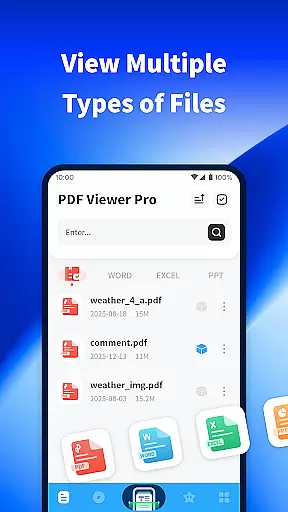
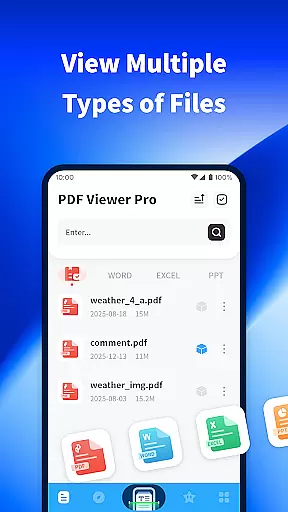
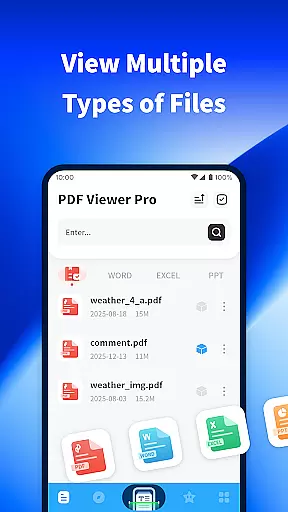
PDF Viewer Pro is a versatile productivity application designed to enhance document management and reading experiences. This app allows users to open, view, and manage files in various formats, making it an essential tool for both personal and professional use. With features like file scanning, PDF annotation, and night mode support, it ensures maximum usability across different scenarios.
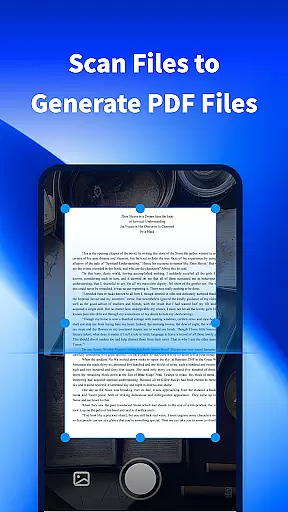
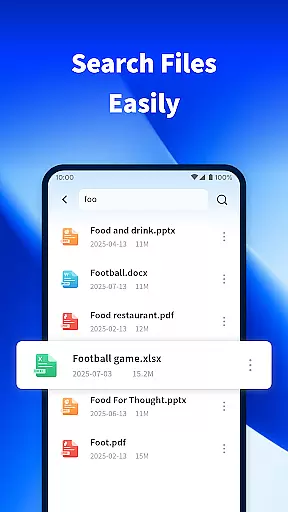
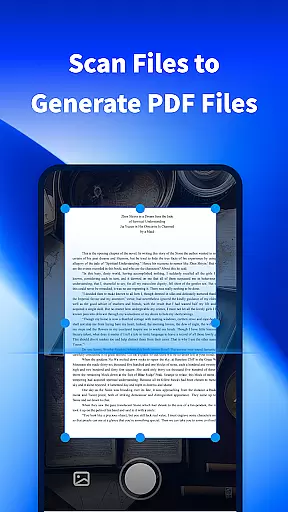
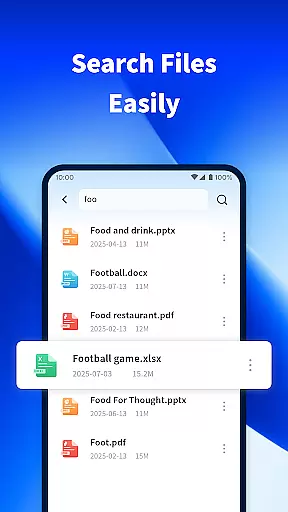
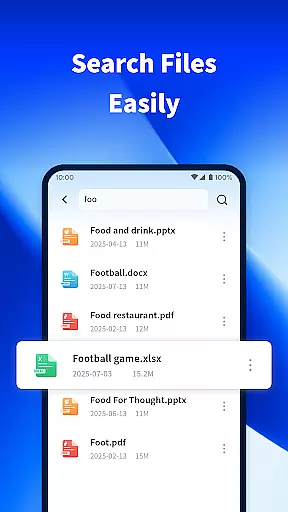
The app's standout functionality includes its ability to scan physical documents and convert them into digital PDFs, streamlining workflows for students and professionals alike. Additionally, the built-in search function helps users quickly locate specific files on their devices, saving valuable time. Whether you're studying or managing work-related documents, PDF Viewer Pro offers a seamless experience that takes your productivity to the next level.
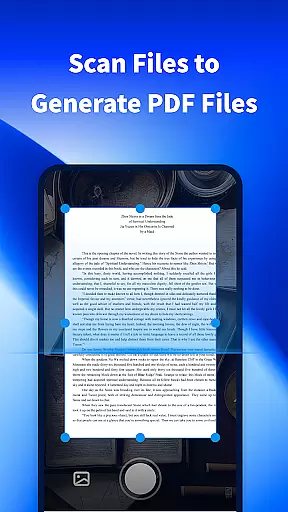
PDF Viewer Pro boasts an impressive array of features tailored to improve document handling efficiency. One of its key capabilities is the ability to scan physical documents and instantly generate high-quality PDF files. This feature not only simplifies document digitization but also enhances accessibility for users who need quick access to important files.
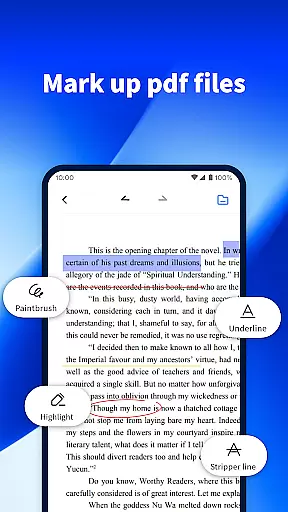
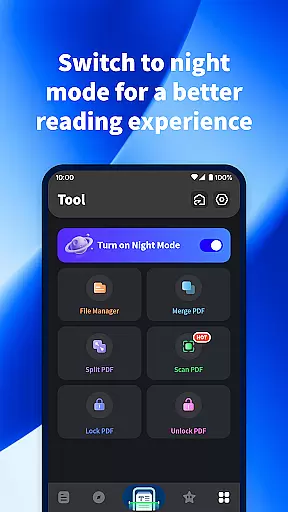
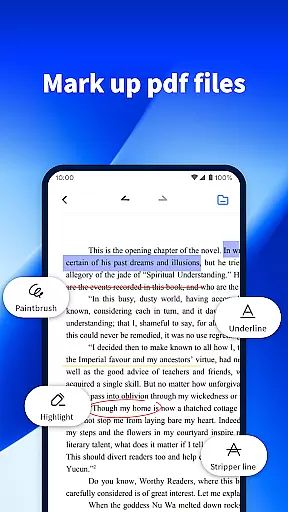
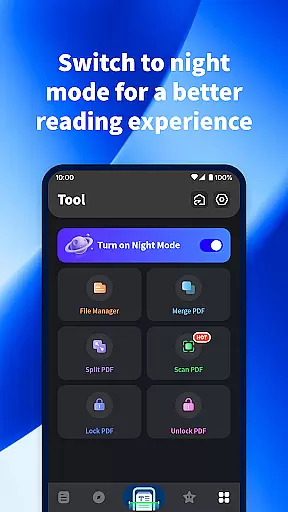
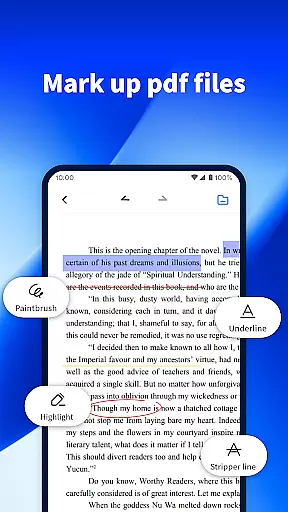
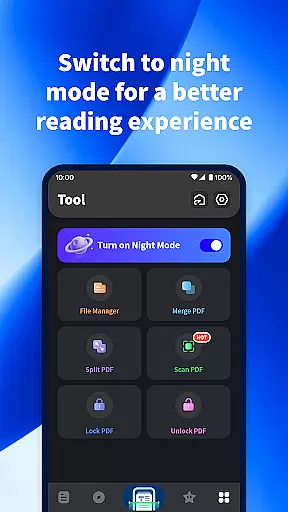
In addition to document scanning, the app provides robust tools for marking up and annotating PDFs. Users can highlight text, add comments, and make notes directly within their PDF documents. The app also supports a night mode feature, which adjusts the display for optimal reading comfort during low-light conditions. These comprehensive functionalities ensure that users can customize their reading and editing experiences according to their specific needs.
PDF Viewer Pro excels in core task management by offering a comprehensive suite of tools designed to handle PDF documents efficiently. This includes the ability to scan files and generate PDFs, making document creation seamless.
The app allows users to mark PDF documents with ease, providing essential annotation features that enhance productivity. These capabilities ensure that users can manage their PDF tasks effectively without needing additional software.
With intuitive controls for document handling, users benefit from a streamlined workflow. The app's design focuses on simplifying complex tasks, thus saving time and effort in daily operations.
Overall, PDF Viewer Pro transforms how users interact with PDF files by integrating robust task management features that cater to both basic and advanced needs.
Cross-device synchronization is a standout feature of PDF Viewer Pro, ensuring reliable access to documents across multiple devices. This functionality supports real-time updates, allowing users to start a task on one device and continue on another without missing a beat.
The app employs secure cloud integration to maintain data consistency and availability. Users can trust that their documents will be up-to-date and accessible wherever they go, enhancing flexibility in work and study environments.
By prioritizing synchronization reliability, PDF Viewer Pro addresses common concerns about data loss and version control. This ensures a seamless experience when transitioning between devices throughout the day.
Ultimately, this feature empowers users to maintain productivity regardless of their location or device, solidifying PDF Viewer Pro as an essential tool for modern digital workflows.
User-friendly interface
Fast document scanning
Efficient file search
Comprehensive PDF editing
Comfortable night mode
Limited free features
Occasional bugs
Ads in free version
Large app size
Requires constant updates

⏰ Finally a timer app which can run multiple timers simultaneously on your watch
 3.90
3.90
All in One PDF Reader: Manage, Read and Edit your Documents
4.20
Secure, open-source, SPICE and SSH Remote Desktop for QEMU KVM virtual machines
4.00
This small app MUST BE INSTALLED after purchase, else license won't work
4.40
Ultimate Virtual AI Character for immersive Roleplay Chat. Perfect Companion
3.90
Simple notepad & memo. Take notes, to-do list, shopping list with reminders.
4.80
Seamlessly read, manage, and organize all your PDF files solution in one place
4.40
Set up, print, and get support—in one place
4.20
Note taking, handwriting, record audio, PDF annotation, planner & journal
4.20
8 custom complications. Custom Time Fonts. Beautiful color schemes. A++ Design.
5.00
We're working to become the best machining app on the market! www.cncdirt.com
4.80
Client for Nextcloud Deck
4.60
Lightweight PDF, Word, Excel reader.
4.60
Professional calendar app for Google Calendar, MS Outlook & Exchange
4.20
Todo reminder
4.10
Wake up & get tasks done! Add alarms & reminders on the Clock Launcher.
4.00
ID.me Authenticator is a simple and free Two Factor Authentication solution
3.50
Create study competitions, track your hours, and stay consistent with friends
4.5
The upgraded version of Name Wheel with AI and the power to add your own wheels.
4.1


User Reviews