
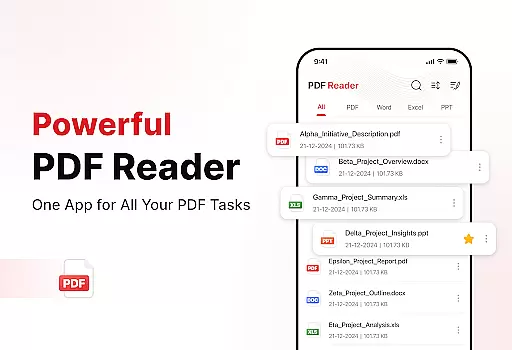
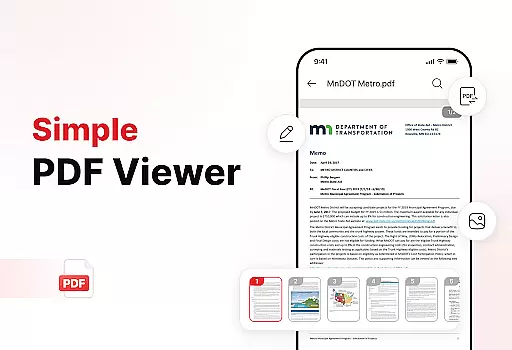
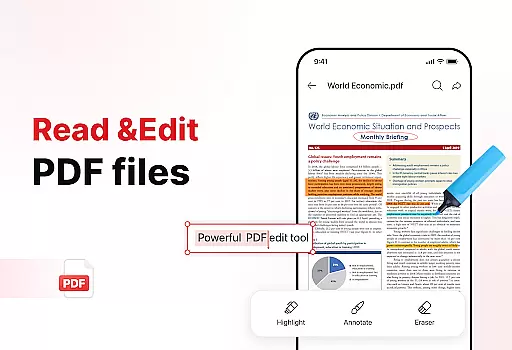
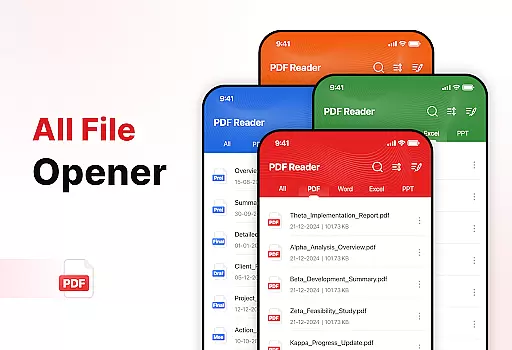
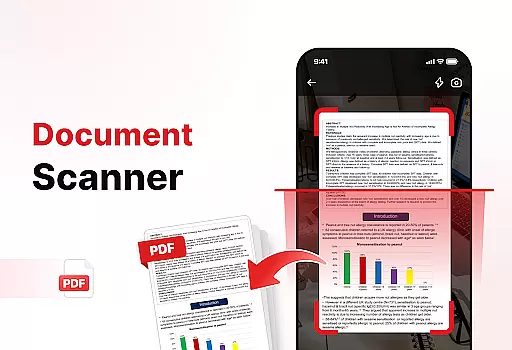
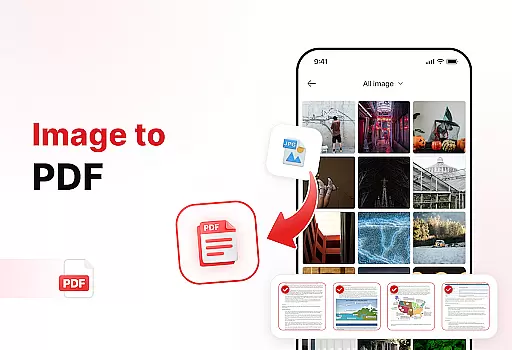
PDF Reader - Edit & View is a comprehensive document management solution designed to simplify how you handle, organize, and convert files. This productivity app offers versatile PDF reading capabilities, allowing users to open, read, and navigate through PDFs of any size with ease. The intuitive interface supports multiple file formats including XLS, DOCX, and PPT, making it an essential tool for students, professionals, and anyone who frequently works with documents.
The app's powerful document converter transforms scanned papers and images into high-quality PDFs, while its enhanced productivity tools help users manage storage efficiently. With features like file sorting, bookmarking, and effortless sharing, this app ensures your documents are always organized and accessible. Whether you need to sign PDFs or quickly search for specific files, PDF Reader - Edit & View provides all the necessary tools in one convenient package.
PDF Reader - Edit & View stands out with its robust feature set tailored for efficient document handling. The app's versatile PDF reader allows seamless navigation through documents, with zoom functionality for detailed viewing and highlighting tools for important information. Its multi-format support extends beyond PDFs to include XLS, DOCX, and PPT files, providing true versatility for various document types.
One of the app's key strengths is its powerful document conversion capabilities. Users can scan physical documents and convert them into digital PDFs, or transform images and screenshots into professional-grade PDF files with just a few taps. The enhanced productivity tools offer advanced file management options, including sorting by name, date, or size, and quick access through bookmarks. Additionally, the app enables effortless sharing of documents and includes practical features like electronic signatures and rapid file search functionality.
These features collectively create a comprehensive document management experience that saves time and boosts productivity. Whether you're organizing research papers, managing business documents, or handling personal files, PDF Reader - Edit & View provides the tools necessary to streamline your workflow and maintain efficient document management practices.
Task management is a cornerstone of productivity, and PDF Reader - Edit & View excels in this area. The app provides users with versatile tools to handle documents efficiently.
With features like file sorting, bookmarking, and quick search, users can organize their documents by name, date, or size. This ensures that important files are always easy to locate and manage.
The app also allows users to delete unnecessary files, keeping storage clean and clutter-free. This functionality helps maintain an organized digital workspace, boosting overall productivity.
By integrating powerful document management features, PDF Reader - Edit & View ensures that users can focus on their core tasks without being bogged down by disorganized files.
Cross-device synchronization is vital for users who work across multiple devices. PDF Reader - Edit & View offers reliable synchronization, ensuring seamless access to documents.
Users can start reading or editing a document on one device and continue on another without any loss of data. This feature is particularly beneficial for professionals and students who are always on the go.
The app supports real-time updates, meaning changes made on one device are instantly reflected on all others. This reliability eliminates the risk of working with outdated files.
By prioritizing synchronization accuracy, PDF Reader - Edit & View provides a consistent and dependable user experience across all devices.
User-friendly interface
Multi-format support
Powerful conversion tools
Advanced organization features
Effortless sharing capability
Limited free features
Occasional performance lag
Subscription required
Ads in free version
Complex settings

QuickBooks Workforce lets teams view pay info and track time in one place.
 4.70
4.70
Seamlessly integrate data and reports to build your presentation to impress
4.80
When you Focus, so will your Bean in this cozy focus timer
4.30
Professional calendar app for Google Calendar, MS Outlook & Exchange
4.20
A lightweight JSON & XML files creator, editor and viewer (Premium Version)
4.40
Absolutely the best CNC machinist speed and feed calculator around. fswizard.com
4.60
Customizable calendar widget for seamless event sync, planning & scheduling.
4.00
CalenGoo is a very flexible and feature-rich calendar app
4.40
Scientific calculator for Android - looks and operates like the real thing!
4.90
Native client for Forgejo and Gitea
5.00
Use powerful, industry-leading AI tools to generate visual charts from any data
4.80
Functional QR scanner and barcode reader that requires little storage space.
4.60
The AI assistant that thinks with you - write, code, and solve complex tasks
4.60
Access, manage and transfer files on Android, PC, Mac, NAS and cloud storages.
4.30 4.20
4.20
All in One PDF Reader: Manage, Read and Edit your Documents
4.20
Font maker keyboard with your own handwriting
4.10
* block pre-roll ads, pop-up and forced redirect ads * Samsung certification app
4.00
Code on-the-go with VScode for Android. Edit,debug and collaborate from mobile!!
3.10


User Reviews