
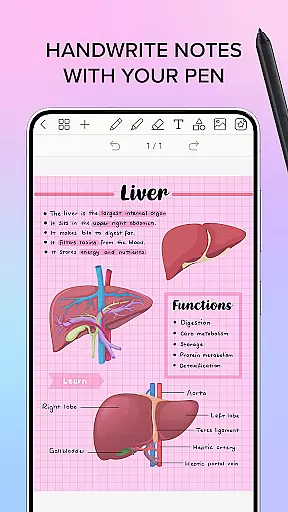
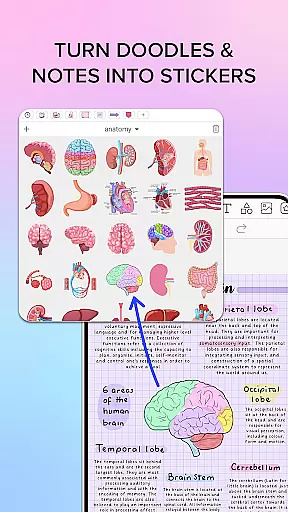
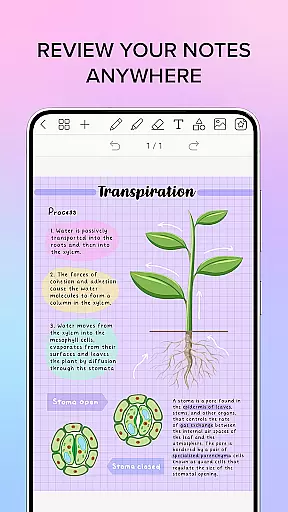
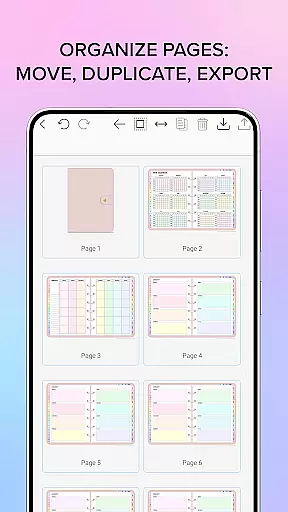
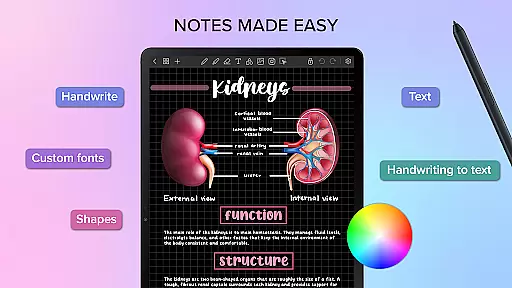
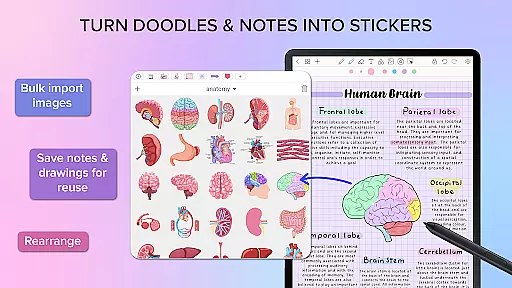
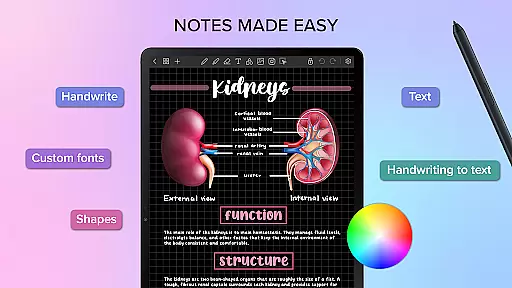
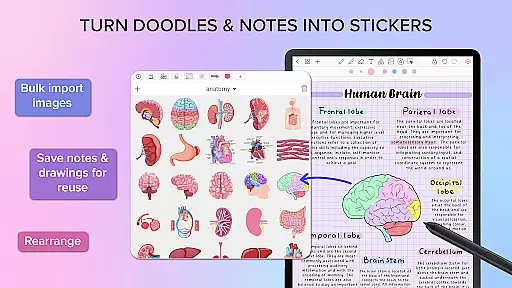
Penly is a comprehensive digital planner, journal, and note-taking application designed to enhance both creativity and productivity. The app features an intuitive interface with smooth handwriting recognition and a smart eraser, alongside tools for text, images, and shapes. Users can create sticker collections, import custom fonts, and benefit from automatic handwriting-to-text conversion.
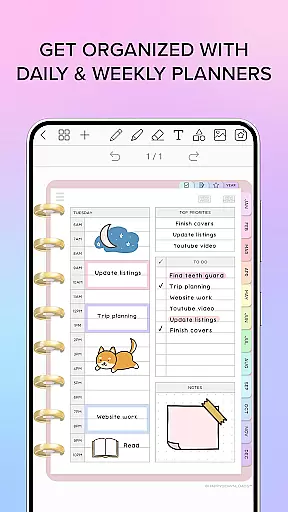
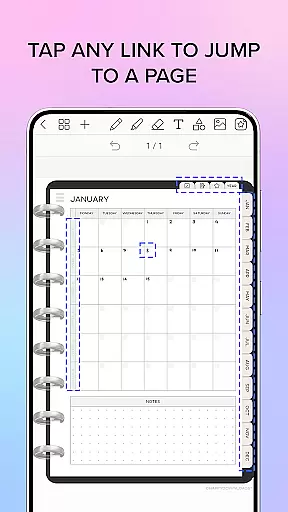
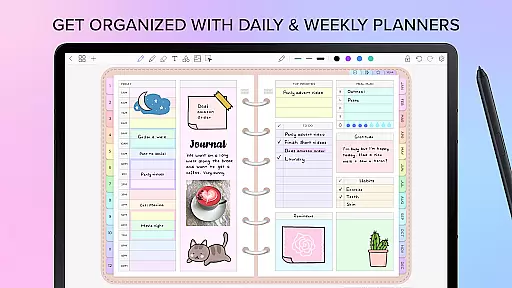
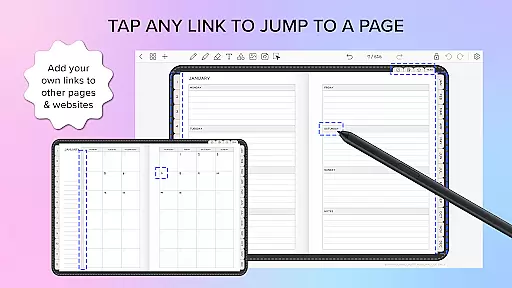
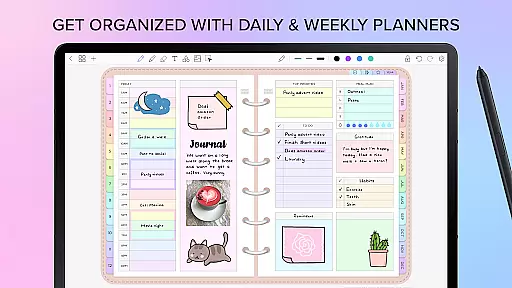
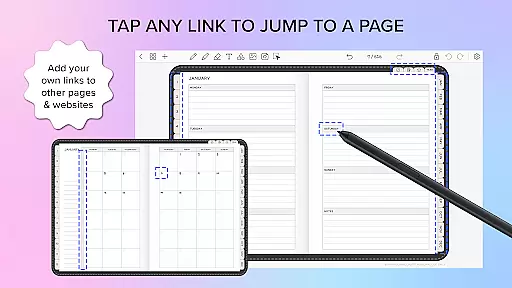
Included are four digital planners with hyperlinked pages for easy navigation. These undated, reusable planners come in landscape and portrait orientations, with styles ranging from rainbow to black minimal. Penly supports the import of any PDF file, allowing users to navigate using existing hyperlinks and export files either as editable Penly documents or PDFs.
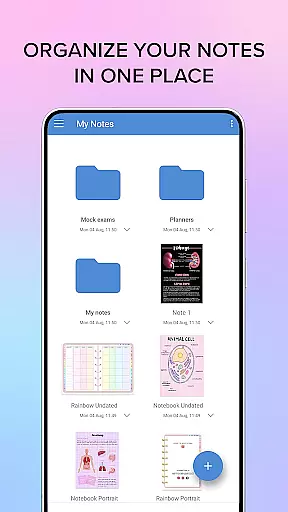
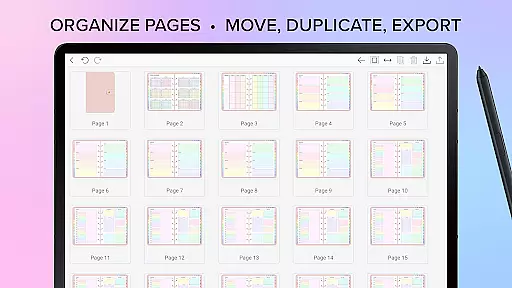
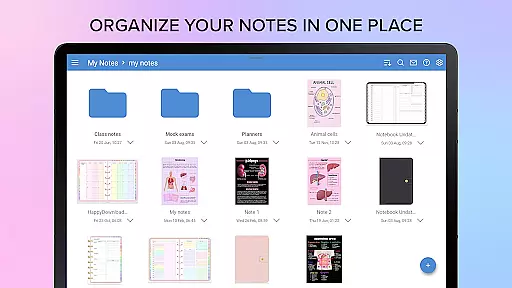
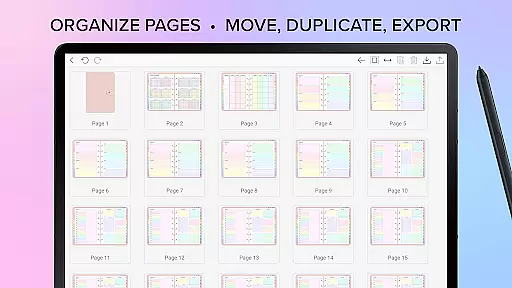
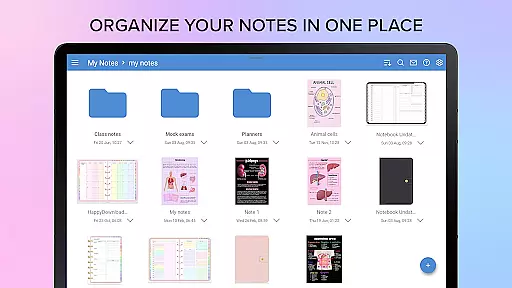
The app's organizational capabilities extend to creating hyperlinks within any document, bulk importing stickers, and managing documents through folders and sub-folders. With Google Drive integration, users can sync their work across Android devices manually or automatically. Penly is available in English only, with a one-time payment granting full access and a 7-day refund policy.
Penly stands out with its robust feature set tailored for productivity enthusiasts. The app offers advanced handwriting recognition paired with a smart eraser, making note-taking seamless and precise. Its ability to convert handwriting to text automatically is particularly beneficial for those who prefer handwritten notes but require digital versions for sharing or archiving.
One of the key highlights is the inclusion of four meticulously designed digital planners. These planners boast hyperlinked monthly, weekly, and daily pages, facilitating efficient planning and organization. The undated format allows users to start at any time, while the availability in both landscape and portrait modes caters to individual preferences. Additionally, the app provides to-do list and note templates, enhancing its utility.
Penly further enriches user experience by enabling the import of custom fonts and PDF files, thus broadening its application beyond traditional note-taking. Users can create hyperlinks within documents, organize stickers into collections, and manage their content through a sophisticated folder system. Syncing via Google Drive ensures that all work is accessible across multiple devices, maintaining continuity and convenience.
Penly offers a comprehensive approach to core task management, ensuring users can efficiently organize their daily activities. The app provides tools for creating hyperlinked planners, enabling quick navigation between tasks and projects.
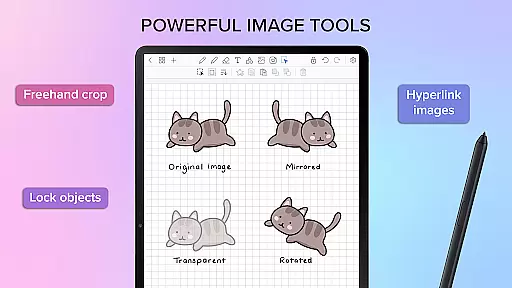
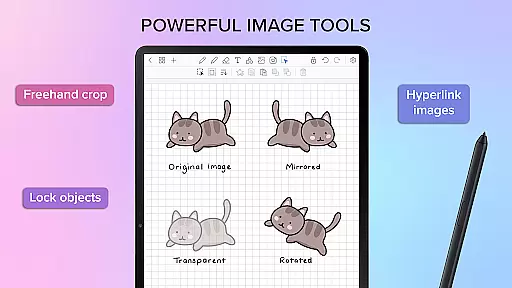
With features like undated reusable planners, users have the flexibility to customize their schedules without constraints. The ability to transform, group, and lock objects adds another layer of control, allowing for better organization of tasks and ideas.
The app's intuitive interface supports both landscape and portrait modes, offering multiple templates for to-do lists and notes. This versatility ensures that users can adapt the app to their preferred workflow, enhancing overall productivity.
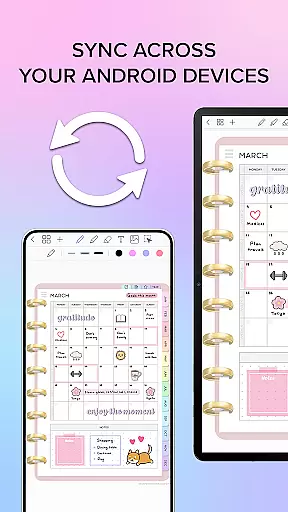
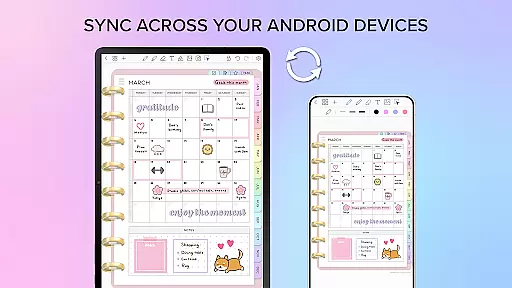
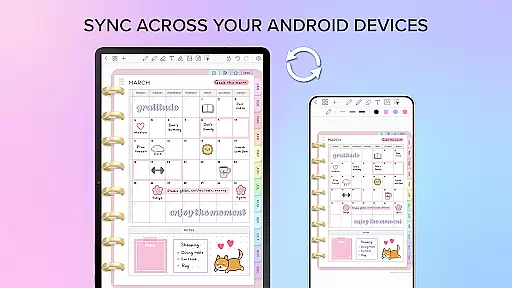
Cross-device synchronization is a critical feature of Penly, ensuring that users can access their data seamlessly across multiple Android devices. By linking Google Drive, the app enables reliable syncing of all notes and planners.
Users can choose between manual sync or automatic updates whenever the app is opened or closed. This flexibility guarantees that the most current version of their work is always available, regardless of the device they are using.
The synchronization process maintains the integrity of the document structure, including folders and sub-folders. This ensures that users can pick up right where they left off, with all their organizational systems intact and up-to-date.
User-friendly interface
Advanced handwriting recognition
Versatile digital planners
Customizable sticker collections
Seamless cross-device syncing
Limited to English language
No free version available
Occasional sync issues
Learning curve for new users
Some features locked behind paywall

Client for Nextcloud Deck
 4.60
4.60
Send files, sync SMS, notifications & clipboard across devices via local network
4.40
Automates browsing any website and notifies you of important changes or events
4.30
Device's storage information in a simple and clear graphical form (infographics)
4.10
Absolutely the best CNC machinist speed and feed calculator around. fswizard.com
4.60
App lock - lock apps with fingerprint, password, pin or pattern, protect privacy
4.70
Create and edit presentations with Google Slides, part of Google Workspace.
4.00
Access, manage and transfer files on Android, PC, Mac, NAS and cloud storages.
4.30
A Pixel Art watchface inspired by other iconic 90s designs for Wear OS devices!
4.40
Native client for Forgejo and Gitea
5.00
Use powerful, industry-leading AI tools to generate visual charts from any data
4.80
App Lock with fingerprint, password: Lock apps & hide photos with lock screens
4.60
All document reader, all in one file viewer read PDF, DOCX, XLS, PPT, TXT files.
4.60
Fill, sign & send docs, forms, agreements & contracts via electronic signature.
4.50
Make apps & sites with natural language prompts
4.10
Font maker keyboard with your own handwriting
4.10
The ultimate file manager for rooted devices. The original and still the best.
4.00
Smart PDF reader & editor to view, organize and manage PDF documents easily.
3.70
Auto-shutoff Alarm with Sunrise, Sunset & Fixed Options.
3.50


User Reviews