
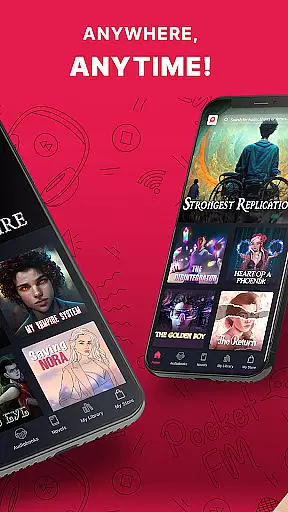

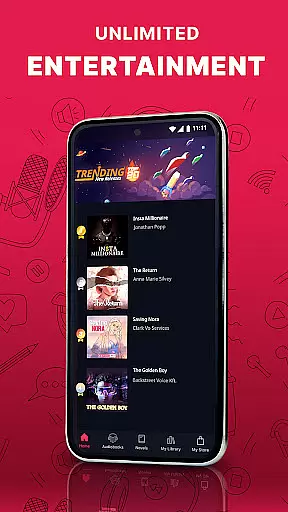
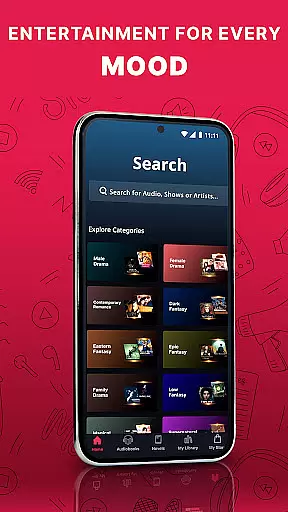

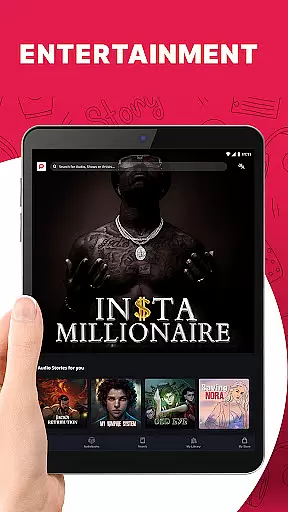
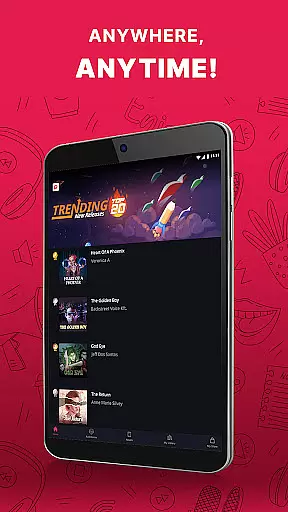
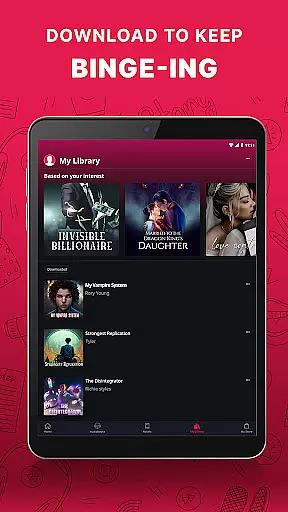
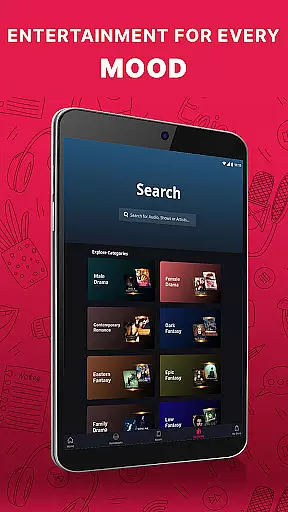

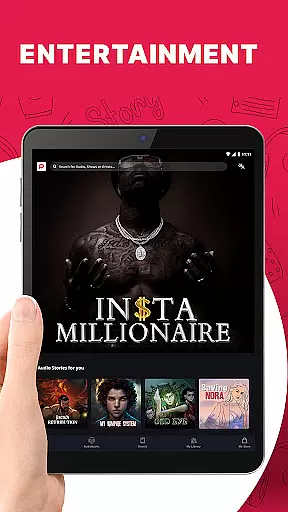
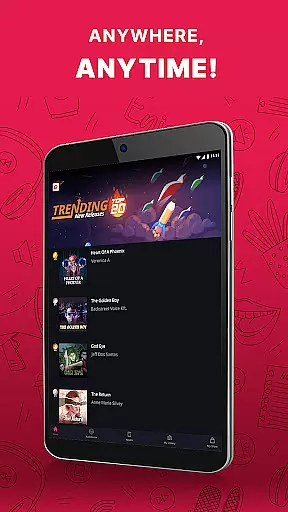
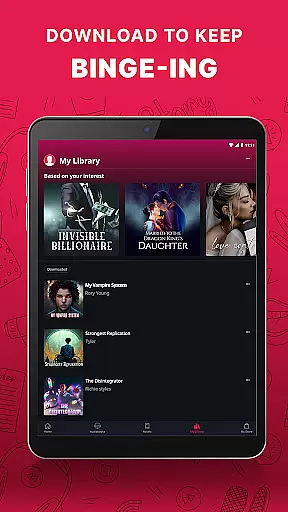
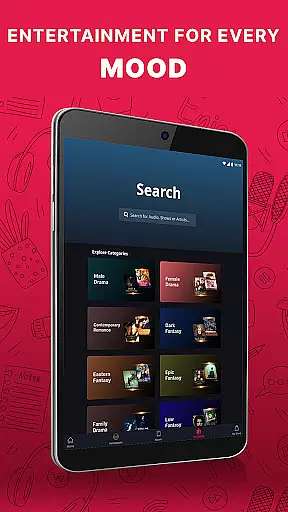

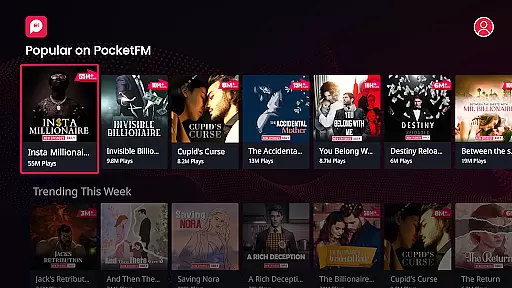
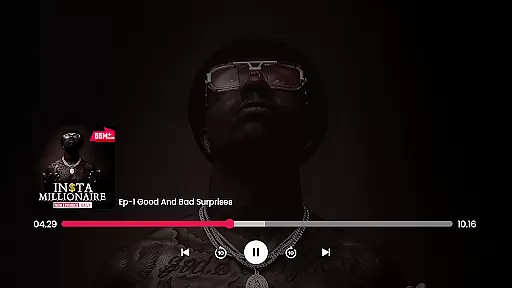
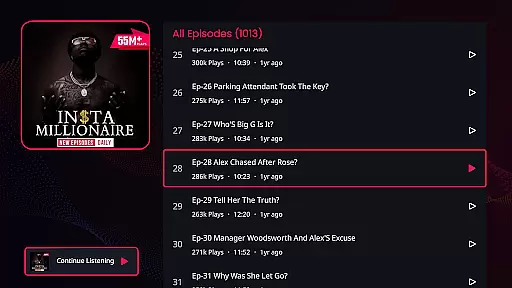
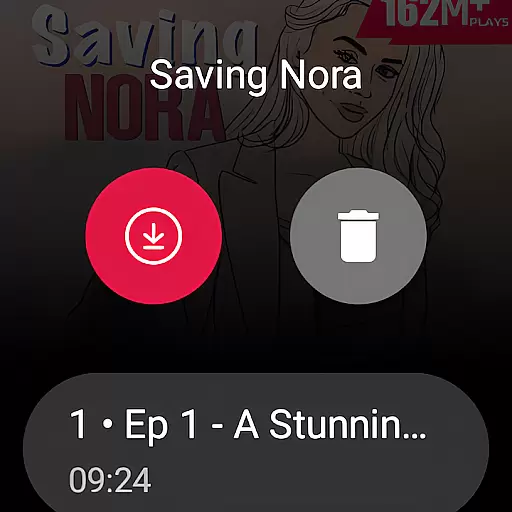
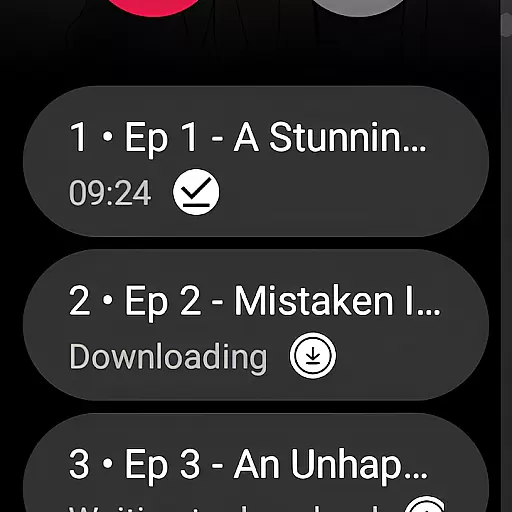
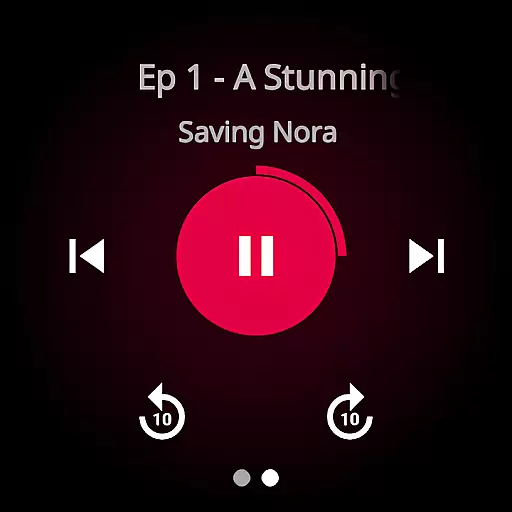
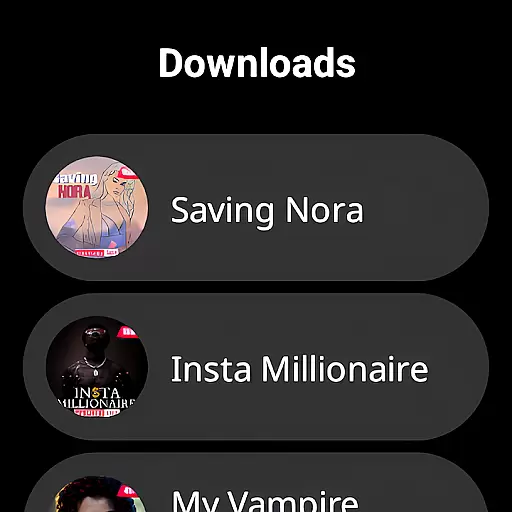
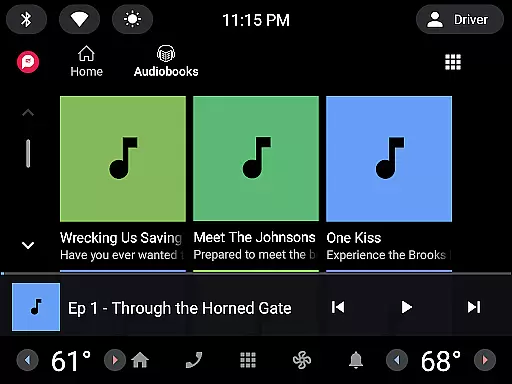
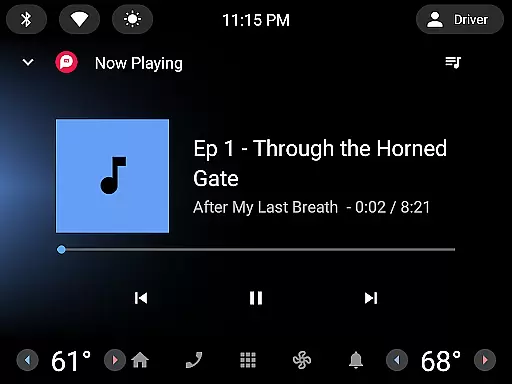
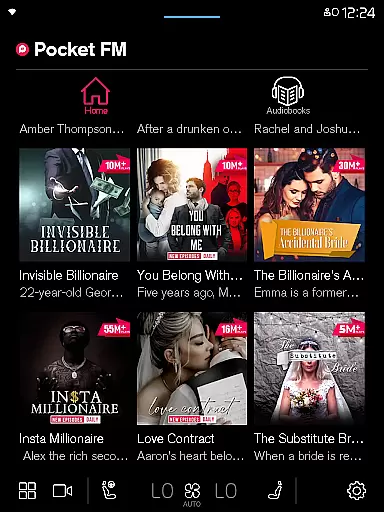



Pocket FM is a pioneering audio entertainment platform that offers an extensive library of audio series across multiple genres and languages, catering to millions of global listeners. The app features a diverse range of content including Romance, Horror, Thriller, Drama, and Fantasy, with over 100,000 hours of binge-worthy material. Its user-friendly interface allows easy browsing and searching, while the built-in player provides seamless listening experiences.
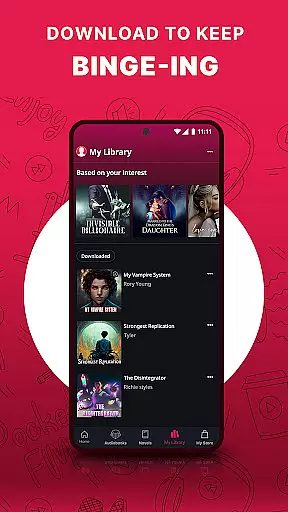
One of Pocket FM's standout features is its flexibility in consumption. Users can enjoy their favorite audio series anytime, anywhere, thanks to offline listening capabilities and adjustable playback speed. Whether commuting, driving, or relaxing at home, Pocket FM transforms idle moments into engaging storytelling experiences. With an average daily listening time of over 110 minutes, it has become a go-to source for immersive audio entertainment.
Pocket FM distinguishes itself through several innovative features designed to enhance user experience. The platform boasts a vast community of creators, including top authors, storytellers, and voice-over artists, ensuring high-quality content production. Its unique micropayment model allows users to pay only for the content they wish to consume, eliminating unnecessary expenses and providing greater control over their entertainment choices.
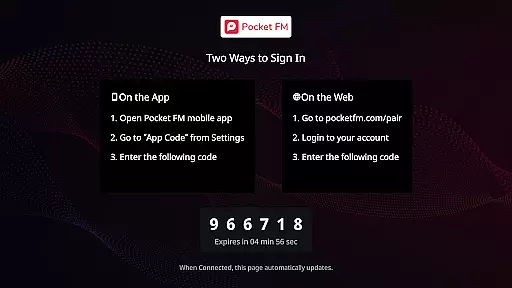
The app also offers practical features like a sleep timer for bedtime listening, quick navigation between episodes, and compatibility with various devices including mobile phones, tablets, desktops, Chromecast, and Wear OS. Additionally, Pocket FM's 'No-ads' pack enhances the listening experience by removing advertisements. These features collectively create a comprehensive and enjoyable audio entertainment ecosystem that keeps users engaged and satisfied.
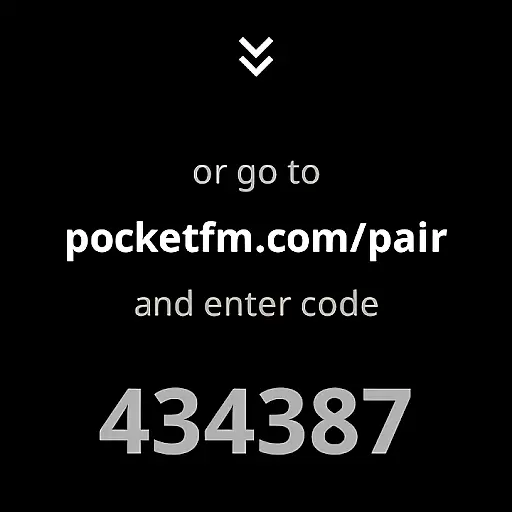
Companion app integration is essential for wearable devices as it ensures seamless synchronization between the main application and its wearable counterpart. Pocket FM excels in this area by providing users with the ability to transition effortlessly between their mobile devices and wearable gadgets without losing their place in the audio series.
The app achieves this through a robust companion app system that automatically syncs playback progress, preferences, and playlists across all linked devices. This means whether you're listening on your phone during the day or switching to a Wear OS device at night, your experience remains uninterrupted.
Users benefit from this integration by enjoying a fluid entertainment experience that adapts to their lifestyle. With Pocket FM's synchronized ecosystem, listeners can enjoy their favorite audio series anytime, anywhere, making multitasking between different devices feel natural and hassle-free.
This feature not only enhances user convenience but also broadens the accessibility of content, allowing users to engage with their preferred audio stories regardless of the device they choose to use at any given moment.
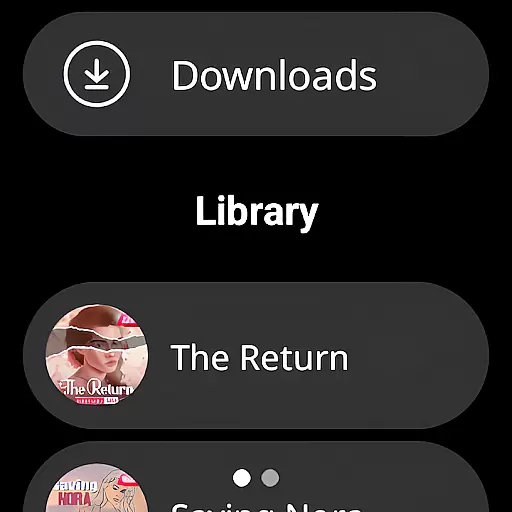
Wear OS and device compatibility are crucial for apps targeting the smartwatch market, ensuring that applications function smoothly across various devices. Pocket FM addresses this need by optimizing its performance for Wear OS, thus offering an expansive range of supported devices without compromising functionality.
The app is designed to deliver an optimal audio experience on Wear OS devices, maintaining high-quality sound output while minimizing battery consumption. Its lightweight design ensures that even devices with limited hardware capabilities can run Pocket FM efficiently, providing users with a reliable listening platform.
Listeners gain peace of mind knowing that Pocket FM will work consistently across their devices, including smartphones, tablets, desktops, Chromecast, TVs, and now Wear OS devices. This versatility allows users to integrate the app into their daily routines seamlessly.
By prioritizing cross-device compatibility, Pocket FM reinforces its position as a versatile entertainment solution, inviting users to indulge in their favorite audio series without worrying about technical limitations or device-specific issues.
User-friendly interface
Extensive content library
Offline listening capability
Adjustable playback speed
No forced subscriptions
Limited free episode availability
Occasional connectivity issues
Some features require payment
Ads in free version
Language options could be broader

WTW M17 is a premium and luxurious hybrid watch face
 4.70
4.70
Artistic Digital Watchface
4.0
Sleek, highly customizable watch face inspired by Galaxy Watch Circle Dashboard.
4.0
Your second brain for organizing your life: to-do, calendar, reminder.
4.70
Gym & home workout plans with strength training, exercise tracking, HIIT & more.
4.60
Real-time results, stats, schedules and player profiles for all leagues
4.60
The most customizable hybrid watch face. For Wear OS 5.0, API 34+ and later
4.70
Hybrid watch face for Wear OS with customizable complications by Matteo Dini MD
4.70
Track your active life in one place and share the journey with friends.
4.40
Christmas - Festive - Christmas Village - Winter - Christmas lights
5.00
Digital, flexibly customizable watch face. For Wear OS 5.0, API 34+ and later.
5.00
Period, ovulation & pregnancy tracker. Fertility insights & menstrual calendar.
4.90
A modern hybrid informative watch face for Wear OS designed by BALLOZI
4.80
Nutrition, Macro tracker: Food, fitness & healthy diet tracking for weight loss
4.60
Find EV charging stations
4.30
Let's celebrate Thanksgiving - Wear Os watch face
4.20
Animated video-game inspired “secret agent” simulation, right on your wrist!
4.20
Watch face designed for Thanksgiving Day. 7 Background Styles included.
3.20
Contemporary digital watch face with five complications
4.0


User Reviews