
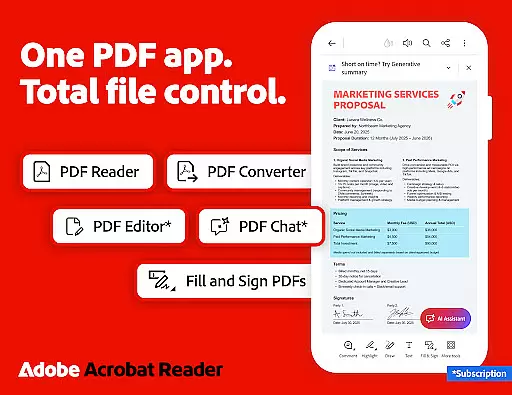
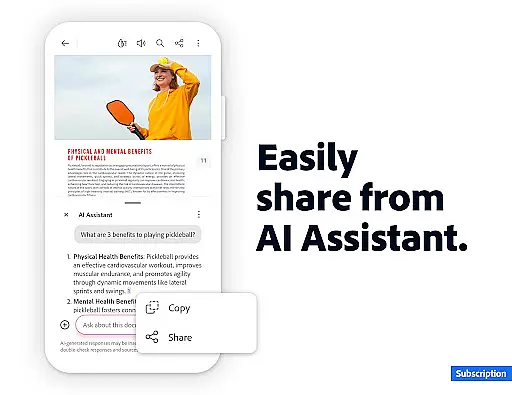
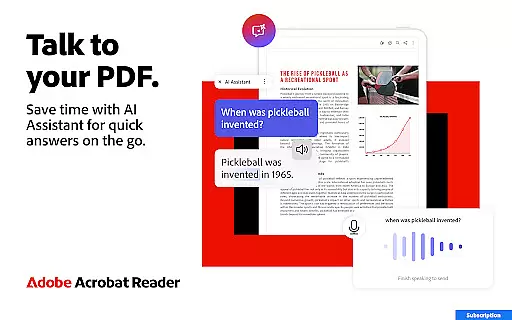
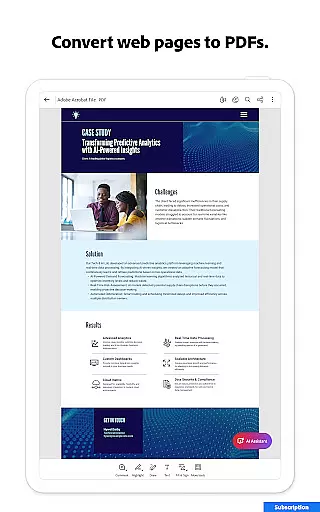
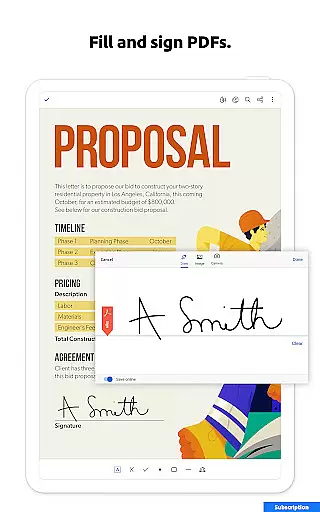
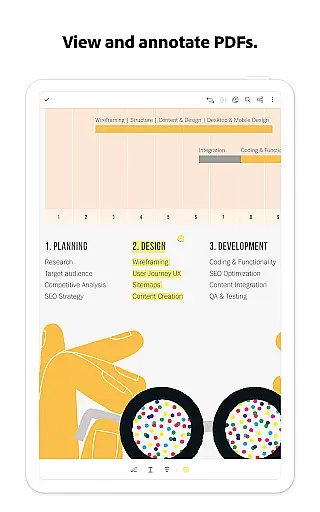
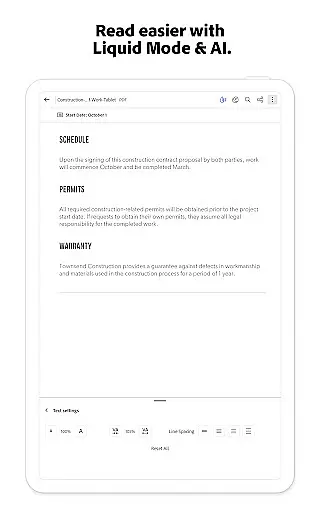
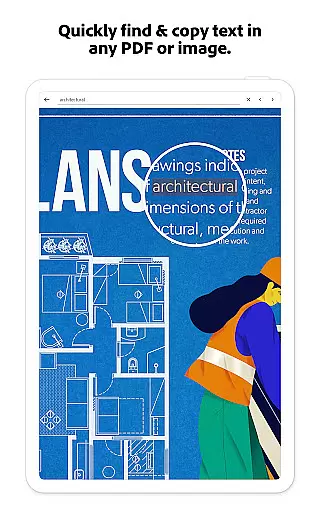
Adobe Acrobat Reader is a comprehensive productivity tool designed for managing, editing, and collaborating on PDF documents. As the world's most trusted PDF reader, editor, and maker, it boasts over 635 million installs. The app offers advanced features such as the Adobe Acrobat AI Assistant, which allows users to work across multiple files using voice or text prompts, generate summaries with Generative AI, and extract cited answers from charts and graphs. Its functionality extends beyond basic PDF viewing, enabling users to edit text and images, convert file types, compress documents, and protect them with passwords.
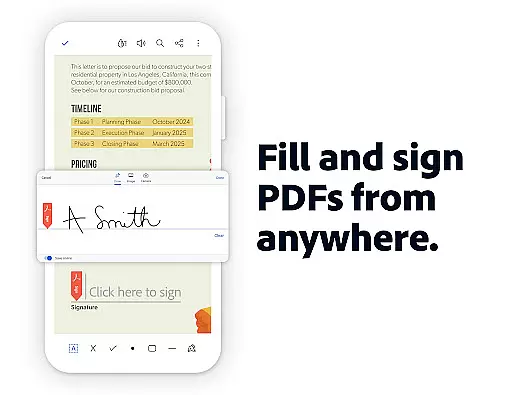
This versatile application also supports real-time collaboration through shared workspaces called PDF Spaces, making it ideal for teams working remotely. Users can annotate documents, add comments, sign PDFs, and even have their PDFs read aloud. With seamless integration into cloud services like Google Drive, Dropbox, and Microsoft OneDrive, Adobe Acrobat Reader ensures that your files are accessible anywhere, anytime. Whether you're a student, professional, or business owner, this app provides the tools needed to streamline document workflows efficiently.
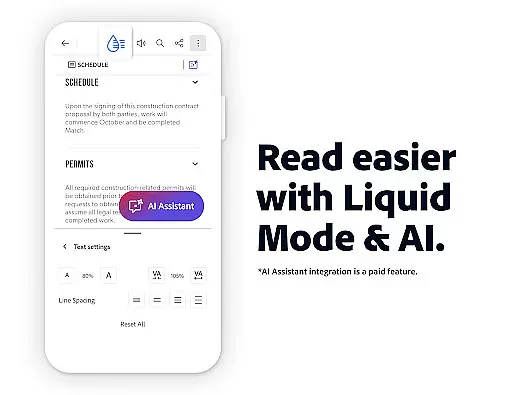
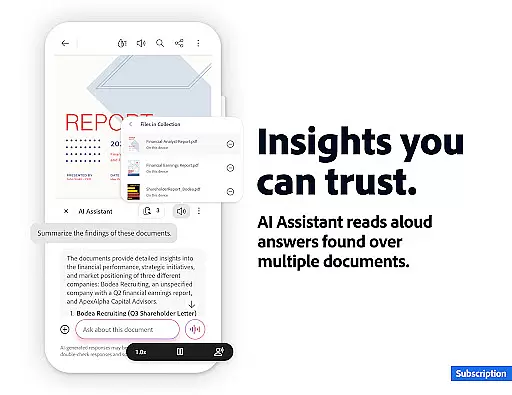
Adobe Acrobat Reader stands out with its robust set of features tailored for productivity enthusiasts. One of its key highlights is the Adobe Acrobat AI Assistant, which revolutionizes how users interact with PDFs. This feature supports voice commands and text-based queries, allowing users to ask specific questions about document content, including complex elements like charts and tables. The AI-driven summary generator quickly condenses lengthy PDFs into concise overviews, saving valuable time for busy professionals.
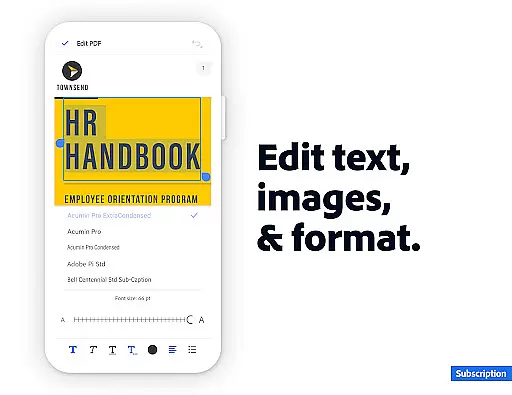
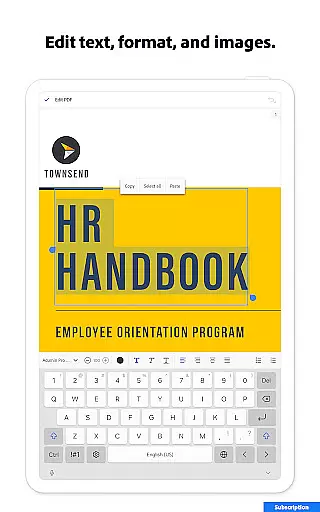
The app's editing capabilities are equally impressive. Users can directly modify text and images within PDFs, fix typos, and adjust formatting—all from their mobile devices. Advanced options include Optical Character Recognition (OCR) for scanned documents, page management tools for merging or splitting files, and conversion utilities for switching between different file formats. Security features are not overlooked either; the app provides options for password protection and file compression, ensuring both safety and efficiency when handling sensitive information.
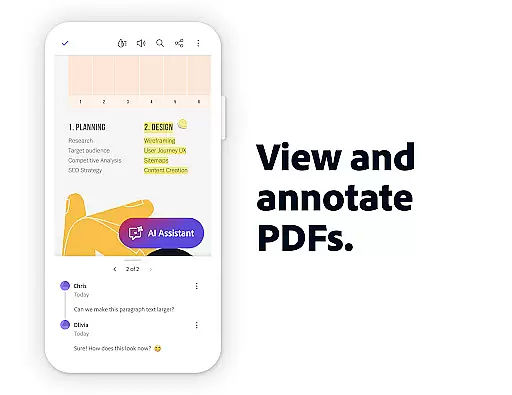
Adobe Acrobat Reader excels in core task management by offering a comprehensive suite of productivity tools. The application allows users to view, share, annotate, and sign documents seamlessly within a single interface. Its advanced PDF editor lets users edit text and images directly, fix typos, add paragraphs, and manage images effortlessly.
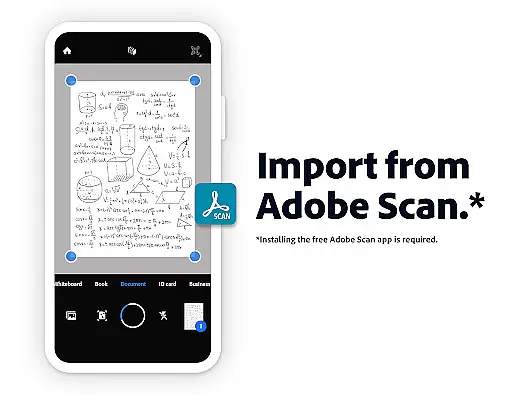
The app's Optical Character Recognition (OCR) feature transforms scanned PDFs into searchable and editable text, making document handling more efficient. With capabilities to merge, split, or organize multiple files into one PDF, users can easily manipulate their documents. Additionally, the ability to convert various file types into PDFs or export PDFs to formats like Microsoft Word or PowerPoint enhances workflow flexibility.
Users benefit from high-security features such as password protection and file compression, ensuring documents are both safe and easy to share. The inclusion of AI-powered functionalities like instant summaries and cited answers about document details further streamlines task management. These features collectively enable users to handle complex tasks with greater ease and efficiency.
Cross-device synchronization is a standout feature of Adobe Acrobat Reader, ensuring reliable access to documents across multiple platforms. Users can store files online and read documents anywhere, maintaining continuity in their workflow regardless of the device being used. This seamless synchronization ensures that all changes made on one device are instantly updated across others.
The app supports integration with popular cloud storage services like Microsoft OneDrive, Dropbox, and Google Drive. By linking these accounts, users can manage and access their files without hassle. Starred files provide quick access to important documents, enhancing productivity by reducing search time.
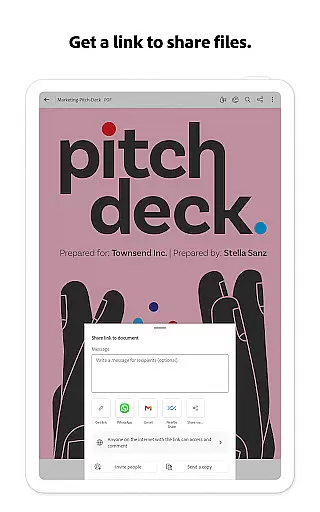
Furthermore, collaboration features allow users to share files for commenting or viewing, with activity notifications keeping everyone informed. The ability to connect the PDF viewer to Google Drive enables subscription users to edit, compress, and export files directly. This robust synchronization capability ensures users have reliable and consistent access to their documents, boosting overall productivity.
User-friendly interface
Advanced AI capabilities
Comprehensive editing tools
Strong security features
Excellent cloud integration
Paid subscription required
Some features are mobile-only
High storage usage
Occasional bugs reported
Limited free trial period

Experience real multitasking on your Android!
 4.00
4.00
Easily read and manage all your PDF files
4.10
Fill, sign & send docs, forms, agreements & contracts via electronic signature.
4.50
PDF scanner & converter for files, photos, lottery, QR codes. One swipe away!
4.50
The AI assistant that thinks with you - write, code, and solve complex tasks
4.60
All document reader, all in one file viewer read PDF, DOCX, XLS, PPT, TXT files.
4.60
Quickly and easily keep track of your work shifts
4.70
Ultimate Virtual AI Character for immersive Roleplay Chat. Perfect Companion
3.90
Intelligent AI Assistant
4.10
Best Tool for the professionals Electrician, Electrical contractors, etc.
4.90
Scientific calculator for Android - looks and operates like the real thing!
4.90
We're working to become the best machining app on the market! www.cncdirt.com
4.80
Functional QR scanner and barcode reader that requires little storage space.
4.60
Automates browsing any website and notifies you of important changes or events
4.30
* block pre-roll ads, pop-up and forced redirect ads * Samsung certification app
4.00
Easiest event planning, volunteer signups & parent teacher conference scheduling
2.20
AI Video AI Image Private LLM AI Browser Llama Gemma Ollama Connect LLM Studio
4.0
Create study competitions, track your hours, and stay consistent with friends
4.4
The upgraded version of Name Wheel with AI and the power to add your own wheels.
4.3


User Reviews