

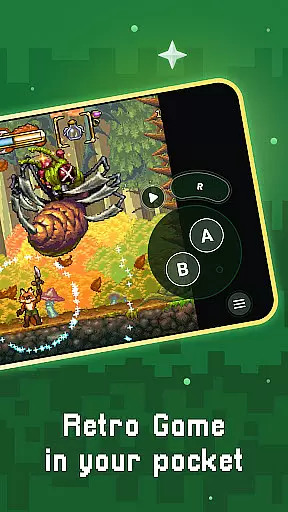
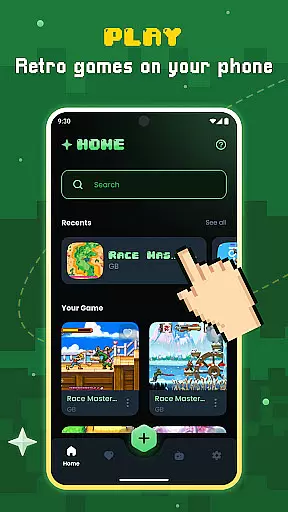
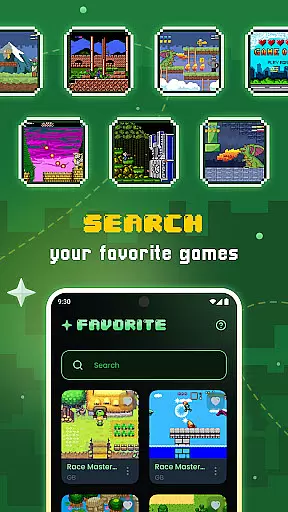

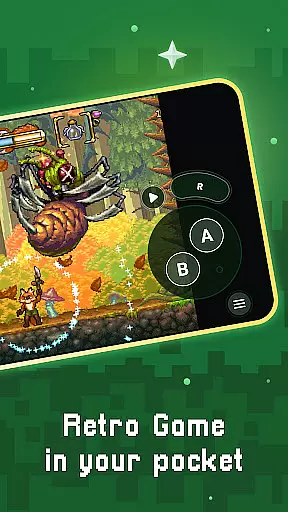
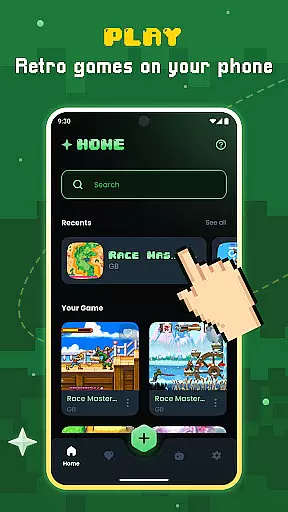
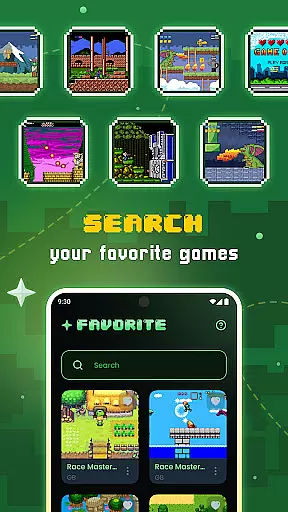

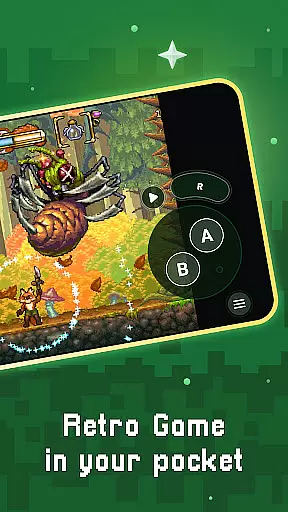
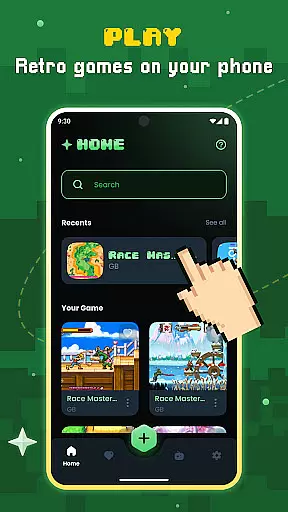
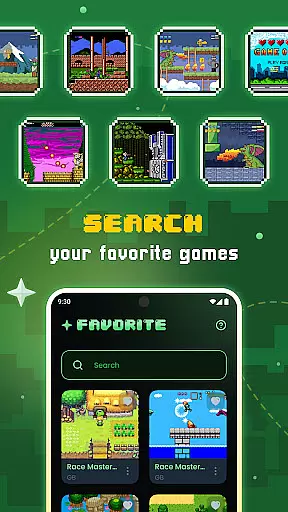
Gamu is a versatile productivity tool designed to bring the nostalgia of classic video gaming to modern devices. This app supports a wide range of retro game formats, making it compatible with systems like PC, Mac, Linux, Android, and iOS. Gamu leverages the Libretro framework to deliver advanced multimedia features such as OpenGL rendering and camera integration, ensuring smooth performance across various platforms. With its open-source nature, regular updates, and ad-free experience, Gamu serves as an all-in-one entertainment hub for retro gaming enthusiasts.
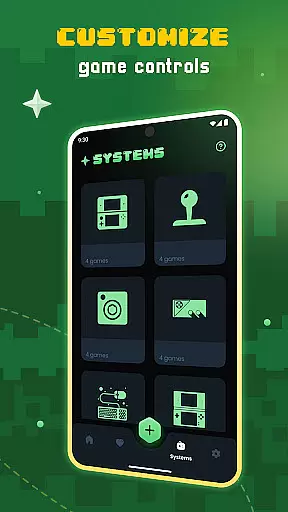
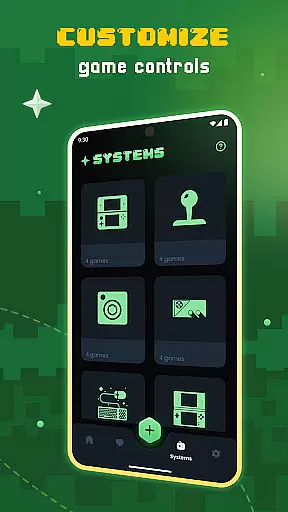
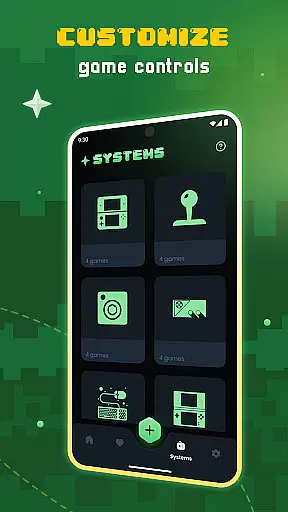
One standout feature of Gamu is its ability to organize your game library efficiently while offering customization options like visual filters and virtual controls. Whether you're using a mobile device or a desktop, Gamu ensures that your gaming experience remains seamless and enjoyable. Its support for external controllers and cloud sync functionality adds another layer of convenience, allowing users to pick up their game progress from any supported device.
Gamu stands out in the productivity category by focusing on delivering a robust retro gaming experience. The app includes auto-save and resume functionalities, enabling users to continue their gaming sessions without interruptions. It also offers optimized virtual controls and customizable on-screen buttons, which enhance gameplay on touch-enabled devices. Additionally, Gamu supports quick save/load slots and compressed game files (.zip), streamlining the process of managing large libraries.
Another key aspect of Gamu is its compatibility with external controllers and motion controls, such as tilt-to-stick functionality. These features make it adaptable to different user preferences and hardware setups. Gamu's local multiplayer support allows friends and family to enjoy gaming together, while its cloud sync ensures that game saves are always up-to-date across devices. Built using the powerful Libretro framework, Gamu delivers high-quality graphics and performance tailored to each user's device capabilities.
At the heart of Gamu lies its robust core task management system, designed to streamline your gaming experience. This feature allows users to organize and manage their game libraries with ease.
The app scans and catalogs game files automatically, ensuring that every title is neatly sorted and readily accessible. With support for compressed files, users can save storage space without sacrificing convenience.
Gamu also offers quick save and load slots, enabling players to pick up exactly where they left off. This functionality enhances productivity by minimizing downtime and maximizing playtime efficiency.
Gamu excels in cross-device synchronization, allowing gamers to seamlessly transition between platforms. Whether switching from a mobile device to a PC or vice versa, progress remains consistent.
Cloud sync for game saves ensures that no matter where you are, your data is securely stored and retrievable. This reliable backup system provides peace of mind and continuity across all devices.
With compatibility spanning Android, iOS, PC, Mac, and Linux, Gamu creates a unified ecosystem. Users can enjoy an uninterrupted gaming experience, knowing their progress is always up-to-date.
User-friendly interface
Wide system compatibility
Regular feature updates
Cloud sync functionality
Ad-free experience
No included games
Hardware-dependent performance
Limited to retro formats
Requires manual setup
Controller not included

 4.20
4.20
Client for Nextcloud Deck
4.60
Seamlessly integrate data and reports to build your presentation to impress
4.80
Automates browsing any website and notifies you of important changes or events
4.30
Protect and view your important info on your phone and tablet with eWallet®
4.80
Functional QR scanner and barcode reader that requires little storage space.
4.60
Great calculator for Android named one of USA TODAY's "25 Essential Apps".
4.90
Scientific calculator for Android - looks and operates like the real thing!
4.90
Seamlessly read, manage, and organize all your PDF files solution in one place
4.40
8 custom complications. Custom Time Fonts. Beautiful color schemes. A++ Design.
5.00
Scan paperwork into PDF/JPG, generate your own e-signature and send fax or email
4.70
Planet Free VPN - The best Fast Unlimited and Secure VPN Without Logs
4.50
Fill, sign & send docs, forms, agreements & contracts via electronic signature.
4.50
Subscribe to Webcal & .ics calendars and keep them up-to-date!
4.50
Total remote control for your Android device, PC and cloud services (IFTTT)!
4.20
Professional calendar app for Google Calendar, MS Outlook & Exchange
4.20
Todo reminder
4.10
Intelligent AI Assistant
4.10
Find and delete junk files & block unwanted notifications & manage files
3.70


User Reviews