
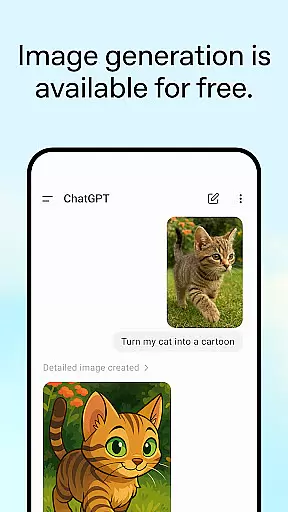
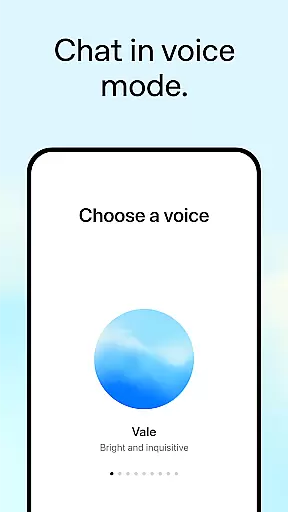
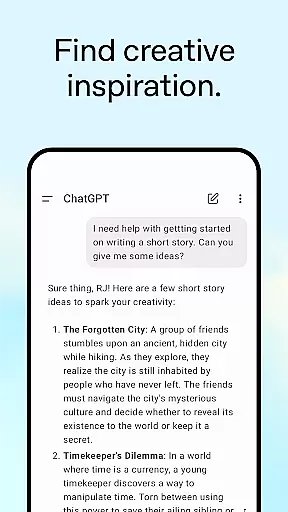
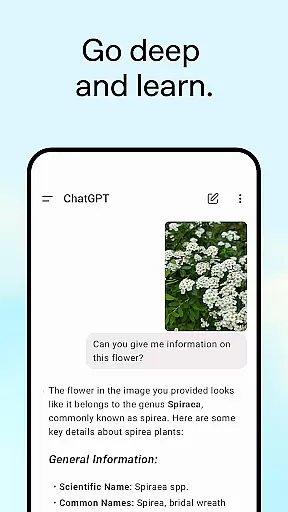
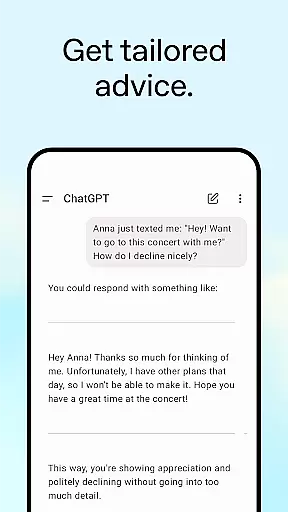
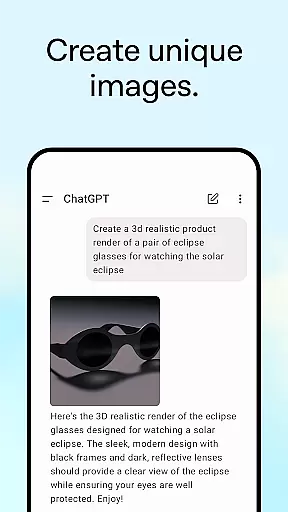
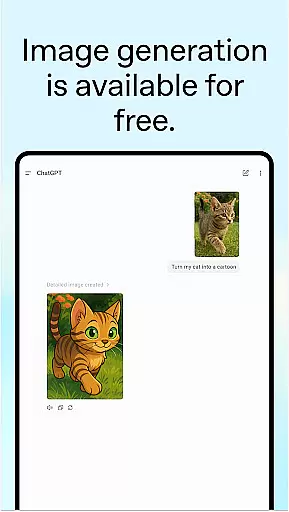
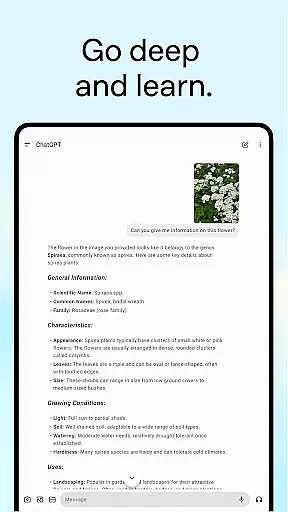
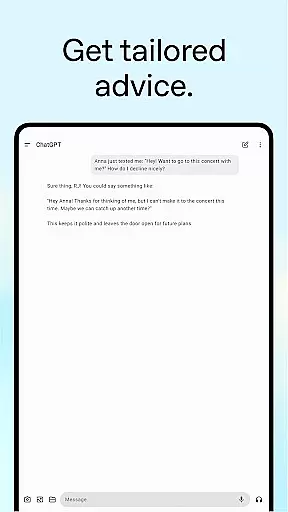
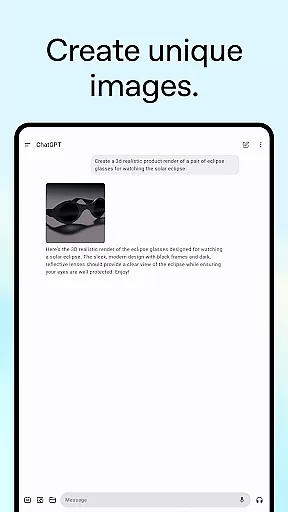
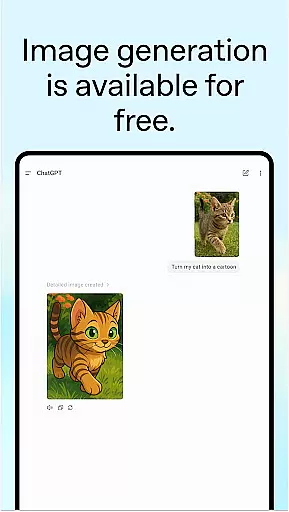
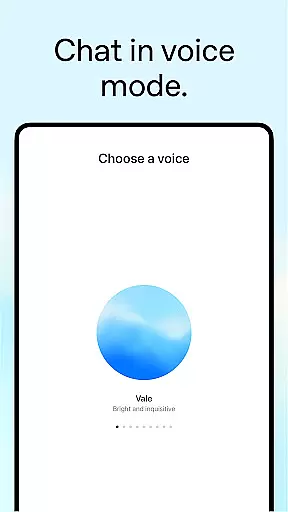
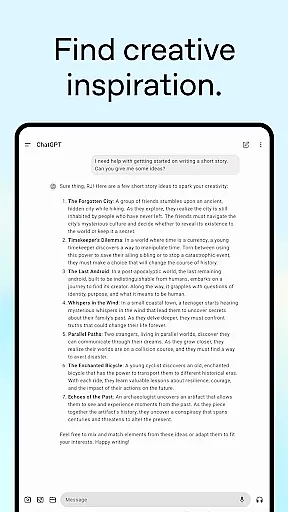
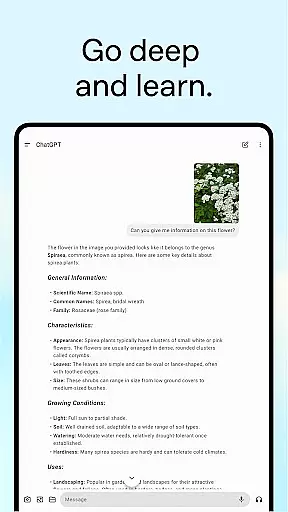
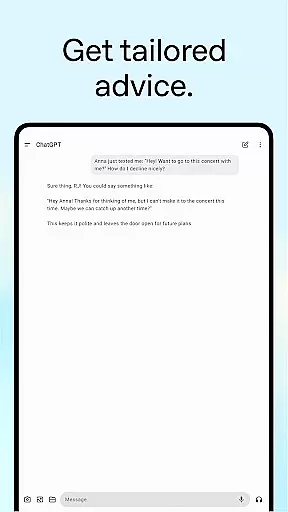
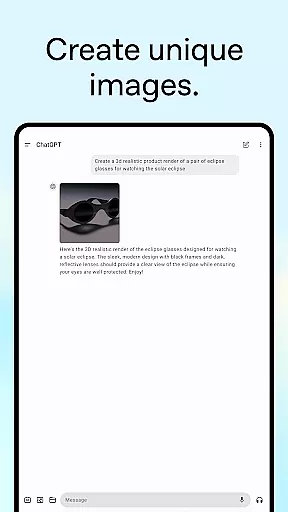
ChatGPT for Android offers a versatile productivity tool designed to assist users in various tasks through advanced AI capabilities. The app provides functionalities such as generating original images, engaging in real-time conversations, and offering tailored advice across multiple domains.
With features like photo uploads for transcription and personalized learning experiences, ChatGPT is suitable for both personal and professional use. Its ability to sync history across devices ensures seamless access to information, enhancing user productivity wherever they go.
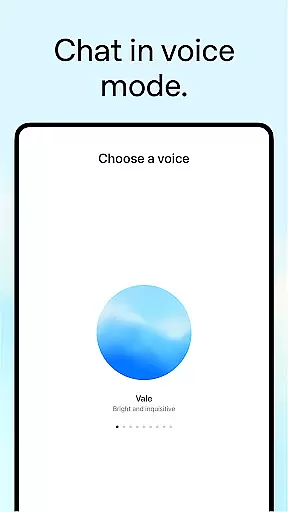
ChatGPT stands out with its diverse feature set tailored to boost productivity. The app's image generation allows users to create visuals from simple descriptions, while Advanced Voice Mode facilitates hands-free interaction through natural language processing.
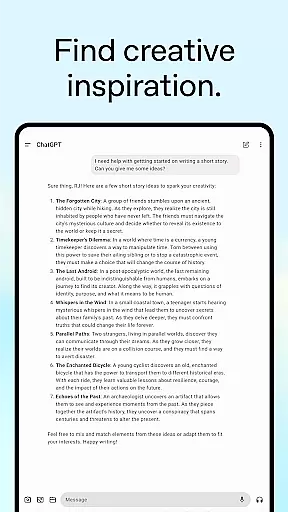
Additional features include photo upload functionality for extracting text from images, creative inspiration tools for custom gift ideas, and professional input options for business planning. These comprehensive capabilities ensure that users can tackle a wide range of tasks efficiently.
Task management is a cornerstone of productivity applications, and ChatGPT excels in providing users with tools to organize their thoughts and responsibilities efficiently.
This app allows you to settle debates, transcribe handwritten notes, generate creative ideas, and even assist in professional tasks like brainstorming marketing copy or crafting detailed travel itineraries.
By integrating advanced features such as voice mode and photo uploads, ChatGPT ensures that managing your daily tasks is not only efficient but also interactive and engaging.
Users benefit from having a personalized assistant that can handle both simple and complex tasks, making it easier to focus on what truly matters while the app takes care of the rest.
Cross-device synchronization is vital for users who operate across multiple platforms, ensuring that their data and history are always up-to-date and accessible wherever they go.
ChatGPT offers seamless syncing capabilities, allowing users to access their conversation history, preferences, and generated content from any device with the app installed.
This reliable synchronization means that whether you're at home, in the office, or on the move, your information is securely stored and readily available, enhancing both convenience and productivity.
With this feature, ChatGPT stands out by providing a consistent and uninterrupted user experience, empowering users to manage their digital lives without missing a beat.
User-friendly interface
Advanced AI capabilities
Versatile functionality
Seamless cross-device syncing
Free to use
Limited offline functionality
Requires stable internet
Privacy concerns with data
Potential learning curve
Dependent on API availability

 4.20
4.20
A Revolutionary All-in-One Artificial Intelligence Tools
3.80
All in one sketching tool. Technical and General drawing. Online Maps support.
3.70
A lightweight JSON & XML files creator, editor and viewer (Premium Version)
4.40
Mind Map and brainstorm, note taking and idea collection
4.80
Tally and goal counter for Wear OS & mobile
4.50
* block pre-roll ads, pop-up and forced redirect ads * Samsung certification app
4.00
Great calculator for Android named one of USA TODAY's "25 Essential Apps".
4.90
Lightweight PDF, Word, Excel reader.
4.60
QuickBooks Workforce lets teams view pay info and track time in one place.
4.70
Fill, sign & send docs, forms, agreements & contracts via electronic signature.
4.50
Experience Reading - Night Mode for Documents
4.40
Docker, Kubernetes management over Portainer Mobile
4.40
When you Focus, so will your Bean in this cozy focus timer
4.30
Automates browsing any website and notifies you of important changes or events
4.30
Customizable calendar widget for seamless event sync, planning & scheduling.
4.00
Make your handwriting beautiful, even more than pen on paper.
3.60
ID.me Authenticator is a simple and free Two Factor Authentication solution
3.50
AI Video AI Image Private LLM AI Browser Llama Gemma Ollama Connect LLM Studio
4.5


User Reviews