

A customizable Christmas watch face for Wear OS with a countdown.
 4.20
4.20
an Analog Watch Face for winter season with freeze winter background for Wear OS
4.2
Animated Watch Face and Customizable with 24 Backgrounds. Perfect for Christmas!
3.90
Be an elegant and classy secret agent, with this carefully detailed watch face
4.70
Stylish digital watch face for Wear OS devices with customizable features
4.4
Digital watch face. For Wear OS devices.
4.40
Period, ovulation & pregnancy tracker. Fertility insights & menstrual calendar.
4.90
Minimalistic design modern digital watch face.
4.2
Hybrid watch face for Wear OS with customizable complications by Matteo Dini MD
4.70
The Chevron App allows you to pay for fuel from the comfort of your car!
4.80
The most customizable hybrid watch face. For Wear OS 5.0, API 34+ and later
4.70
Fast and smart typing with Emojis, GIFs, and more
4.50
The #1 source of faces for your smartwatch!
4.00
Authentic military-tactical design with ZULU time! Realistic and functional!
3.80
Stay in touch with your friends and family using LINE!
3.40
Wear Os Watch Face - Animated Snow - Sesonal for Christmas & Winter
4.4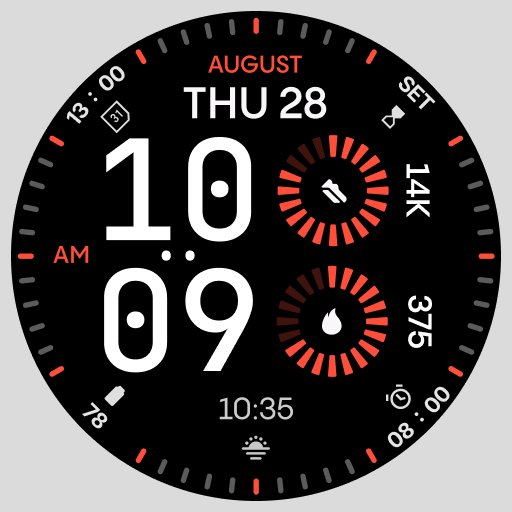
Stunning modern digital watch face with 7 complications and strong contrast
4.3
Artistic Digital Watchface
4.0
Sleek, highly customizable watch face inspired by Galaxy Watch Circle Dashboard.
4.4


