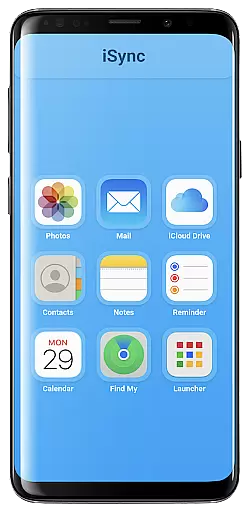
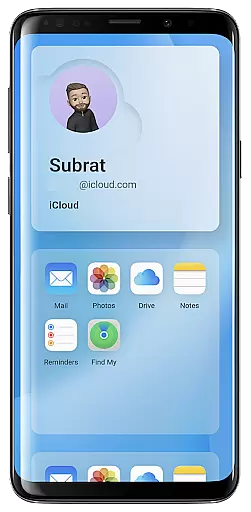
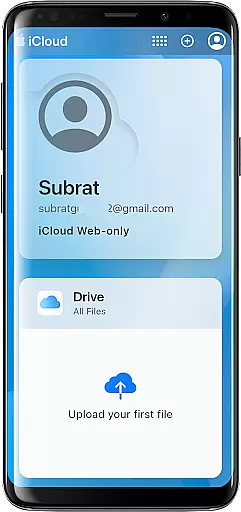
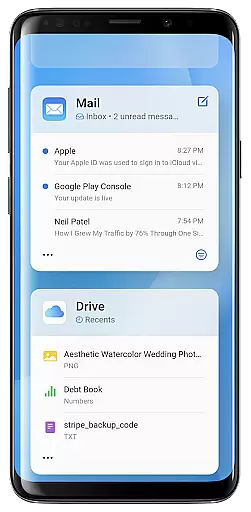
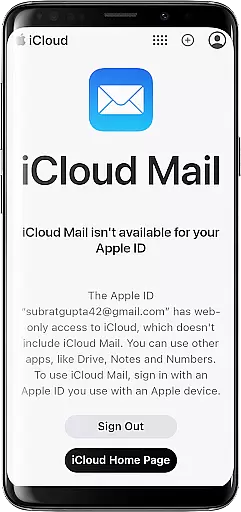
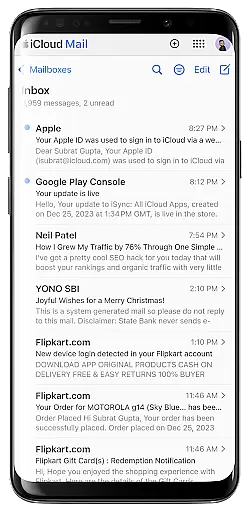
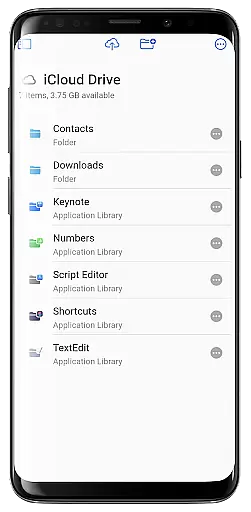
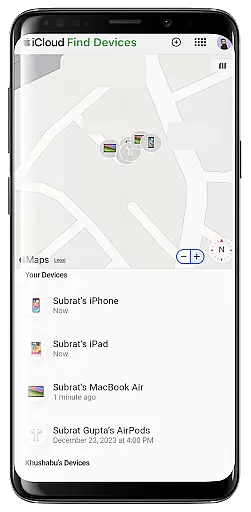
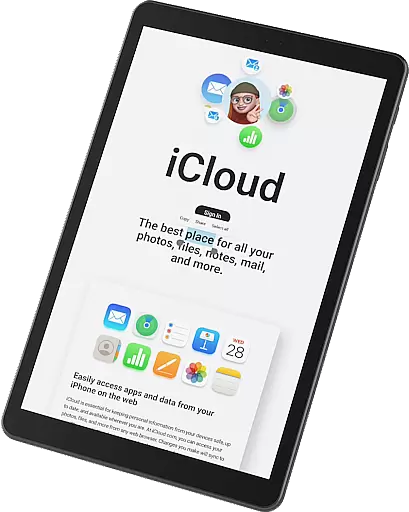
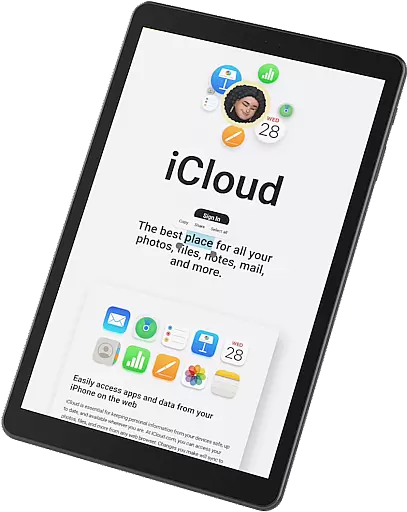
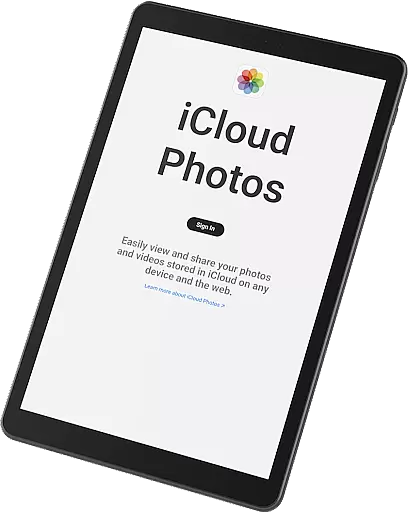
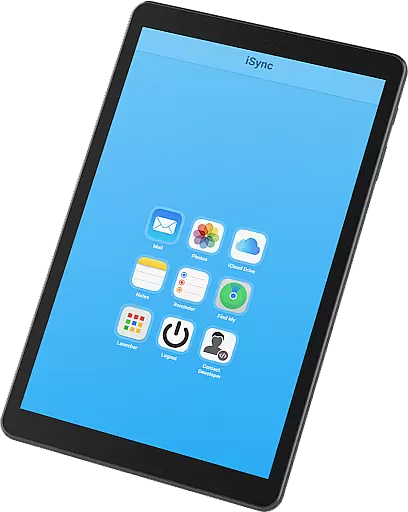
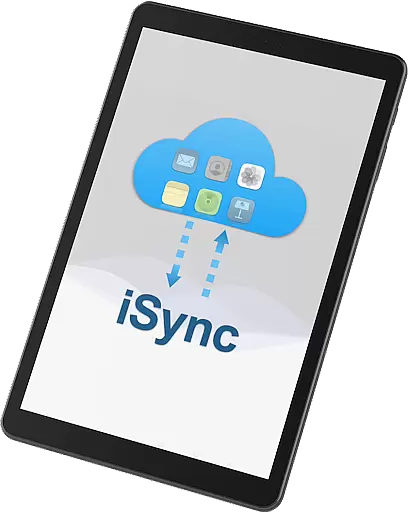
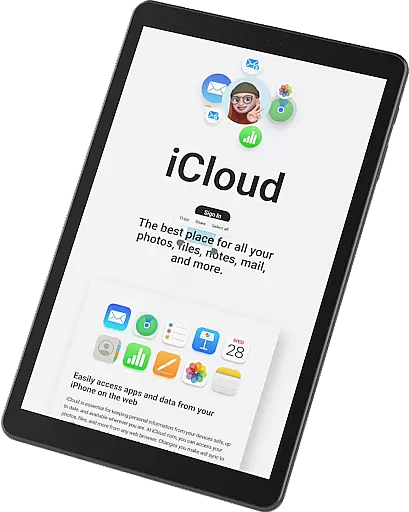
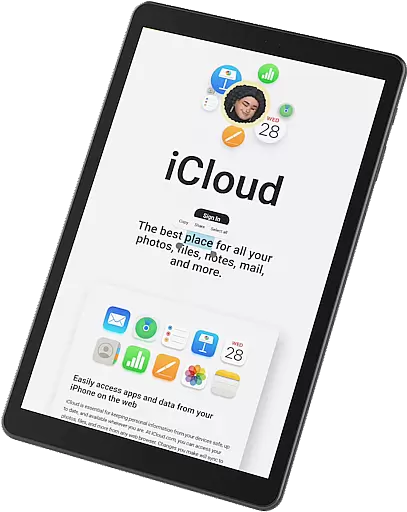
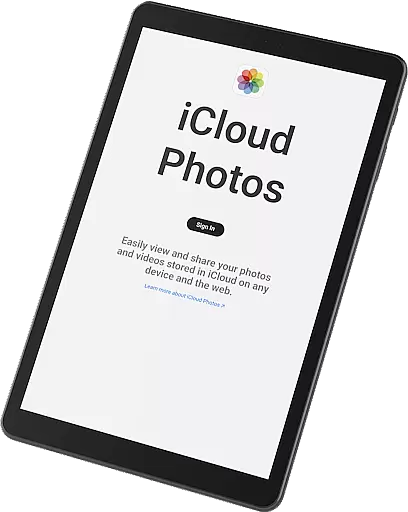
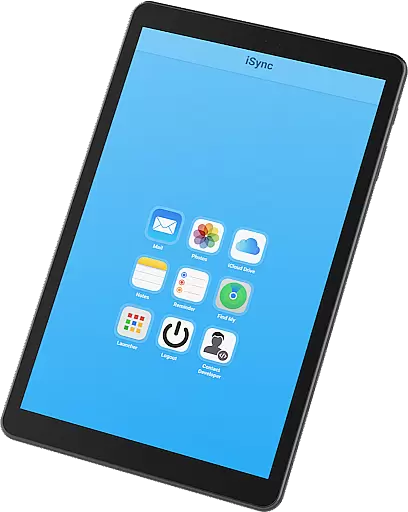
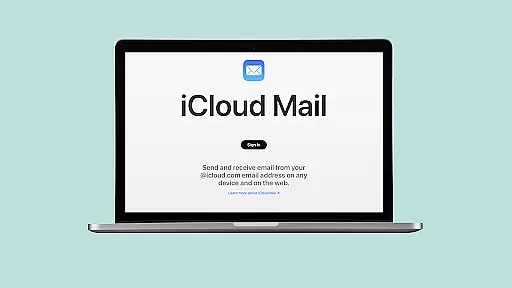
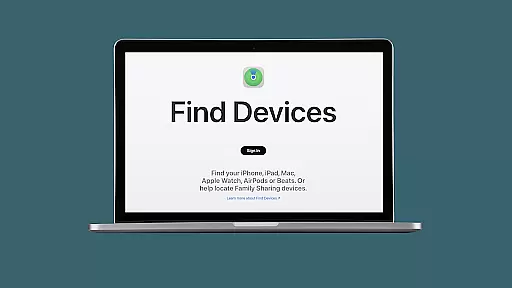
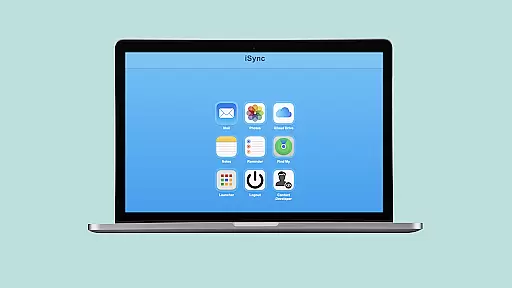
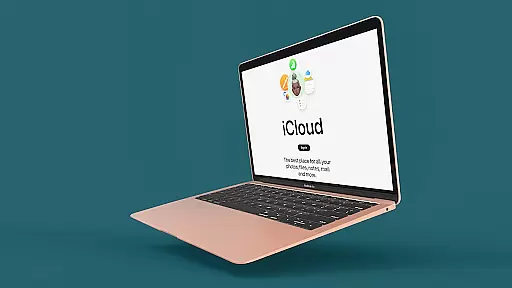
iSync Premium is a productivity-focused application that bridges the gap between Android and Apple ecosystems. It enables users to access their iCloud account and its applications directly from an Android device. The app offers seamless integration with iCloud services such as Mail, Photos, iCloud Drive, Notes, Reminders, and Find My. With a user-friendly interface, iSync Premium ensures that your personal data is always protected while providing effortless access to your digital life.
One of the standout features is the Launcher, which allows one-touch access to favorite iCloud apps. Whether you need to manage emails, view photos, or locate a lost device, iSync Premium provides a secure and reliable solution. This makes it particularly useful for individuals who operate in both Android and Apple environments but want to maintain synchronization across their devices without compromising on privacy or ease of use.
iSync Premium stands out with its comprehensive set of features tailored for productivity. The app provides direct access to iCloud Mail, allowing users to send, receive, and manage emails right from their Android device. For those who value their memories, the Photos feature lets users view, download, and share iCloud photos effortlessly. Additionally, the iCloud Drive functionality ensures that files and documents are always within reach.
Beyond these, iSync Premium includes tools like Notes and Reminders to help users stay organized by managing thoughts and tasks efficiently. The Find My feature adds an extra layer of security by helping locate lost devices easily. Each of these features is designed with simplicity and efficiency in mind, ensuring that users can focus more on their work and less on the technicalities of cross-platform synchronization.
The Launcher is another innovative aspect, offering one-touch access to frequently used iCloud apps. This enhances the overall user experience by reducing navigation time and streamlining access to essential services. Overall, iSync Premium's robust feature set makes it an indispensable tool for anyone looking to boost their productivity across different platforms.
Task management is a cornerstone of productivity applications, and iSync Premium excels in this area by offering seamless integration with iCloud's suite of services. This app bridges the gap between Android and Apple ecosystems, allowing users to manage their emails, notes, reminders, and files effortlessly.
iSync Premium provides an intuitive interface where users can send, receive, and organize emails through iCloud Mail, ensuring that communication remains uninterrupted. The app also enables users to jot down thoughts and manage reminders via iCloud Notes and Reminders, keeping personal and professional life organized.
One significant advantage of using iSync Premium for task management is its ability to sync data across devices. Whether you're accessing your tasks from an Android smartphone or an Apple device, all information remains up-to-date. This cross-platform compatibility ensures that users never miss important deadlines or forget crucial details.
Ultimately, iSync Premium enhances productivity by centralizing essential tools within one application. Users benefit from streamlined workflows, improved organization, and enhanced efficiency, making it easier than ever to stay on top of their responsibilities.
Cross-device synchronization is vital for maintaining consistency and accessibility of data across multiple platforms. iSync Premium stands out by providing reliable synchronization between Android devices and the iCloud ecosystem, ensuring that all user data remains current and accessible.
The app supports various iCloud services such as iCloud Drive, Photos, and Find My. With these features, users can access their files, view photos, and locate lost devices without any hassle. This comprehensive support guarantees that no matter which device you're using, your data is always at your fingertips.
Reliability is further enhanced through secure connections and regular updates. iSync Premium prioritizes user privacy and data protection, employing robust security measures to safeguard personal information during synchronization processes. This commitment to security ensures peace of mind for users who rely on consistent access to their data.
By integrating seamlessly with both Android and Apple ecosystems, iSync Premium offers unparalleled convenience and reliability. Users experience uninterrupted access to their digital lives, enhancing overall productivity and connectivity regardless of the device they choose to use.
Seamless cross-platform
User-friendly interface
Comprehensive iCloud access
Secure data protection
Efficient task management
Limited free version
Requires stable internet
Occasional sync delays
Premium subscription cost
Device compatibility issues

Experience Reading - Night Mode for Documents
 4.40
4.40
Take control of your clipboard with Clipper!
3.90
Create study competitions, track your hours, and stay consistent with friends
4.3
Ads Free App! Editor, Hide File, Copy, Move, Delete and Rename.. all facility av
1.70
Remotely view listen control and record cameras.
3.70
Subscribe to Webcal & .ics calendars and keep them up-to-date!
4.50
Access, manage and transfer files on Android, PC, Mac, NAS and cloud storages.
4.30
Quickly and easily keep track of your work shifts
4.70
Okta MFA
4.70
Native client for Forgejo and Gitea
5.00
Multilingual translator for text, voice, and image translation!
4.90
Planet Free VPN - The best Fast Unlimited and Secure VPN Without Logs
4.50
Docker, Kubernetes management over Portainer Mobile
4.40
Make apps & sites with natural language prompts
4.10
Experience real multitasking on your Android!
4.00
Wake up & get tasks done! Add alarms & reminders on the Clock Launcher.
4.00
Create and edit presentations with Google Slides, part of Google Workspace.
4.00
A Revolutionary All-in-One Artificial Intelligence Tools
3.80
Find and delete junk files & block unwanted notifications & manage files
3.70


User Reviews