
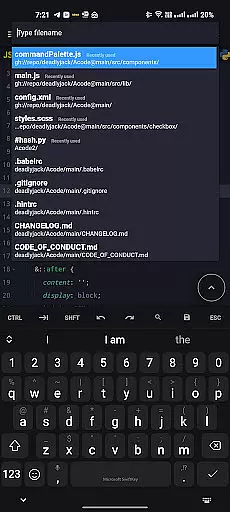
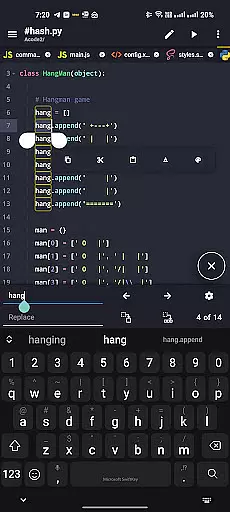
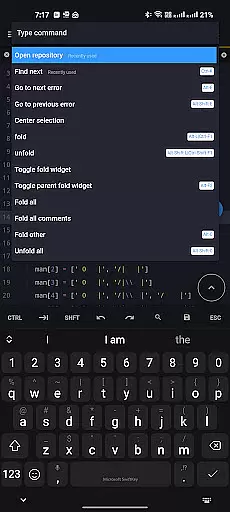
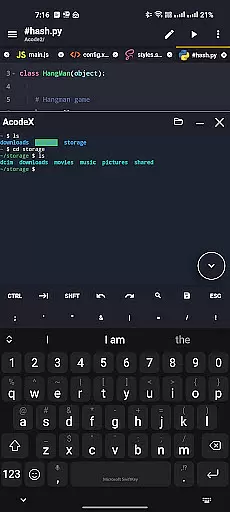
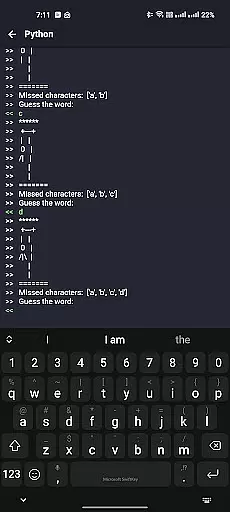
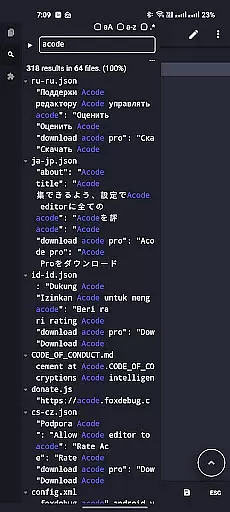
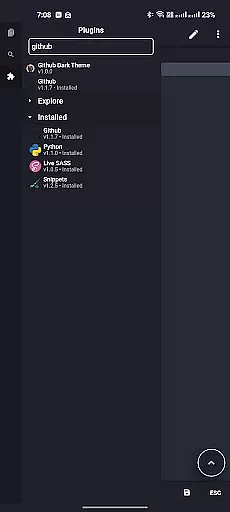
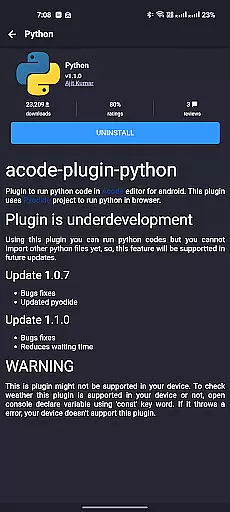
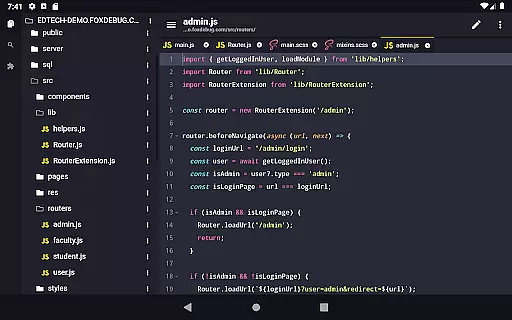
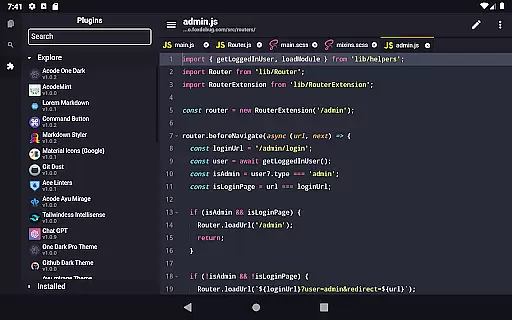
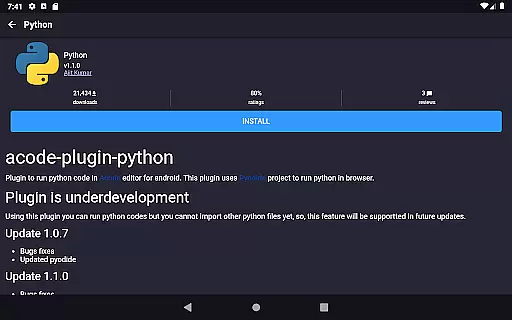
Acode is a powerful, lightweight code editor and web IDE for Android, designed to transform your coding experience. With the introduction of its innovative Plugin System, users can now access over 30 plugins in the Plugin Store, significantly expanding Acode's functionality. Whether you're building websites, debugging with the integrated console, or editing source files in Python, CSS, Java, JavaScript, or Dart, Acode provides an efficient and versatile environment.
Key features include an ad-free experience, GitHub integration, FTP/SFTP support, extensive syntax highlighting for over 100 programming languages, personalized themes, and an interactive JavaScript console. The app also supports high-performance file handling, multi-file editing, customizable interface options, keyboard shortcuts, file recovery, and effective file management. Acode ensures a seamless workflow for developers on the go.
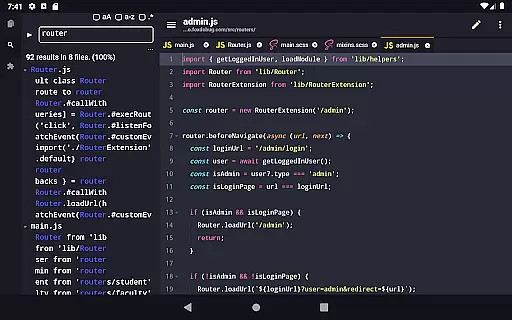
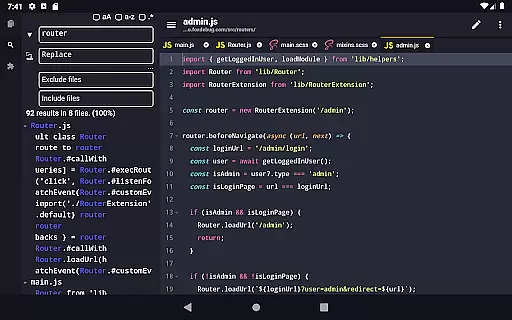
Acode stands out with its cutting-edge features tailored for developers. The enhanced Ace Editor, updated to version 1.22.0, offers more efficient editing capabilities. The new beta feature allows searching and replacing text across all files within opened projects, streamlining the development process. Additionally, customizable quick tools and fast file listing in Find Files (Ctrl + P) ensure a smooth workflow by personalizing the user experience and speeding up file access.
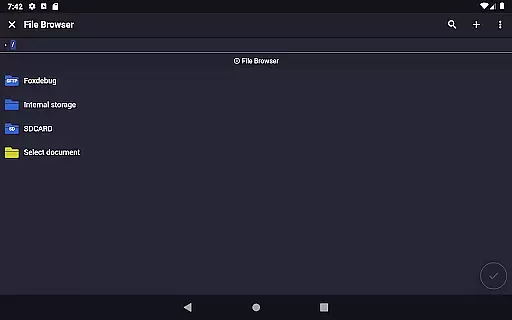
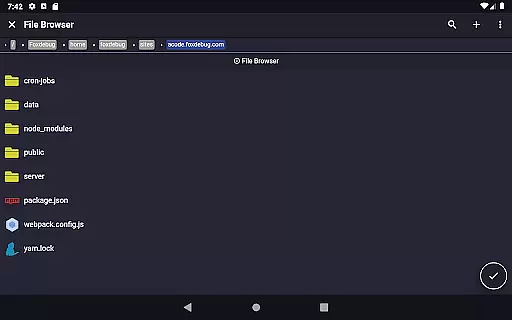
Other notable features include ctrl key functionality for keyboard shortcuts, an in-app preview for HTML/MarkDown files, an in-app file browser, and open-source transparency. Acode supports files with over 50,000 lines, ensuring high performance even with large projects. Its user-friendly interface, combined with extensive customization options, makes it an ideal choice for developers seeking a versatile and efficient coding tool on Android.
Task management is a cornerstone of productivity applications, and Acode excels in this area by offering developers an efficient way to handle their coding projects. The app provides a robust environment where users can create, edit, and manage multiple files simultaneously, ensuring that complex projects are organized and accessible.
Acode's file recovery feature ensures that no matter what happens during a coding session, work is not lost. This reliability is crucial for developers who need to maintain continuity in their workflow. Additionally, the app supports files with over 50,000 lines, which means it can easily handle large-scale projects without any degradation in performance.
The customizable quick tools and keyboard shortcuts further enhance task management by allowing users to tailor the interface to their specific needs. These features speed up repetitive tasks and make navigating through projects more intuitive. With such comprehensive task management capabilities, Acode empowers developers to focus on writing code rather than managing their workspace.
Cross-device synchronization is vital for users who work across multiple devices, and Acode addresses this need with its reliable sync features. By integrating seamlessly with GitHub, the app allows developers to push and pull their projects from any device, ensuring that their work is always up-to-date and accessible wherever they are.
In addition to GitHub integration, Acode also supports FTP/SFTP protocols, which means users can manage their files on remote servers efficiently. This feature is particularly beneficial for developers who need to upload changes to live websites or collaborate with teams on shared hosting environments.
The app's high-performance capabilities ensure that synchronization processes do not hinder the user experience. Files load quickly at startup due to caching mechanisms, making cross-device workflows smooth and efficient. With these reliable synchronization options, Acode provides a seamless transition between devices, allowing developers to pick up right where they left off, regardless of location or device used.
Lightweight and fast
Extensive plugin support
GitHub and FTP/SFTP integration
Over 100 language syntax highlights
Customizable interface
Limited to Android
Some features in beta
Requires technical knowledge
No iOS version
Learning curve for beginners

 4.20
4.20
Android Wallet Password Manager
4.80
The upgraded version of Name Wheel with AI and the power to add your own wheels.
4.4
Mind Map and brainstorm, note taking and idea collection
4.80
App lock - lock apps with fingerprint, password, pin or pattern, protect privacy
4.70
Font maker keyboard with your own handwriting
4.10
Code on-the-go with VScode for Android. Edit,debug and collaborate from mobile!!
3.10
Great calculator for Android named one of USA TODAY's "25 Essential Apps".
4.90
Scientific calculator for Android - looks and operates like the real thing!
4.90
Protect and view your important info on your phone and tablet with eWallet®
4.80
Seamlessly integrate data and reports to build your presentation to impress
4.80
QuickBooks Workforce lets teams view pay info and track time in one place.
4.70
A lightweight JSON & XML files creator, editor and viewer (Premium Version)
4.40
When you Focus, so will your Bean in this cozy focus timer
4.30
A customizable calendar for your Wear OS watch
4.20
Customizable calendar widget for seamless event sync, planning & scheduling.
4.00
The ultimate file manager for rooted devices. The original and still the best.
4.00
A Revolutionary All-in-One Artificial Intelligence Tools
3.80
Experience and share your SolidWorks designs on your Android® phone and tablet.
2.50


User Reviews