
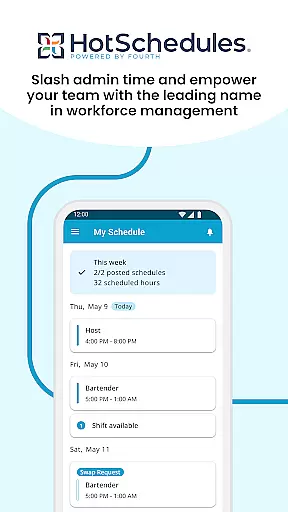
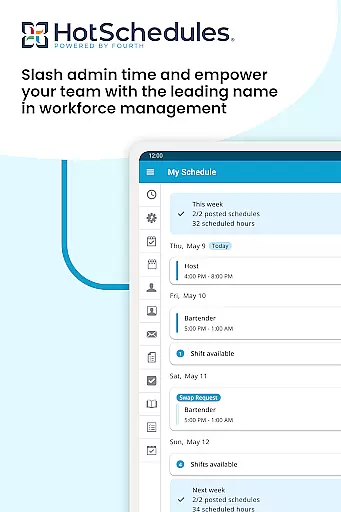
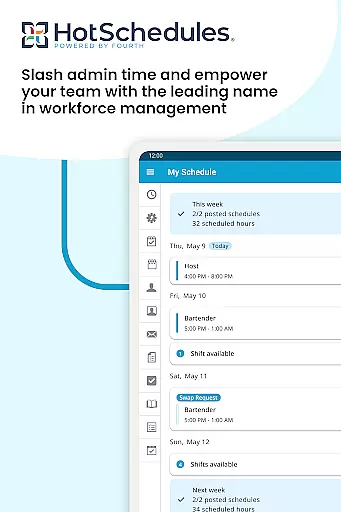
HotSchedules is a leading productivity app designed specifically for workforce management in the workplace. It offers an efficient solution to manage employee schedules and streamline team communication. With its intuitive interface, users can easily swap shifts, request time off, or pick up additional hours with just one click. The app also provides automatic calendar sync and instant notifications for any schedule changes approved by managers, ensuring that both employees and managers are always up-to-date.
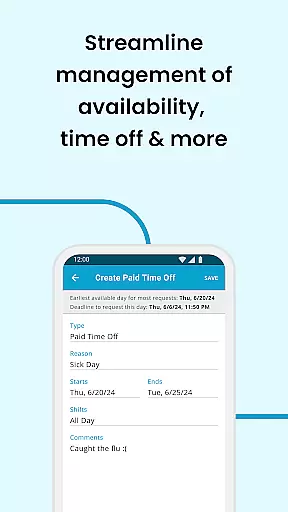
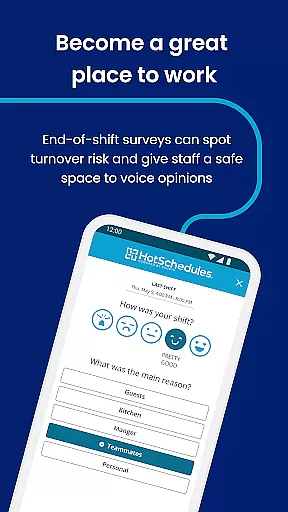
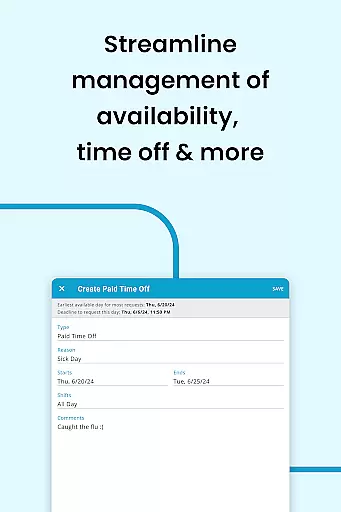
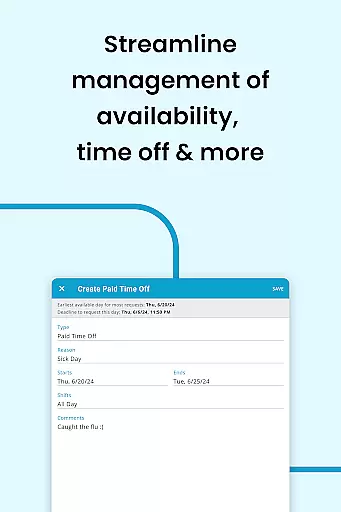
Beyond scheduling, HotSchedules supports work-life balance by allowing employees to manage their availability based on personal preferences. For managers, the app delivers powerful tools such as sales and labor snapshots, enabling them to monitor business performance remotely. Additionally, features like broadcast messaging and one-to-one communication foster a connected and productive team environment. This makes HotSchedules an essential tool for businesses looking to enhance operational efficiency while maintaining employee satisfaction.
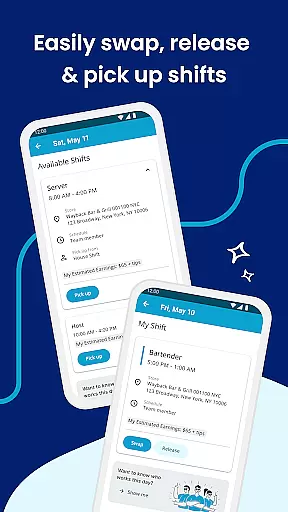
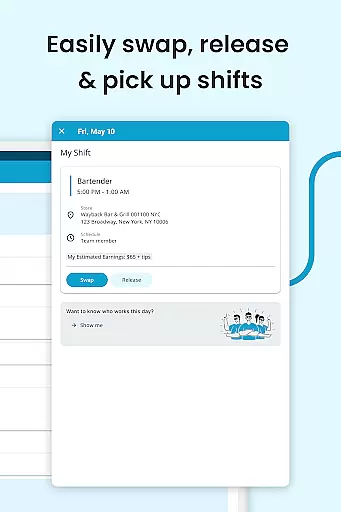
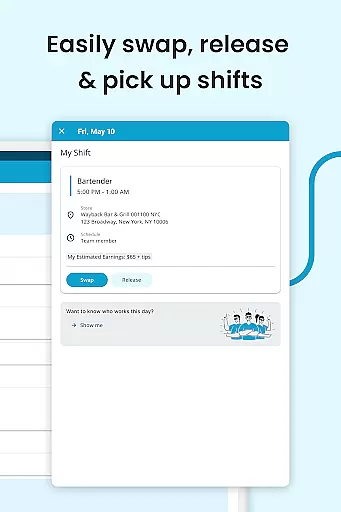
HotSchedules stands out with its robust feature set tailored for both employees and managers. One of its core functionalities is the ability to manage shifts effortlessly. Employees can swap, release, or claim shifts with a single click, making scheduling conflicts a thing of the past. Automatic calendar integration ensures that all approved schedule updates are instantly reflected on users' devices, eliminating manual tracking.
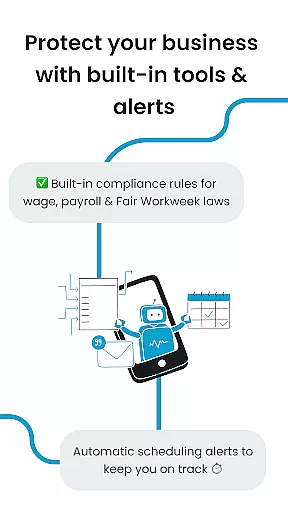
For managers, the app offers significant time savings—up to 75%—when creating staff schedules. It also includes one-click approval for shift changes, reducing administrative workload. Managers can access real-time business metrics such as sales and labor data from anywhere, keeping them informed without being tied to the office. Enhanced communication tools like broadcast messaging and private chats further improve team coordination. These features collectively contribute to a more agile, transparent, and efficient workplace.
HotSchedules excels in core task management by offering a comprehensive suite of tools designed to streamline scheduling and team communication. The app allows for quick shift swaps, pickups, and releases with just one click, making it effortless for team members to manage their work-life balance.
For managers, the app provides significant time savings, reducing the time spent on building schedules by 75%. This efficiency is achieved through intuitive design and smart features that facilitate automatic updates and approvals for shift changes. Managers can also monitor business performance remotely, thanks to sales and labor snapshots accessible from anywhere.
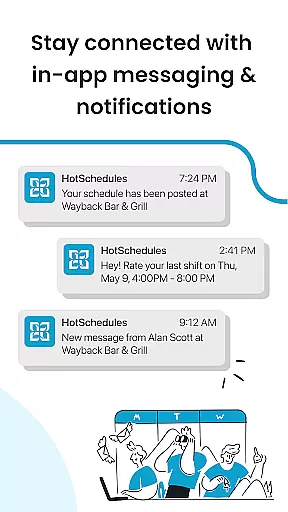
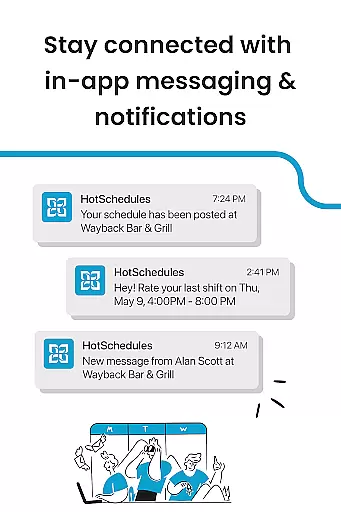
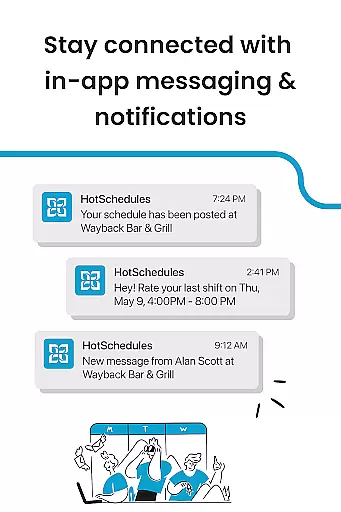
The real-time notifications and calendar sync ensure that any manager-approved changes are immediately reflected on the user's phone, keeping everyone on the same page. This seamless integration helps maintain an organized and efficient work environment, crucial for productivity.
Cross-device synchronization is a standout feature of HotSchedules, ensuring reliable and consistent access to schedules and communications across all devices. Whether using a smartphone, tablet, or computer, users can expect automatic updates that keep their schedules current and accurate.
The app's robust notification system plays a critical role in maintaining synchronization reliability. Users receive instant alerts about any changes or updates, ensuring they are always aware of their schedule status. This feature is particularly beneficial for staying informed about manager-approved modifications and new shift opportunities.
Moreover, HotSchedules supports integration with external calendars, enhancing its synchronization capabilities. This ensures that users can manage their professional and personal commitments in one place, promoting better work-life balance and overall productivity.
User-friendly interface
Efficient shift management
Real-time updates
Remote performance monitoring
Enhanced team communication
Requires employer account
Limited to specific industries
No standalone use
Premium features may cost extra
Dependent on manager approvals

Seamlessly integrate data and reports to build your presentation to impress
 4.80
4.80
Mega cloud explorer plugin for Solid Explorer
3.80
A lightweight JSON & XML files creator, editor and viewer (Premium Version)
4.40
Make apps & sites with natural language prompts
4.10
ID.me Authenticator is a simple and free Two Factor Authentication solution
3.50
Secure, open-source, SPICE and SSH Remote Desktop for QEMU KVM virtual machines
4.00
Code on-the-go with VScode for Android. Edit,debug and collaborate from mobile!!
3.10
Use powerful, industry-leading AI tools to generate visual charts from any data
4.80
Browse and view your photos and videos from the phone with photo & video hide.
4.10
Native client for Forgejo and Gitea
5.00
Android Wallet Password Manager
4.80
aCalendar+ makes your day, week and month
4.70
Quickly and easily keep track of your work shifts
4.70
The Pro Version of Android's tiniest Notepad app. Just 0.3MB but feature-packed!
4.60
All document reader, all in one file viewer read PDF, DOCX, XLS, PPT, TXT files.
4.60
A customizable calendar for your Wear OS watch
4.20
Wake up & get tasks done! Add alarms & reminders on the Clock Launcher.
4.00
* block pre-roll ads, pop-up and forced redirect ads * Samsung certification app
4.00
A comprehensive suite of tools designed specifically for Lactation Consultants
4.3


User Reviews