
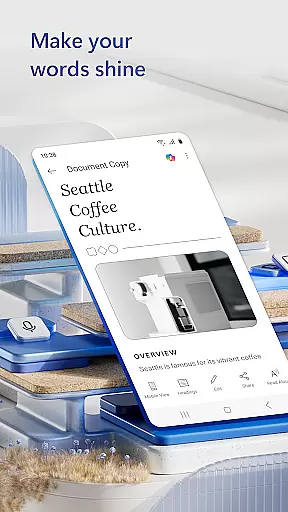
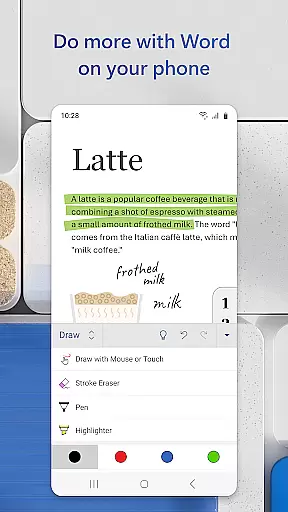
Microsoft Word is the quintessential mobile document editor that empowers users to create, edit, and collaborate on documents directly from their mobile devices. With capabilities mirroring the desktop version, this app allows for seamless document management on the go. Users can craft detailed cover letters, convert files to PDF, and work collaboratively with team members in real-time.
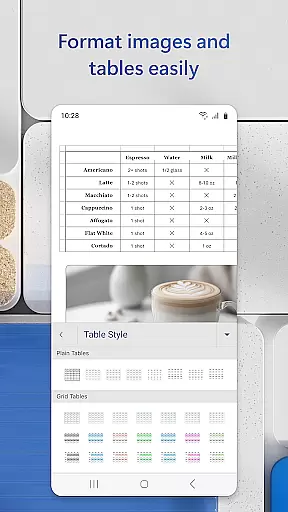
The app's strength lies in its versatility and ease of use. Whether you're drafting resumes, designing newsletters, or jotting down notes, Microsoft Word provides an intuitive platform complete with templates and formatting tools. Its compatibility across devices ensures that your documents retain their layout and quality, regardless of where they are accessed or edited.
For professionals such as bloggers, writers, or project managers, Microsoft Word is an indispensable tool. It simplifies tasks like editing PDFs, sharing documents in various formats, and proofreading. The ability to access and modify files from virtually anywhere makes it ideal for today's fast-paced work environments.
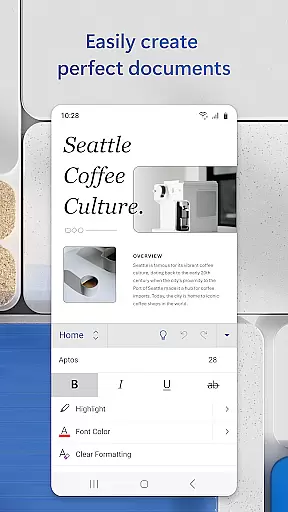
Microsoft Word stands out with its comprehensive set of features tailored for productivity enthusiasts. One of its core functionalities is the ability to create visually appealing documents using professionally designed templates. These include resumes, cover letters, and more, ensuring that users can produce high-quality work without starting from scratch.
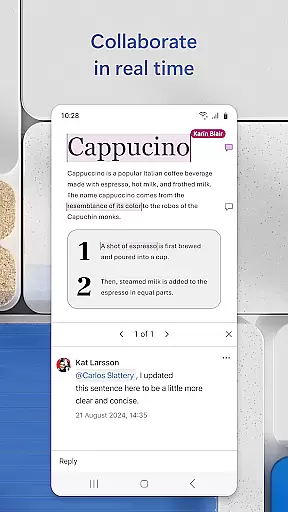
Another significant feature is its robust collaboration tools. Users can leave comments next to text, track changes, and view editing history, which facilitates teamwork and ensures everyone stays aligned. Moreover, the app supports converting documents to and from PDF, allowing for greater flexibility in file management and sharing.
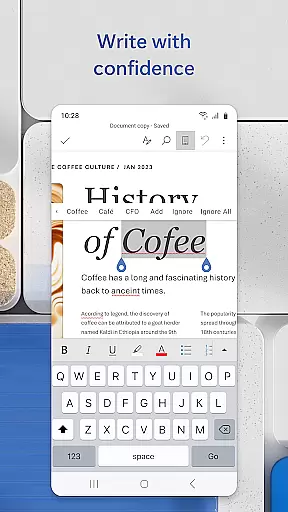
Additionally, Microsoft Word offers a Reading View mode, enabling users to focus on content consumption without distractions. The built-in docs viewer and easy file-sharing options further enhance the user experience by providing quick access and distribution methods. This combination of powerful editing tools, collaboration features, and versatile file handling makes Microsoft Word a top choice for mobile productivity.
Task management is a critical component of productivity applications like Microsoft Word. This feature allows users to organize, track, and manage their writing projects efficiently.
Microsoft Word provides an intuitive interface where users can create, edit, and format documents while leveraging advanced task management capabilities. The app supports seamless collaboration, enabling multiple users to work on the same document simultaneously.
Users benefit from real-time updates and revision history, ensuring that they can monitor changes and revert to previous versions if needed. This functionality enhances team productivity by maintaining document integrity and consistency across edits.
The application's task management extends beyond simple document creation. With integrated templates for resumes, cover letters, and more, users can start projects quickly and ensure professional formatting. These features collectively streamline workflows and boost overall efficiency.
Cross-device synchronization is essential for users who require access to their documents across multiple devices. Microsoft Word excels in this area by providing reliable and consistent synchronization through cloud integration.
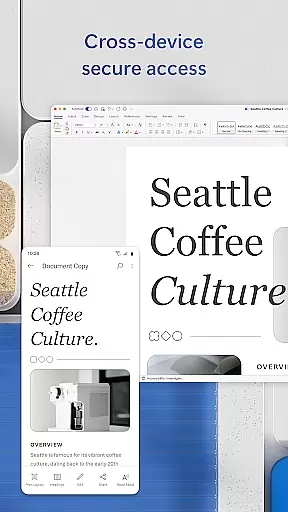
With Microsoft Word, users can start editing a document on their mobile device and continue working on it from a PC or tablet without any loss of formatting or content. This continuity is powered by robust cloud services that ensure all changes are saved and updated in real time.
The reliability of cross-device sync ensures that teams collaborating on documents always have the most up-to-date version available, regardless of the device they are using. This minimizes errors and miscommunication, fostering a more cohesive work environment.
Moreover, Microsoft Word's synchronization feature includes permission management, allowing users to control who can view or edit their documents. This security measure adds an extra layer of protection, making sure sensitive information remains confidential while still being accessible to authorized personnel.
User-friendly interface
Extensive template library
Real-time collaboration
Cross-device compatibility
Robust editing tools
Requires Microsoft account
Limited functionality on small screens
Some features need premium subscription
Occasional syncing issues
Heavier on device resources

Mind Map and brainstorm, note taking and idea collection
 4.80
4.80
CalenGoo is a very flexible and feature-rich calendar app
4.40
Font maker keyboard with your own handwriting
4.10
Find and delete junk files & block unwanted notifications & manage files
3.70
The AI assistant that thinks with you - write, code, and solve complex tasks
4.60
Calendar 2023 widget for Android. Appointment scheduler, planner, and reminder
4.60
Great calculator for Android named one of USA TODAY's "25 Essential Apps".
4.90
Use powerful, industry-leading AI tools to generate visual charts from any data
4.80
Simple notepad & memo. Take notes, to-do list, shopping list with reminders.
4.80
Protect and view your important info on your phone and tablet with eWallet®
4.80
QuickBooks Workforce lets teams view pay info and track time in one place.
4.70
Client for Nextcloud Deck
4.60
The Pro Version of Android's tiniest Notepad app. Just 0.3MB but feature-packed!
4.60
Translate text/voice/photos in 150+ languages. Offline & fast translator app.
4.50
Subscribe to Webcal & .ics calendars and keep them up-to-date!
4.50
Access, manage and transfer files on Android, PC, Mac, NAS and cloud storages.
4.30
All in One PDF Reader: Manage, Read and Edit your Documents
4.20
AI Video AI Image Private LLM AI Browser Llama Gemma Ollama Connect LLM Studio
4.1
Create study competitions, track your hours, and stay consistent with friends
4.3


User Reviews