
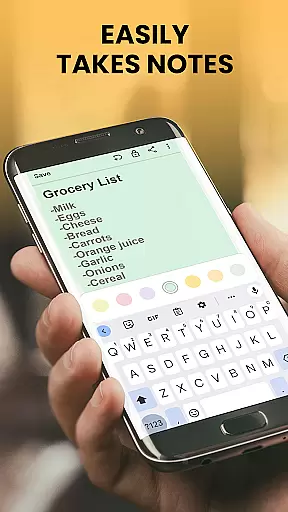
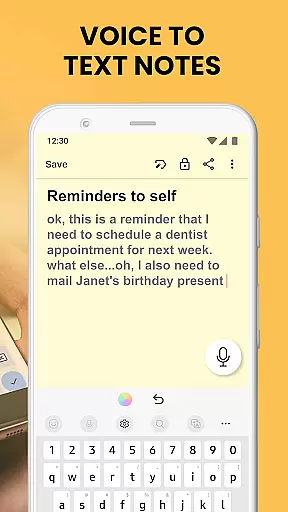
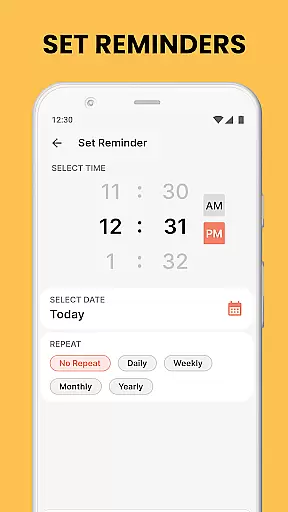
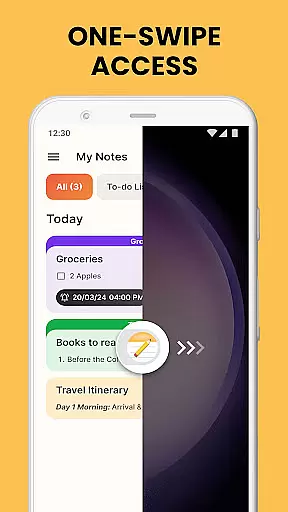
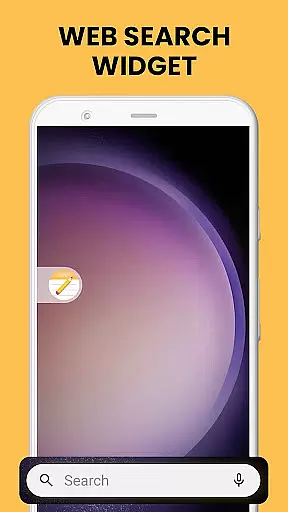
Notes Launcher is a productivity app designed to streamline note-taking and task management. The app allows users to jot down thoughts, ideas, and important information with ease. By swiping right from the home screen, users can instantly create quick notes or to-do lists. It also offers features such as sharing notes with others, securing sensitive information with locks, and organizing notes through color-coding and categorization.
In addition to its core functionality, Notes Launcher enhances user experience by integrating useful widgets and shortcuts. Users can enjoy one-swipe access to their notes, view time and weather on the home screen, and personalize their device with themed wallpapers. These features make it an ideal tool for both personal and professional use, helping users stay organized and efficient in their daily tasks.
Notes Launcher stands out with its comprehensive set of features tailored for effective note management. One of its key strengths is the rich text formatting tools that allow users to customize their notes with different font sizes, styles, and lists. This ensures that notes are not only informative but also visually appealing and easy to read.
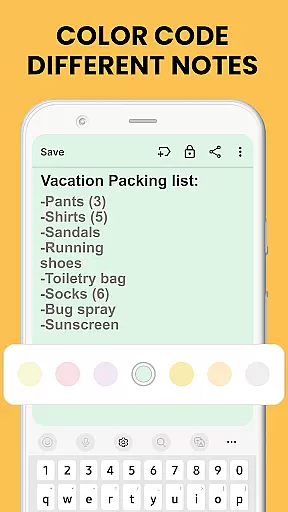
The app also provides advanced organizational capabilities. Users can color-code their notes to prioritize tasks, categorize them into custom groups like vacation checklists or work projects, and sort them by modification date or creation order. Additionally, the lock feature secures sensitive information, while the intuitive search function helps quickly locate specific notes. These robust features collectively enhance productivity and ensure users can manage their information effectively.
Effective task management is essential for staying organized and productive. Notes Launcher excels in this area by providing users with a comprehensive suite of tools to manage their daily tasks efficiently.
The app allows you to create quick notes or to-do lists with just a swipe from your home screen. This instant access ensures that you can capture important thoughts and tasks the moment they come to mind, without any delay.
With features like color-coding, categorization, and sorting filters, users can prioritize and organize their notes systematically. These capabilities ensure that you can easily find and focus on the most critical tasks at any given time.
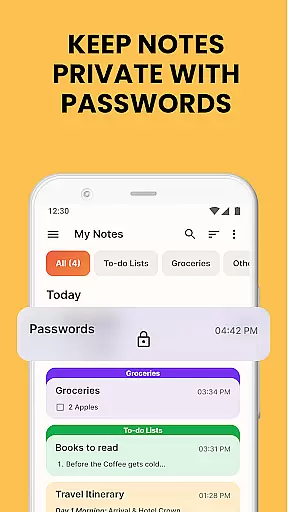
Additionally, the ability to lock sensitive information and share notes with others adds an extra layer of security and collaboration, making it easier to work on group projects or keep personal data safe.
In today's interconnected world, reliable cross-device synchronization is crucial for maintaining productivity across multiple platforms. Notes Launcher addresses this need by ensuring that your notes are consistently updated and accessible wherever you are.
Whether you're switching between your phone, tablet, or computer, the app guarantees that all your notes are synced in real-time. This means you can start a task on one device and seamlessly continue working on it from another without missing a beat.
The synchronization process is designed to be both fast and reliable, minimizing delays and ensuring that your data is always up-to-date. This reliability helps prevent data loss and ensures that you have access to the most current version of your notes at all times.
By offering robust cross-device support, Notes Launcher empowers users to stay organized and efficient, regardless of the device they choose to use. This flexibility is particularly beneficial for those who rely on multiple devices throughout their day.
User-friendly interface
Quick note creation
Secure locking system
Customizable organization
Rich text formatting
Home screen layout changes
Limited widget options
No cloud sync
Basic sharing features
Ads in free version

Native client for Forgejo and Gitea
 5.00
5.00
Planet Free VPN - The best Fast Unlimited and Secure VPN Without Logs
4.50
Smart PDF reader & editor to view, organize and manage PDF documents easily.
3.70
Make your handwriting beautiful, even more than pen on paper.
3.60
Absolutely the best CNC machinist speed and feed calculator around. fswizard.com
4.60
Create and edit presentations with Google Slides, part of Google Workspace.
4.00
Secure your apps with lock screens, use custom themes and different features.
4.40
Ultimate Virtual AI Character for immersive Roleplay Chat. Perfect Companion
3.90
Scan paperwork into PDF/JPG, generate your own e-signature and send fax or email
4.70
Scientific calculator for Android - looks and operates like the real thing!
4.90
Protect and view your important info on your phone and tablet with eWallet®
4.80
To do list widget with a notebook organizer, checklist, simple shopping list
4.60
Experience Reading - Night Mode for Documents
4.40
Device's storage information in a simple and clear graphical form (infographics)
4.10
Todo reminder
4.10
Experience real multitasking on your Android!
4.00
Find and delete junk files & block unwanted notifications & manage files
3.70
Auto-shutoff Alarm with Sunrise, Sunset & Fixed Options.
3.50
A simple, portable logger for POTA, SOTA, Field Day, and more
4.4


User Reviews