
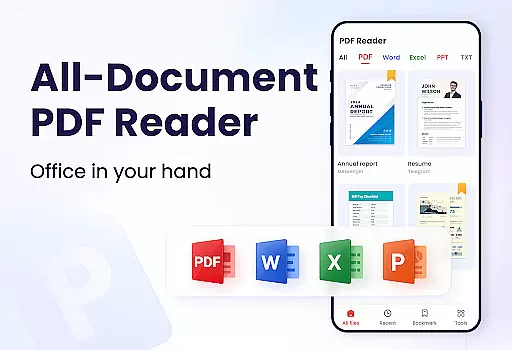
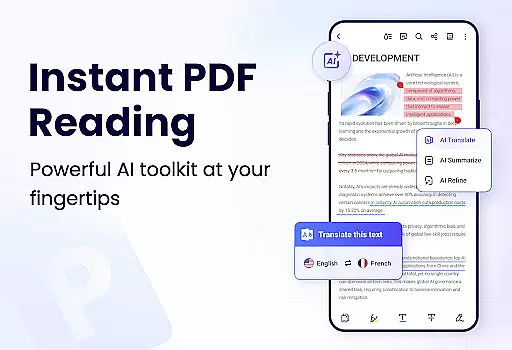
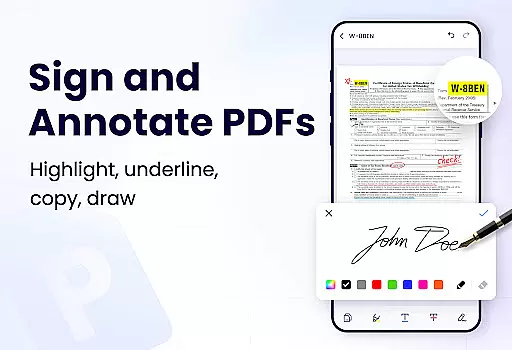
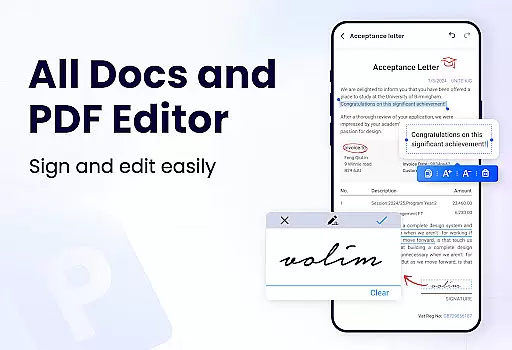
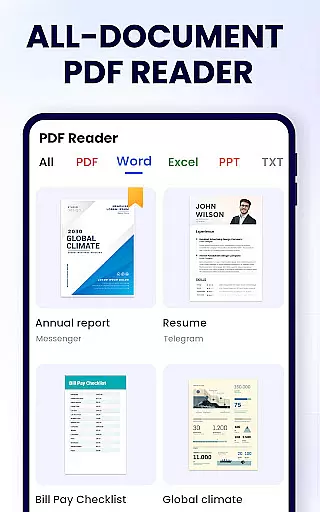
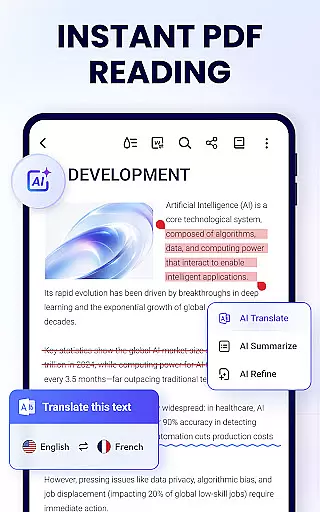
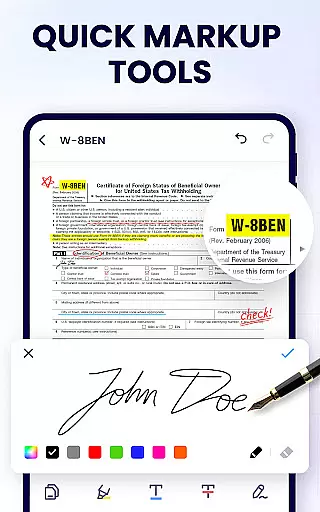
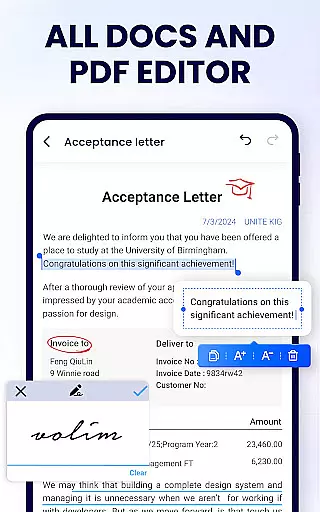
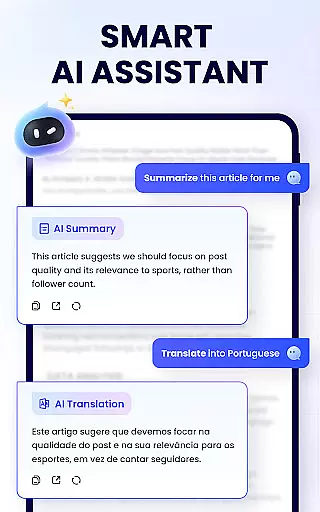
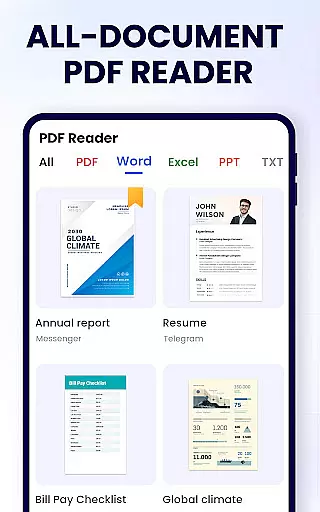
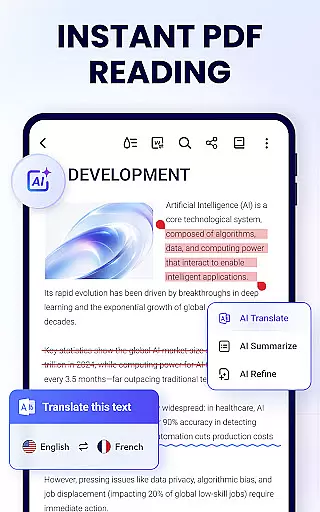
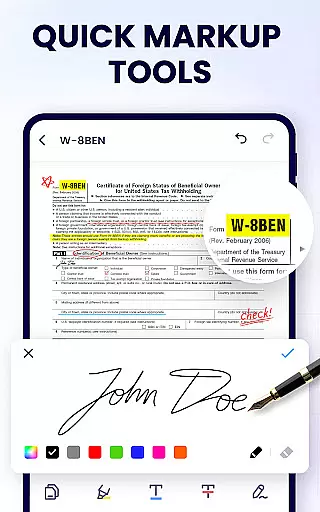
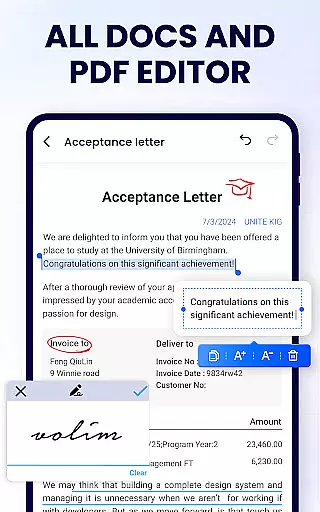
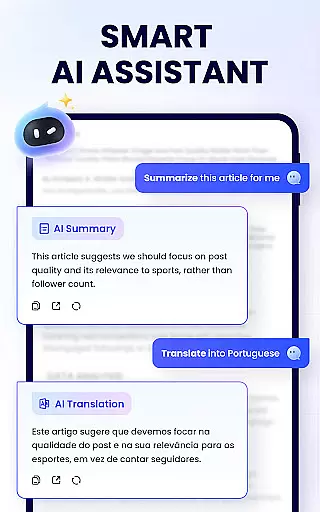
PDF Reader - PDF Viewer is a comprehensive productivity tool designed for Android users who need to efficiently manage their PDF documents. This free app serves as both a reader and editor, allowing users to read, edit, and organize PDF files with ease. Key features include the ability to doodle, add notes, bookmark pages, merge and split documents, and even set passwords for file protection.
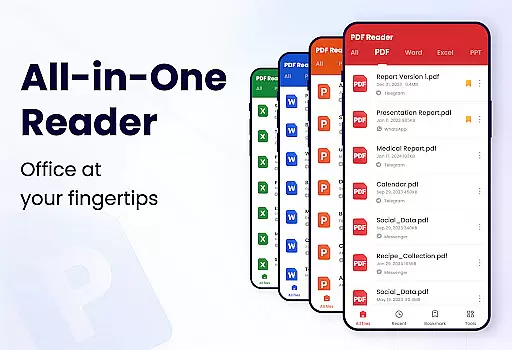
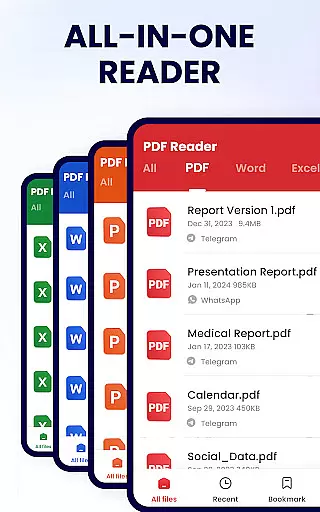
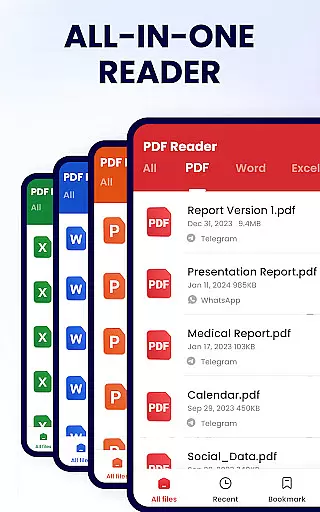
The app stands out with its auto-search functionality that displays all PDF files on your device, making it simple to locate and open documents quickly. Its user-friendly interface supports various viewing modes, including page-by-page and continuous scrolling, as well as horizontal and vertical orientations. Users can zoom in and out, jump to specific pages, and enjoy a full-screen reading experience.
Whether you're a student or a professional, this app enhances productivity by providing essential tools for document management. The lightweight design ensures smooth performance, while additional features like file sharing and printing make it a versatile choice for all your PDF needs.
PDF Reader - PDF Viewer offers an impressive range of features that cater to diverse user requirements. One of its standout capabilities is the efficient PDF editing suite, which allows users to annotate documents, highlight text, underline, and strikethrough important sections. The ability to doodle on PDFs adds a creative touch, while the easy text search and copy function streamline information retrieval.
Beyond basic viewing, the app provides advanced document management options. Users can merge and split PDF files, set passwords for enhanced security, and rename documents for better organization. The recently opened files list ensures quick access to frequently used documents, while seamless social media sharing simplifies collaboration.
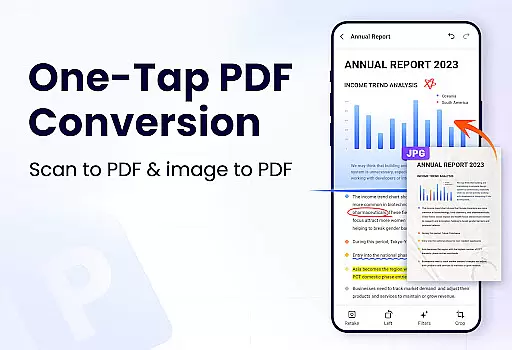
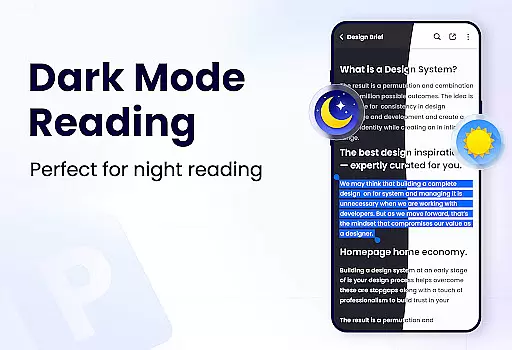
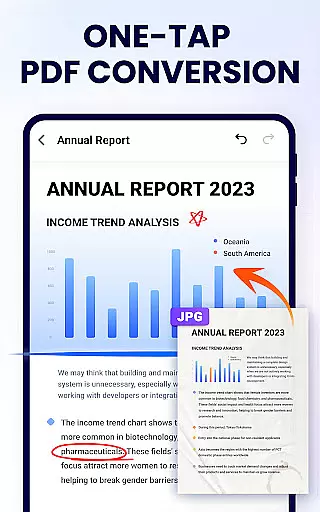
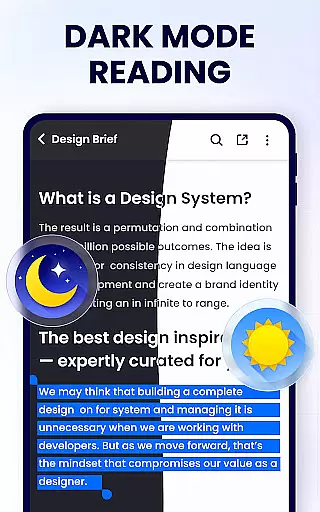
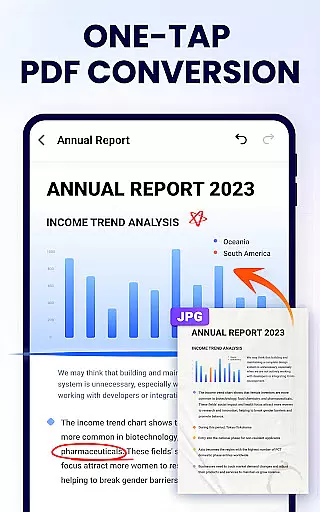
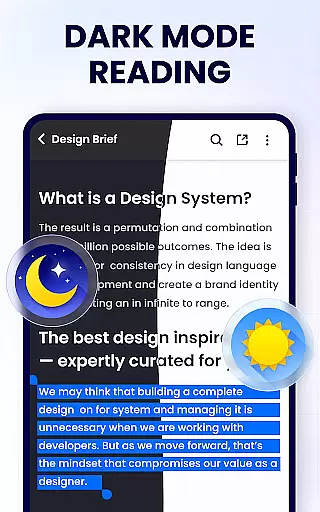
Additional features include a smart PDF scanner, dark mode support, and conversion tools between PDF and other formats like Word, Excel, JPG, and PNG. These functionalities ensure that users have a complete toolkit at their disposal, whether they need to fill forms, add e-signatures, or compress large files. With regular updates and new features on the horizon, this app continues to evolve and meet the changing needs of its users.
In the realm of productivity, effective task management is paramount, and the PDF Reader - PDF Viewer excels in this area by offering a comprehensive suite of tools designed to streamline your document handling. This application goes beyond simple viewing, providing users with the ability to organize, edit, and secure their PDF files efficiently.
With features such as merging and splitting PDFs, setting passwords for document protection, and managing recently opened files, users can maintain control over their workflow. The app's efficient file management system ensures that you can easily access and modify your documents, keeping your tasks organized and your projects on track.
The benefits of using PDF Reader - PDF Viewer for task management are numerous. Not only does it allow for quick access and editing of PDFs, but it also supports advanced functions like annotation, searching within texts, and even printing directly from the device. These capabilities ensure that whether you're at the office or studying remotely, your documents are always at your fingertips, ready for whatever task comes next.
Cross-device synchronization is essential for maintaining productivity in today's mobile world, and the PDF Reader - PDF Viewer stands out by ensuring reliable and seamless updates across all your devices. Whether you're transitioning from your desktop to your Android device, this app guarantees that your PDF documents are always up-to-date and accessible wherever you go.
This application employs a robust synchronization mechanism that keeps all your edits, annotations, and bookmarks consistent and current, regardless of which device you use last. By doing so, it eliminates the frustration of version control issues and lost edits, making certain that your work is preserved and available when you need it most.
Users will appreciate how effortlessly they can pick up where they left off, thanks to the app's dedication to synchronization reliability. With the confidence that comes from knowing your documents are securely synced, you can focus on what truly mattersu2014getting things done. This peace of mind is invaluable for anyone who relies on timely and accurate document access to keep their productivity at its peak.
User-friendly interface
Comprehensive editing tools
Secure file protection
Lightweight and fast
Versatile file management
Limited advanced features
Occasional ads in free version
Some functions require permissions
Basic UI design
In-app purchases needed

Client for Nextcloud Deck
 4.60
4.60
Wake up & get tasks done! Add alarms & reminders on the Clock Launcher.
4.00
8 custom complications. Custom Time Fonts. Beautiful color schemes. A++ Design.
5.00
Protect and view your important info on your phone and tablet with eWallet®
4.80
CalenGoo is a very flexible and feature-rich calendar app
4.40
Todo reminder
4.10
Great calculator for Android named one of USA TODAY's "25 Essential Apps".
4.90
A simple Whisper AI keyboard for reliable speech transcription and rewording
4.60
AI Chatbot and AI writing assistant powered by ChatGPT.
4.60
We're working to become the best machining app on the market! www.cncdirt.com
4.80
The long-awaited modern gallery app for your Nextcloud server
4.70
App lock - lock apps with fingerprint, password, pin or pattern, protect privacy
4.70
Easily read and manage all your PDF files
4.10
Font maker keyboard with your own handwriting
4.10
Activate Two Factor Authentication (2FA or Multi OTP), Password manager and more
4.10
The ultimate file manager for rooted devices. The original and still the best.
4.00
All in one sketching tool. Technical and General drawing. Online Maps support.
3.70
Find and delete junk files & block unwanted notifications & manage files
3.70
ID.me Authenticator is a simple and free Two Factor Authentication solution
3.50


User Reviews